





Skip to content
View in the app

A better way to browse. Learn more.

MSFN

A full-screen app on your home screen with push notifications, badges and more.

To install this app on iOS and iPadOS
  1. Tap the Share icon in Safari
  2. Scroll the menu and tap Add to Home Screen.
  3. Tap Add in the top-right corner.
To install this app on Android
  1. Tap the 3-dot menu (⋮) in the top-right corner of the browser.
  2. Tap Add to Home screen or Install app.
  3. Confirm by tapping Install.

IMPALA67

Member
  • Joined

  • Last visited

  • Country

    Germany
  1. One question: why is there such a white box? I remember Windows 10 and it wasn't like that. Could it be a mistake?
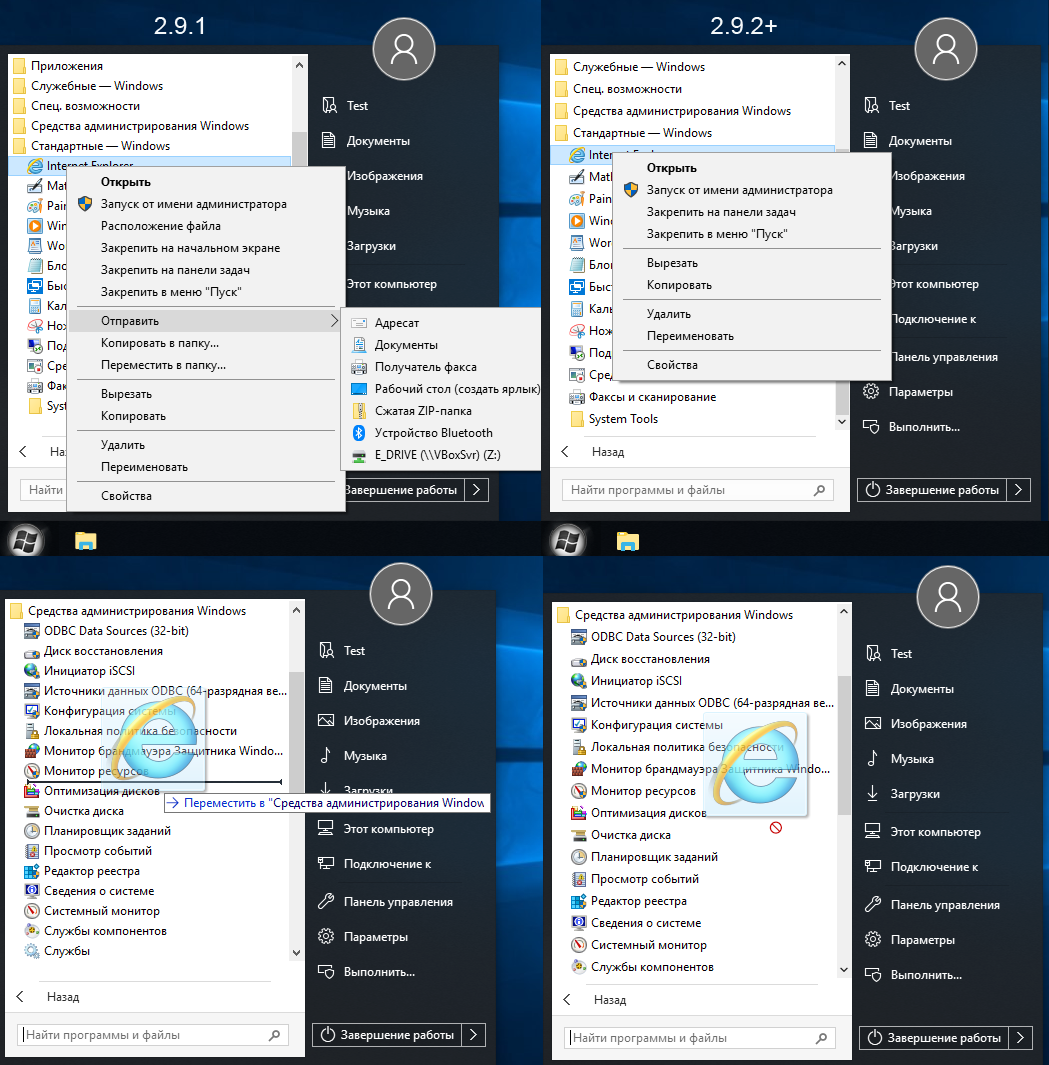
  2. why is it like the context menu on my picture was cropped and you can no longer organize the menu even with the new vision it doesn't work why is that now or is that a mistake
  3. IMPALA67 replied to a post in a topic in StartIsBack+
    to save the setting save everything under the key [HKEY_CURRENT_USER\Software\StartIsBack]
  4. to save only the setting save everything under the key [HKEY_CURRENT_USER\Software\StartIsBack]
  5. Good day, I have StartIsBack + silent install only after windows 10 start the welcome page of StartIsBack could be pressed under

Account

Navigation

Configure browser push notifications

Chrome (Android)
  1. Tap the lock icon next to the address bar.
  2. Tap Permissions → Notifications.
  3. Adjust your preference.
Chrome (Desktop)
  1. Click the padlock icon in the address bar.
  2. Select Site settings.
  3. Find Notifications and adjust your preference.