Skip to content
View in the app

A better way to browse. Learn more.

MSFN

A full-screen app on your home screen with push notifications, badges and more.

To install this app on iOS and iPadOS
  1. Tap the Share icon in Safari
  2. Scroll the menu and tap Add to Home Screen.
  3. Tap Add in the top-right corner.
To install this app on Android
  1. Tap the 3-dot menu (⋮) in the top-right corner of the browser.
  2. Tap Add to Home screen or Install app.
  3. Confirm by tapping Install.

Natsu

Member
  • Joined

  • Last visited

  • Country

    China

Everything posted by Natsu

  1. Thanks so much ! And should I install Theme Bypass Signature ?
  2. I have Updated to 10.0.16299,but Aero Glass for Win 8.1+ 1.5.6 doesn't work,so I NEED Build 1109 Files.Ask for Help——a download link! P.S.:Should I install Theme Bypass Signature the same time ?
  3. Yes,I want the the download link of 1.5.1 too.
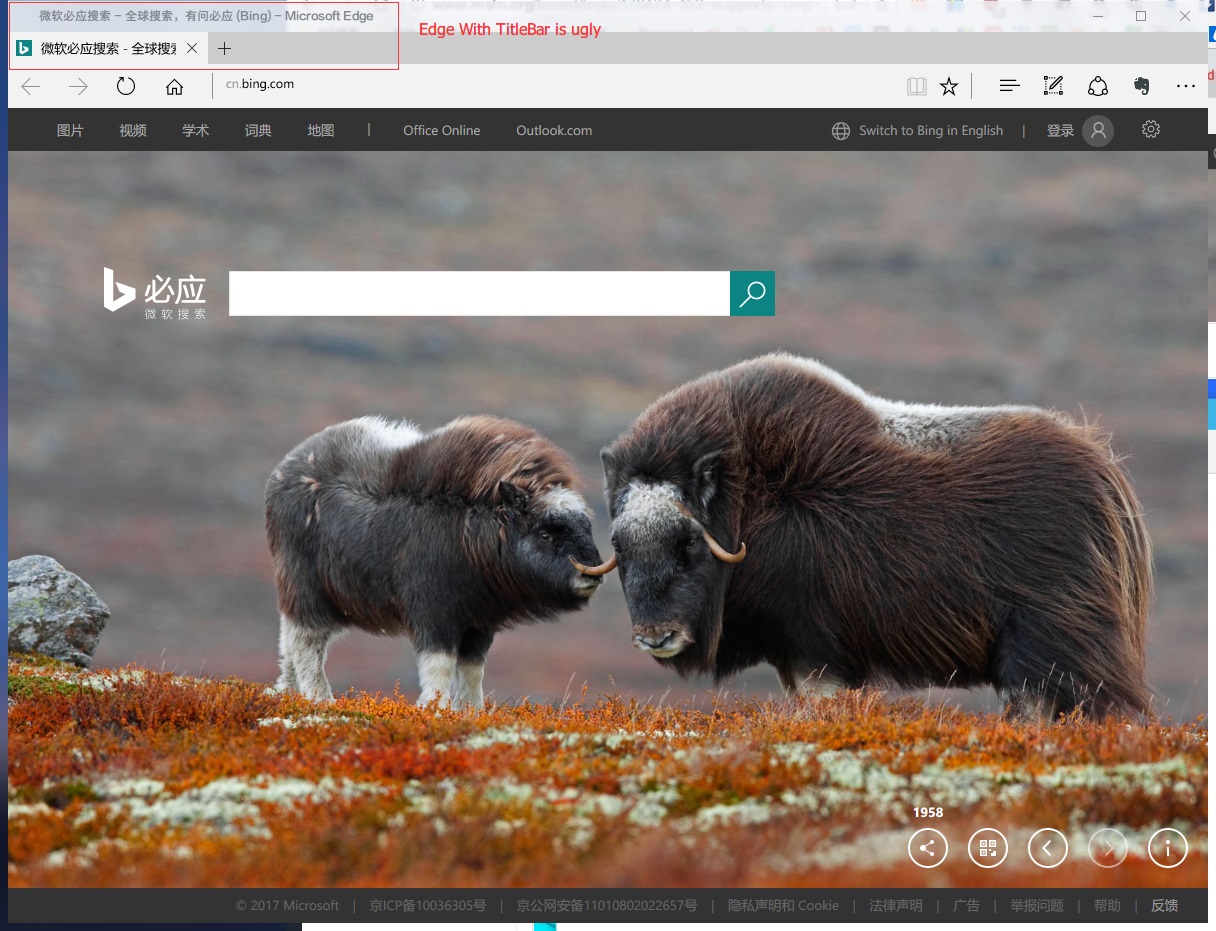
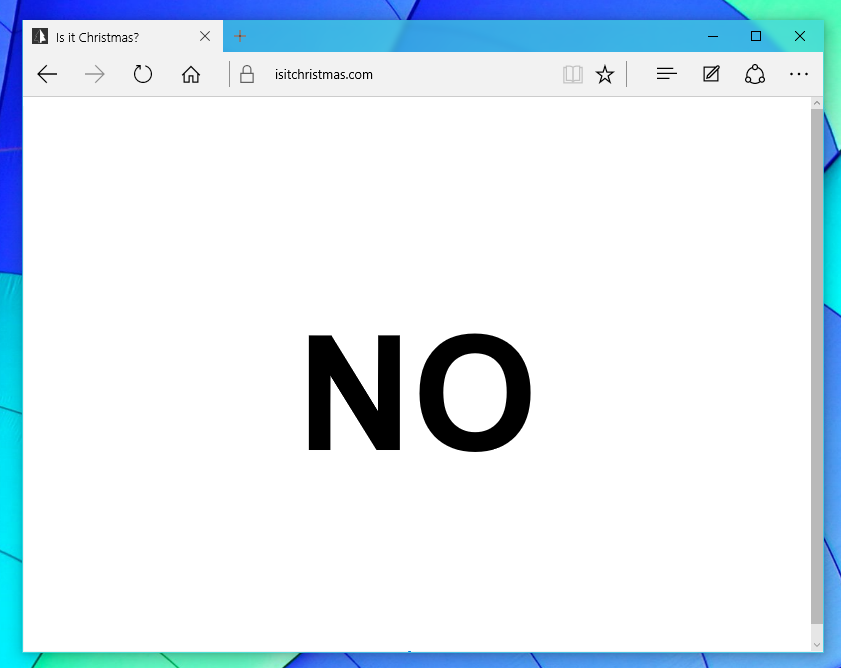
  4. Sorry,I mean :Edge Only Uses Tabs,It's good,I love it . But 1.5.2 makes Edge have TitleBar , it's so ugly , I don't like it . I wish the developer fix it(wipe off the titlebar) , makes it look like the second image .
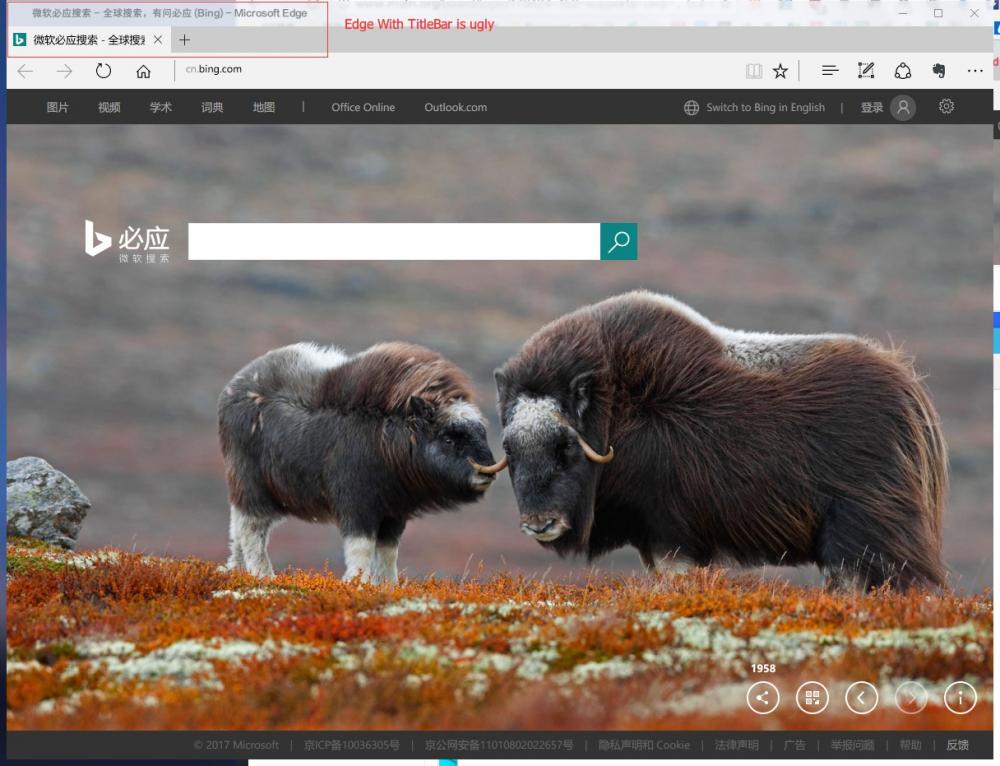
  5. My PC is running Win10.14393(x64),and I have already installed "Aero Glass for Win8+ 1.5.2"。The latest version of “Aero Glass for Win8+” supports UWP。It makes Edge look like this : I think this is not nice.In my opinion,it has to be like this(No Titlebar): So ,Will the developer fix it ? P.S. My English is poor.But I am so grateful to the developer for bringing Aero Glass back to Windows 10 !
Account

Navigation

Configure browser push notifications

Chrome (Android)
  1. Tap the lock icon next to the address bar.
  2. Tap Permissions → Notifications.
  3. Adjust your preference.
Chrome (Desktop)
  1. Click the padlock icon in the address bar.
  2. Select Site settings.
  3. Find Notifications and adjust your preference.