-
Yeah that's right. Thanks
-
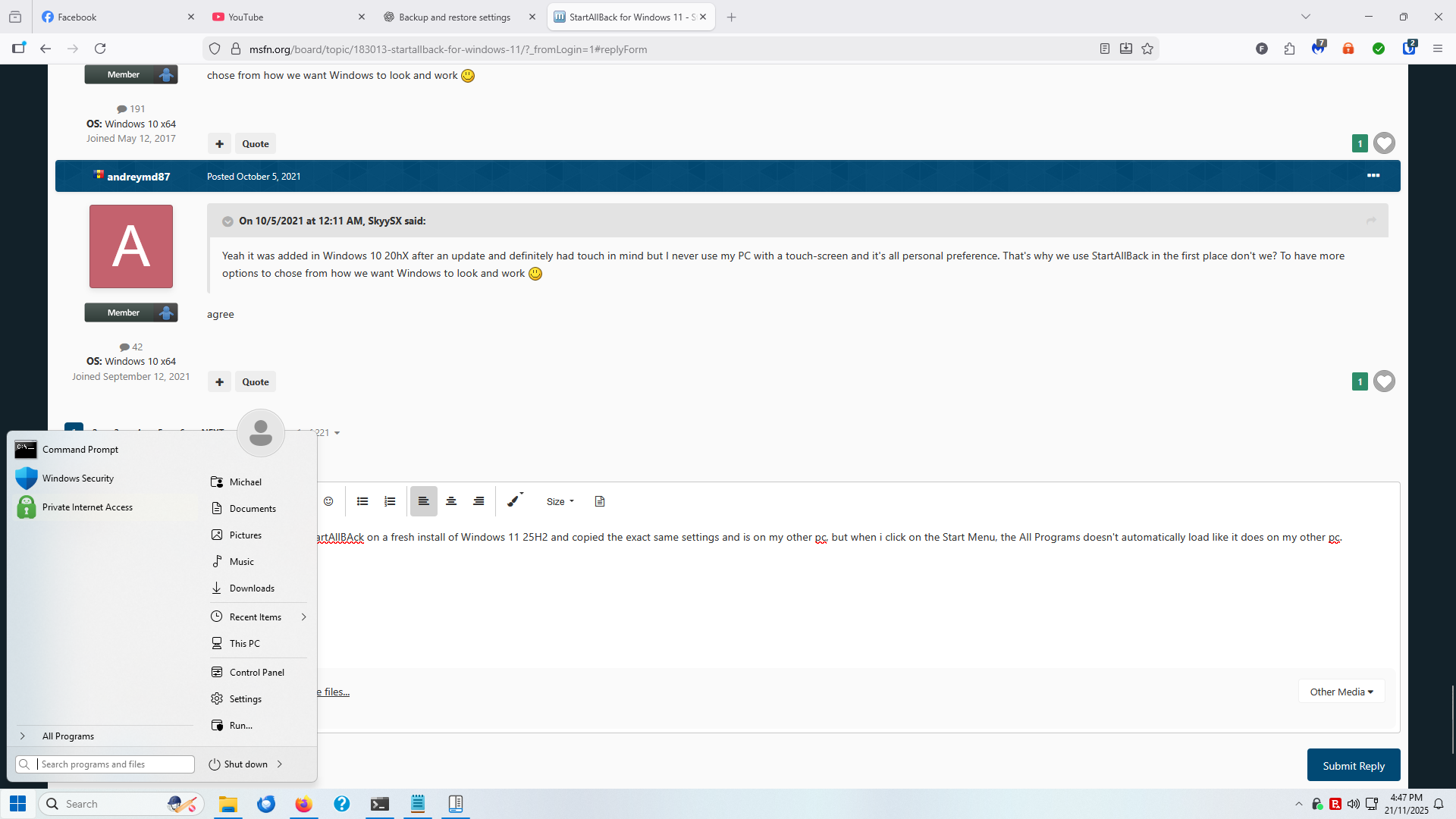
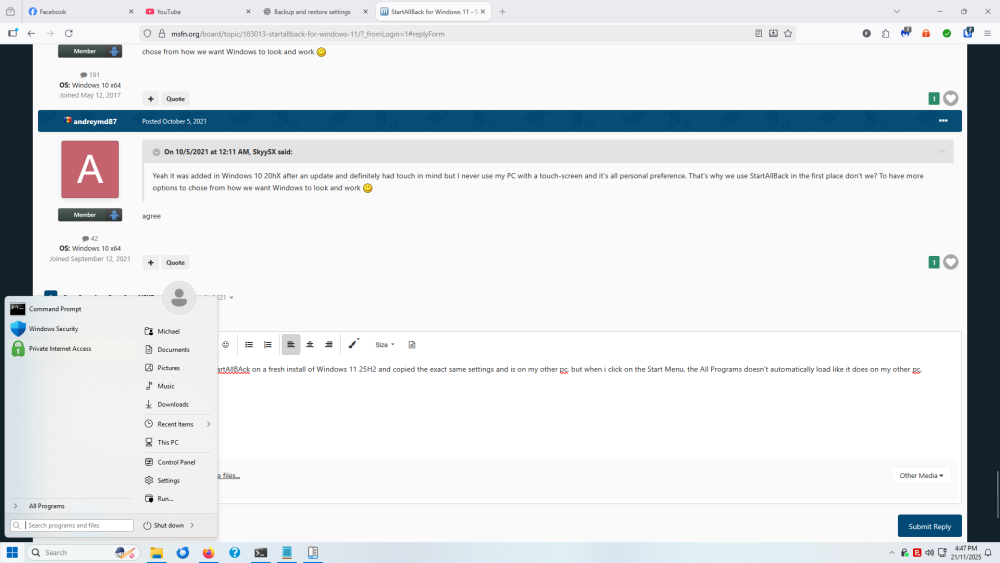
I have a weird situation. I've installed StartAllBAck on a fresh install of Windows 11 25H2 and copied the exact same settings and is on my other pc, but when i click on the Start Menu, the All Programs doesn't automatically load like it does on my other pc. Any reason this could be happening? Both pcs are on 25H2 and 3.9.18
-
OK. I just installed 3.9.16 and I no longer experience crashing with the Classic context menus switched off. But Explorer takes forever to load with the Classic context menu switched off.
-
If it's still in beta, then it should say so in the About section. I may just go back to 3.9.15 to be safe.
-
After installing v3.9.16 via this link and checking for updates through the app, I get a Updates available but for v3.9.15.
-
This bug is still in v3.9.16.
-
For some reason the StartAllBack website states the latest version is still 3.9.15, but this installer is in fact for 3.9.16. Also, the latest version isn't coming down via checking for updates through the app.
-
I have found a bug if it hasn't been reported on. When applying the Win10 Ribbon UI for the Explorer style and having Classic context menus switched off, Explorer keeps crashing randomly. When the Classic context menus is switched on, Explorer doesn't crash. Using v3.9.15 on Windows 11 Pro 25H2, but it was crashing on 24H2 also.
-
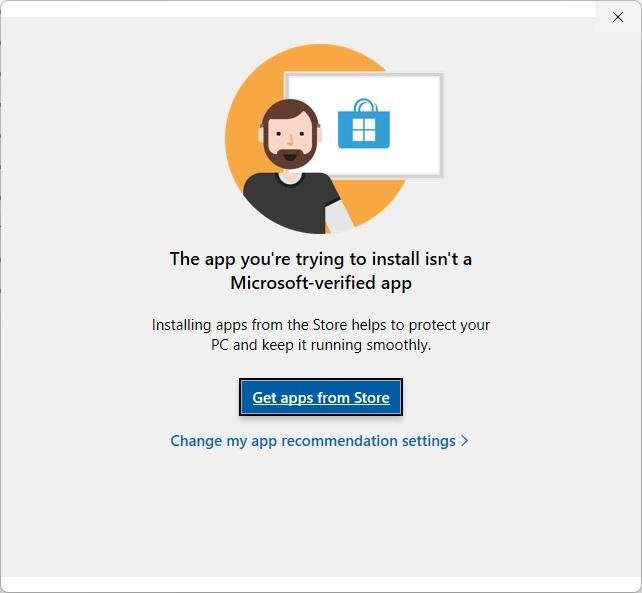
I just tried updating to the latest version and I got this error message. I went to the Microsoft Store and the app isn't available there. How can I update it? I'm trying to update from 3.6.12 and running Windows 11 Pro with the latest updates.
-
-
-
-
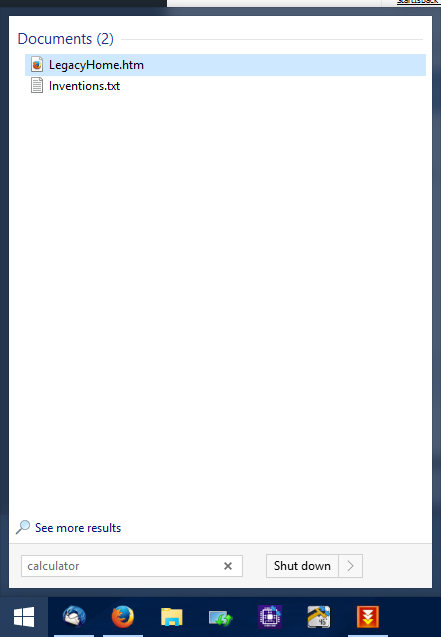
I've just moved to a new keyboard which doesn't have a calculator button, therefore I went to the programs menu to locate the calculator program to find that it is missing. Even when doing a search it is missing. But if I use the traditional Windows Start Menu and search for the app it comes up fine. Is this a bug in the StartIsBack++ program?

-
-