-
better question would be when a new vlite version comes since aug 06 no update
-
dito...pls add support for xp x64
-
german translation ps: got the same error on datebase update like apex2000: Cannot create file "C:\Program Files\RunOnceEx.cmd Creator\". The system cannot find the path specified.
-
ahm lol? and ur member status is "nLite supporter and Dutch translator" *rollingonthefloor*
-
only for beta tester ...
-
oh ok sry
-
/C:"dahotfix.exe /q /n" /q is only for the MDAC patch .... write: ECHO Installazione "1 di 37 --> Q832483" start /wait %systemdrive%\install\hotfixes\ITA_Q832483_MDAC_X86.EXE /C:"dahotfix.exe /q /n" /q EcHO Fatto.
-
hmm yes ... i think this is the problem thanks
-
i hope it helps u edit: ah there is an bug @ [setupData] use this: [setupData] CatalogSubDir="\i386\Update"
-
yep VMware
-
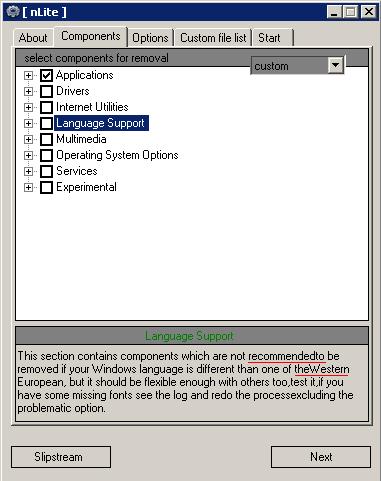
@ nuhi there is a text bug edit: 1 more question : why are my userlogin pictures deleted after installtion?
-
DocterD this is a reduction tool and no tweak tool....
-
beta 8.5 work for me .... no more unicode error etc. ... nice work ... thank you nuhi
-
@ nuhi ... here the orginal files ... http://mitglied.lycos.de/h0tsh0t3k3/Orginal/
-
@ nuhi http://mitglied.lycos.de/h0tsh0t3k3/