-
Can the old navigation pane be brought back?
-
Thanks a ton for sharing this. Finally something to go by. I was pulling my hair out over this issue. So much so I resorted to even suspecting SAB, erroneously.
-
I am experiencing issues on 24H2 where when I - sometimes - lock the computer (WIN+L), the screen goes black and I can only see the mouse cursor. It is totally frozen up. I can also experience when pressing restart the screen also freezes completely but apps can still receive updates however I can interact with non of it. Have to hold down the power button force a poweroff. I'm currently testing with SAB disabled but is there any chance it could be related to SAB? Any ideal way to troubleshoot this? One immediate thing I notice is when locking the computer it feels way faster, less black screen before showing the lockscreen itself.
-
Thanks for the addition of classic drive grouping. Love that such functionality are making it to SAB. Do you think it would be at all possible to restore the old (was it pre 22H2?) navigation pane of Explorer?

-
No chance to get the "middleclick to close"-functionality in the new taskbar? 🥺
-
Yeah, I know. Can't stay with the old version though. I understand that Tihiy doesn't want to implement everyones favorite features from various other apps, it is what it is. Would like it though, since I find it very practical. Tons more practical then duplicating the program, which middle-click does by default, who needs that?
-
no chance for an option to close windows via taskbar by middle-clicking on them? would be so appreciated.
-
Try out T-clock, it works with the new taskbar. Allows you to configure the clock however you want.
-
I'd love to see the "close on middle click" functionality of 7 Taskbar Tweaker implemented as well. I'll also miss the "double click to open" function (since my fat fingers often missclicks) but I imagine I'm alone with liking that feature lol.
-
Absolute clown world.
-
-
I hope @Tihiy will weigh in soon.
-
Not the case, though, I also get the warning and same with a friend of mine. What's that all about?
-
Will it be hard to implement the taskbar as seperately (like the start menu is, I imagine)? Losing the classic taskbar would f****** suck :-(
-
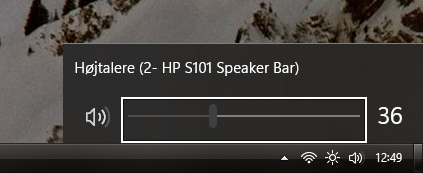
Sorry if this is considered off-topic but does anyone know how to get rid of the white selection boxes on the Windows 10 flyouts? I've already tried the proposed solution here, but it ain't that. It's ugly as f***.