xper
Content Type
Profiles
Forums
Events
Everything posted by xper
-

-
It's impossible to make editor like old one.
-
It's impossible to make editor like old one.
-
You mean this?
-
Dobar dan, but please use only english on MSFN. Please be sure to read forum rules. Welcome :-)
-
No offence taken. Anyway, tried to implement bbcode in the actual editor without success. Will keep trying.
-
-
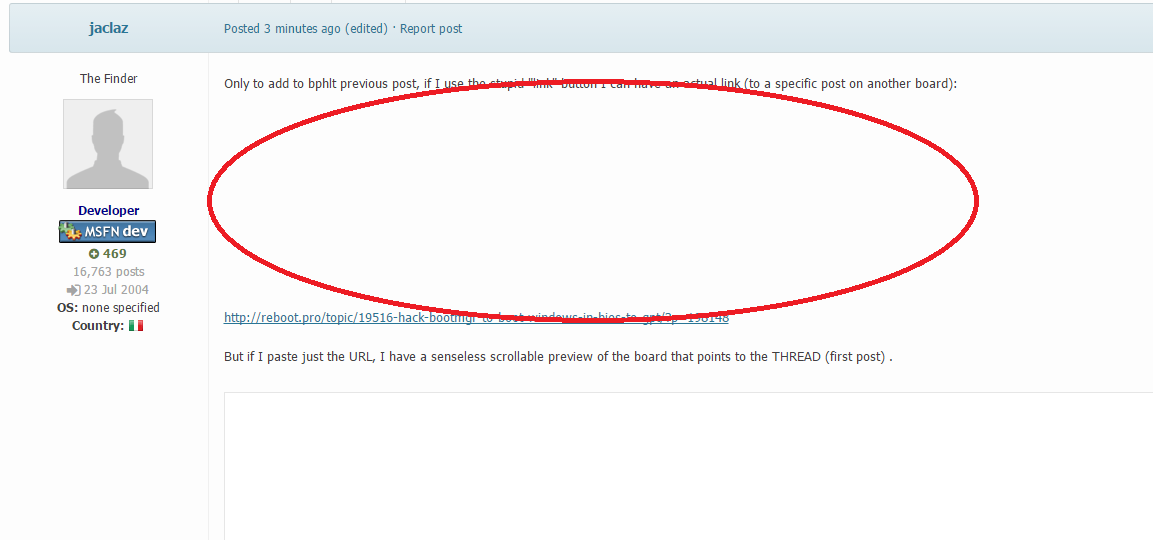
I don't get this. Why so much empty spice in almost every post? As for other issues. I still work on many of them.
-
I changed some permission's. Please try now.
-
Welcome :-)
-

Site displays in mobile view instead of desktop view in Opera
xper replied to CamTron's topic in Site & Forum Issues
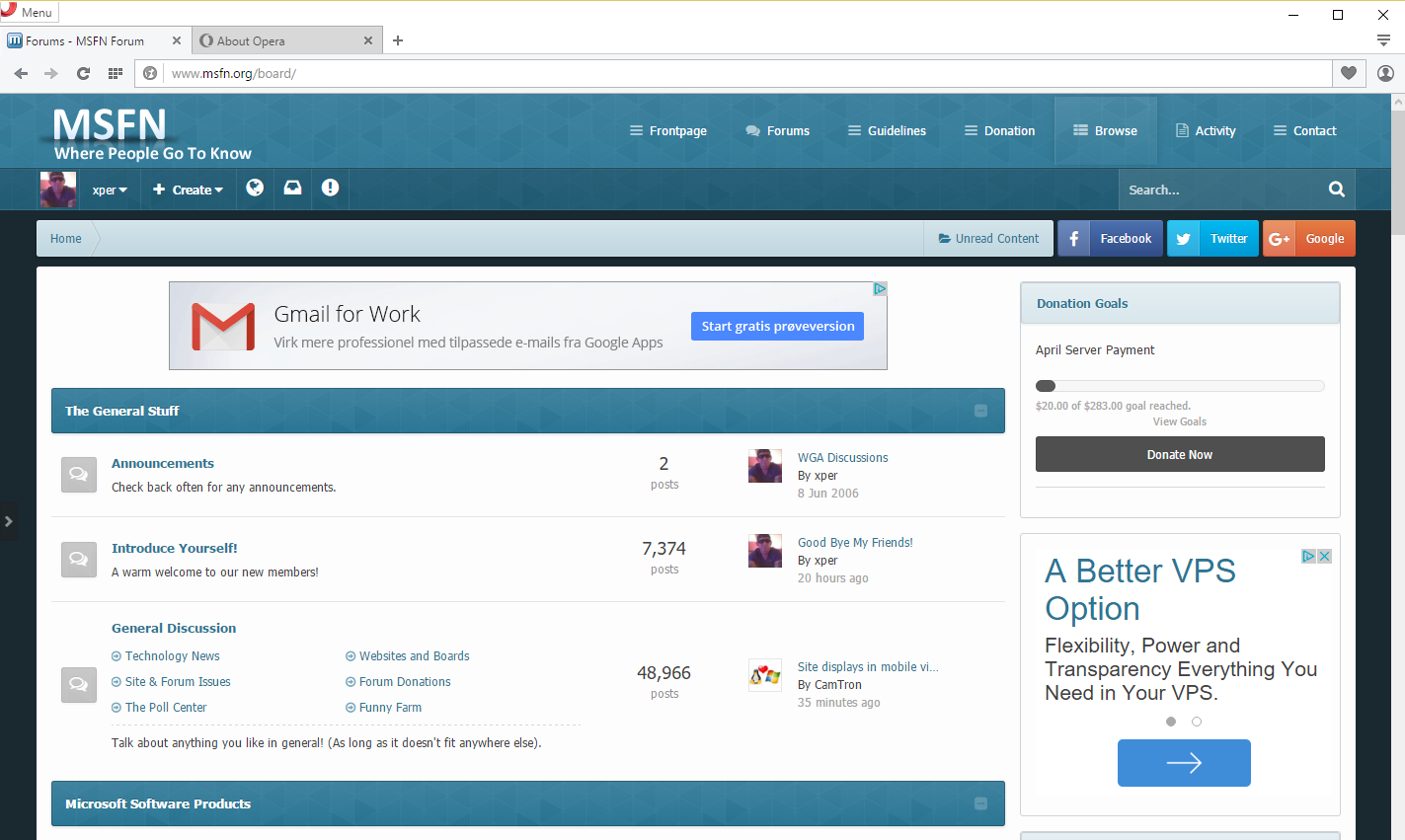
This is how I see it. Opera 35. Windows 10. Perfectly. Most complaints are from users who use 98/Me or any other older OS/Browser and I'm afraid that I cannot do anything about it. Don't get me wrong. It's not about me. I'm not against older OS's. People need to blame IPS for developing software for modern OS's / browsers. btw, thank you for supporting MSFN by blocking ads.
-
I don't get it. Text not available?
-
Better now :-)
-
Yeah, I can try that solution.
-
I see. Please use Shift+Enter for new line and Enter for new Paragraph. Posts are taking so much space. Well done NoelC
-
Or we can try with new option?
-
The issue is that IPB4 has the correct css paragraph styling and IPB3 had it wrong. In IPB4 if you want a new paragraph (i.e. the paragraph is separated by some whitespace) then you just press enter once and you get this: <p>First para</p> <p>Second para</p> Perfect html. If you want lines bunched together you can use Shift+Enter to get <br>. On IPB3 if you wanted a new paragraph you had to press enter twice to get the correct spacing so you would end up with: <p>First para</p> <p> </p> <p>Second para</p> This looks "double spaced" on IPB4 so you have two choices: Option 1: Add the CSS above and work in the same "broken" way as IPB3 Option 2: Leave the new more-correct spacing style but accept that all your old posts will look like crap. If your users are happy that old posts look weird then it's the best way to go - but it's not pretty. What is needed is option 3: Option 3: Leave the new spacing style but fix up old posts by removing erroneous <p> </p> It's not that easy to achieve though. Once you start having posts with multiple blank lines together it's tricky to process. If IPS didn't already consider this for the upgrade routine then I doubt they will now. I'm not sure if I can be bothered to code it as a custom mod for my upgrade either. That's the way IPS works now. There is no much i can do about it. IPB 4 is designed and programmed for modern OS's, browsers, resolutions etc. Only issue I have is paragraph spacing.
-
Is that Code box?
-
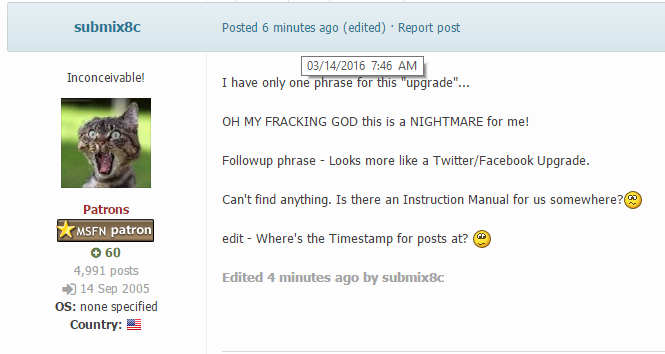
Hold your mouse over Posted time.
-
@MW3 Please learn some basic english or get someone to help you explain what you want. If we find out that you are using WPI for business or any other than personal use, you will be banned promptly.
-
You are welcome. It will take time to sort out everything.
-
Moved posts here: No offence taken
-
I think this is forum to Introduce your self. No need to post same thing everywhere. I'm working to resolve as much issues as possible. Please move or merge your posts about site issues in the proper place. Thanks
-
http://www.msfn.org/board/staff/
-
Forgot to edit settings. Fixed! Thanks.