Skip to content
View in the app

A better way to browse. Learn more.

MSFN

A full-screen app on your home screen with push notifications, badges and more.

To install this app on iOS and iPadOS
  1. Tap the Share icon in Safari
  2. Scroll the menu and tap Add to Home Screen.
  3. Tap Add in the top-right corner.
To install this app on Android
  1. Tap the 3-dot menu (⋮) in the top-right corner of the browser.
  2. Tap Add to Home screen or Install app.
  3. Confirm by tapping Install.

Go2doug

Member
  • Joined

  • Last visited

  • Country

    United States

Everything posted by Go2doug

  1. Gelome, you hooked me up! I was able to finally achieve what I intended to do. I had to run these CLI commands on the server. To update 7.0 MSI to 7.0.5: E:\Acrobat7Standard\705Patch\Ac705StVP_efgj.msp /a E:\Acrobat7Standard\AdobeAcrobat70Standard\AcroStan.msi /qb! 7.0.5 to 7.0.7: E:\Acrobat7Standard\707Patch\Acro707.msp /a E:\Acrobat7Standard\AdobeAcrobat70Standard\AcroStan.msi /qb! No spaces and periods in UNC path! That fixed my problem. After you update the MSI to 7.0.7, you must create a new transform file.
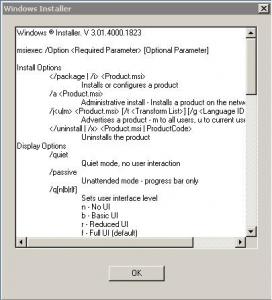
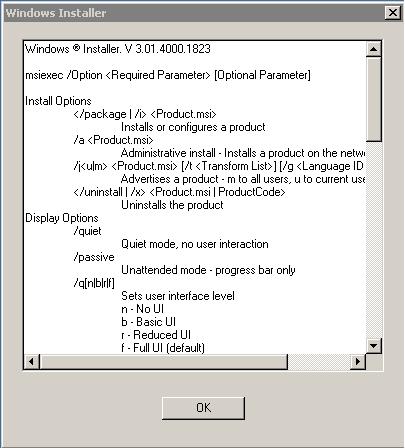
  2. Thanks for your suggestions. Unfortunately I'm still having the same error. I have tried running the following commands, and all that happens is a "Windows Installer" box appears and then disappears when I hit OK (see attachment). Any ideas? Thanks.
  3. I successfully created a GPO to push Acrobat 7.0. Now I would like to patch the MSI file so that the computers in the OU will get Acrobat 7.0.7, not just 7.0. This is proving to be very difficult, however. I have the following folders set up on the Windows 2000 SP4 server: \\server_name\Acrobat7Standard\Adobe Acrobat 7.0 Standard\AcroStan.msi \\server_name\Acrobat7Standard\7.0.5 Patch\Ac705StVP_efgj.msp \\server_name\Acrobat7Standard\7.0.7 Patch\Acro707.msp I tried running some commands that I found on other webpages but all they do is make a "Windows Installer" box appear containing some various switches and options that you can use. I tested the installation process at bootup and it's still not pushing v7.0.7. This is a volume license installation using a volume license key; do I need volume license patches to go with it? If so, where could I get them? Any ideas? Thanks for your help.


Account

Navigation

Configure browser push notifications

Chrome (Android)
  1. Tap the lock icon next to the address bar.
  2. Tap Permissions → Notifications.
  3. Adjust your preference.
Chrome (Desktop)
  1. Click the padlock icon in the address bar.
  2. Select Site settings.
  3. Find Notifications and adjust your preference.