-
Portuguese (Brazilian) translation updated for v1.7.2. portuguese_brazil.rar
-
Updated Portuguese (Brazilian) translation and one more place that can't be translated (i didn't notice this before ). portuguese_brazil.rar
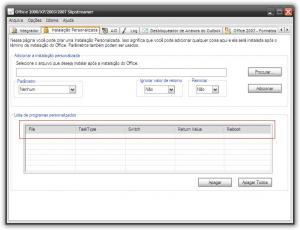
-
I don't know if it's just me, but the installer is giving me "(Default)" as Start Menu -> Programs folder and if i leave like that the fould will be indeed (Default).
-
Use jane, its much better and it's updated often. http://www.kifoth.de/jane/html/download.php It's a NSIS installer (use /S switch).
-
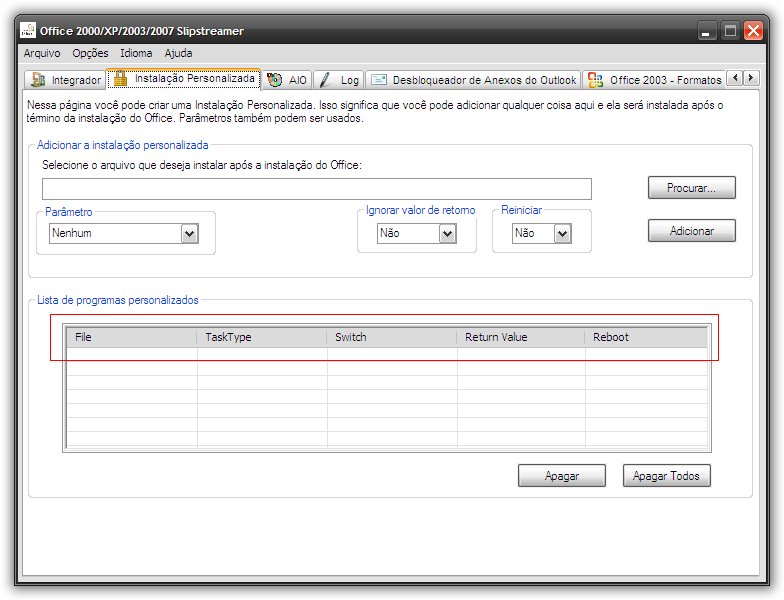
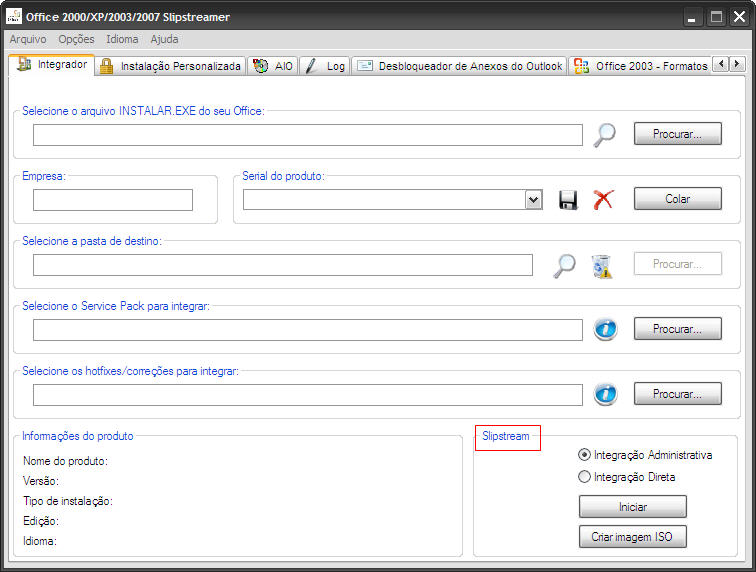
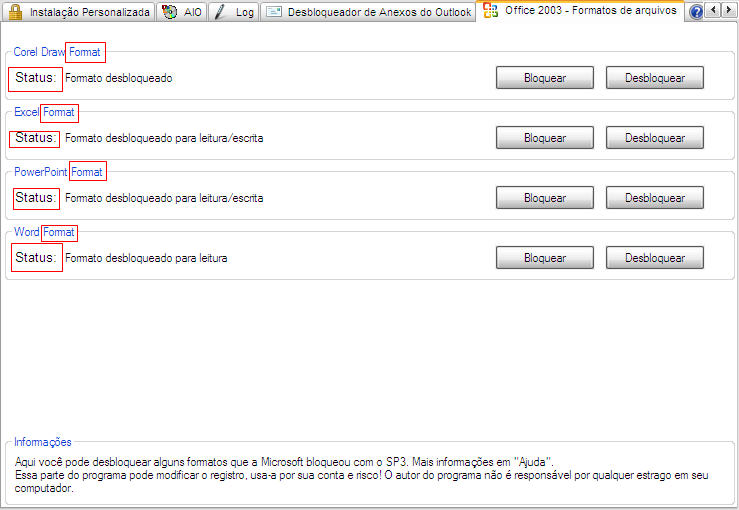
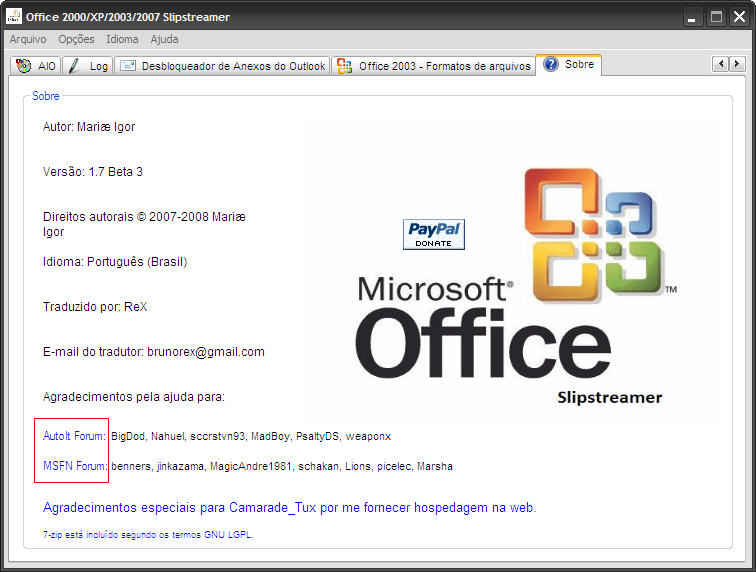
Updated Portuguese (Brazil) translation. Some text can't be translated btw (look at attached images). portuguese_brazil.rar
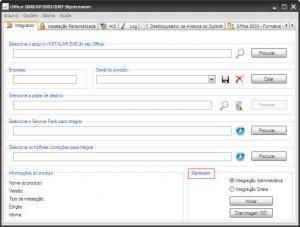
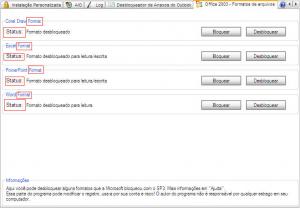
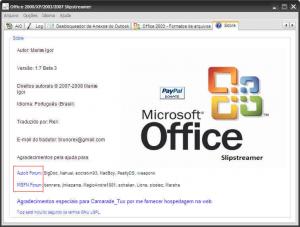
-
Can you make a Portuguese (Brazil) Extreme version? Please!
-
RapidShare mirrors for Nero-8.1.1.3_english_lite.exe MD5: 99329DA9221EA993709C85829B607F9C SHA-1: C62FBE18284958892D5FAE2F956C92723CCB1E54 http://rapidshare.com/files/73994374/Nero-...nglish_lite.exe Nero-8.1.1.3_english_micro.exe MD5: 757E2630FD3CB552F659F16B381758EF SHA-1: 1DF238EBF03BA1CBDD75762646E80ABF61FDF4F1 http://rapidshare.com/files/73994548/Nero-...glish_micro.exe
-
Acheron you can use www.mihd.net and www.zshare.net to host the new releases, both support Download Managers/Accelerators.
-
Portuguese Brazilian version is included in European installer. Sorry, i was thinking that the installers have only one language, like the earlier 7.x installers.
-
Hey Acheron, can you make a Nero Micro 8 in Portuguese (Brazil) ? Please !
-
40 MB With 7-zip
-
You must have selected many applications (I selected only Word, Excel, PowerPoint and Support For clip-art for don't get errors)
-
Ini for Office 2003 Portuguese (Brazil) [Language] lang=Portuguese (Brazil) dir=1046 retry=&Repetir title=Microsoft Office Professional Edição 2003 error=Erro [Directory] Office Source=* Office Target=* [Files] Office Setup EXE file=INSTALAR.EXE Office Setup MST file=* [Version] Number=11.0.5510.0