-
It would be helpful to get a detailed log of exactly what's happening in your player. “C:\Program Files\VideoLAN\VLC\vlc.exe” --verbose=3 --file-logging --logfile=“C:\path\to\your\vlc-log.txt” The video is certainly interesting, but the source code is even more interesting for direct comparison and testing.
-
This looks like raw ANSI escape sequences that the terminal didn't process but instead displayed as plain text. It seems the problem isn't with parsing the input, but rather that the new qjs has started outputting VT/ANSI codes for line editing and highlighting, and the console doesn't understand them. You can check this by running it through an ANSI-compatible terminal or shell: the old ConEmu, ANSICON, mintty, Cygwin, or MSYS.
-
If you need a solution for Windows XP, you can try my QJS build - it's certainly not super fast, but it's lightweight and native to XP. https://postimg.cc/9D5NQkZ2 https://postimg.cc/HcVt20XF https://www.mediafire.com/file/b2yx0shb0ncfp2c/qjs.zip/file
-
-
-
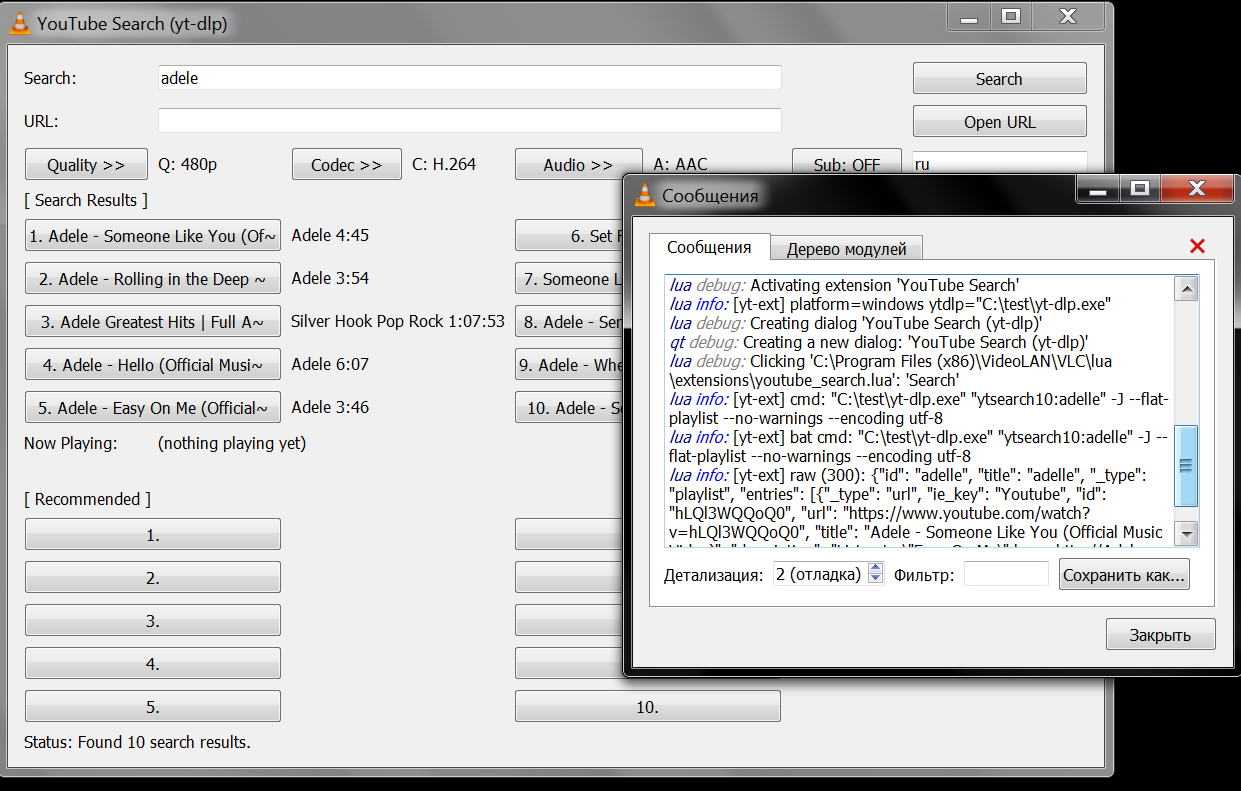
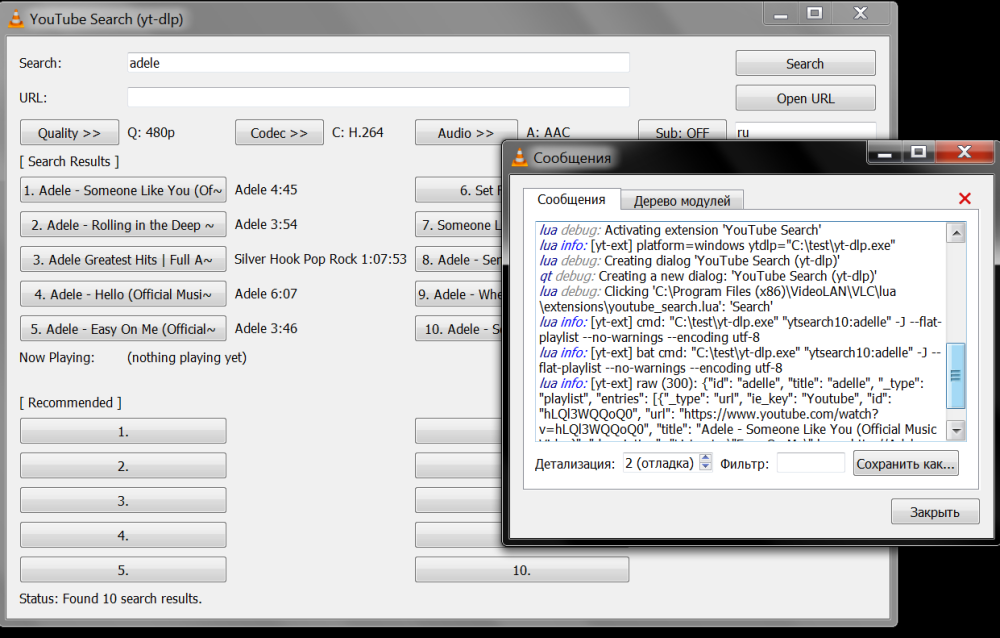
Given the issues with finding yt-dlp.exe, I've added variables for the absolute path. If USER_YTDLP_PATH is set and the file exists, it is used; otherwise, yt-dlp.exe is searched for in the VLC directory; hidecon.exe is taken from USER_HIDECON_PATH; otherwise, it is searched for next to the found yt-dlp.exe; if nothing is found - fallback to yt-dlp.exe from the PATH. As shown in the log in the screenshot, yt-dlp is taken from the specified path C:\test\yt-dlp.exe
-
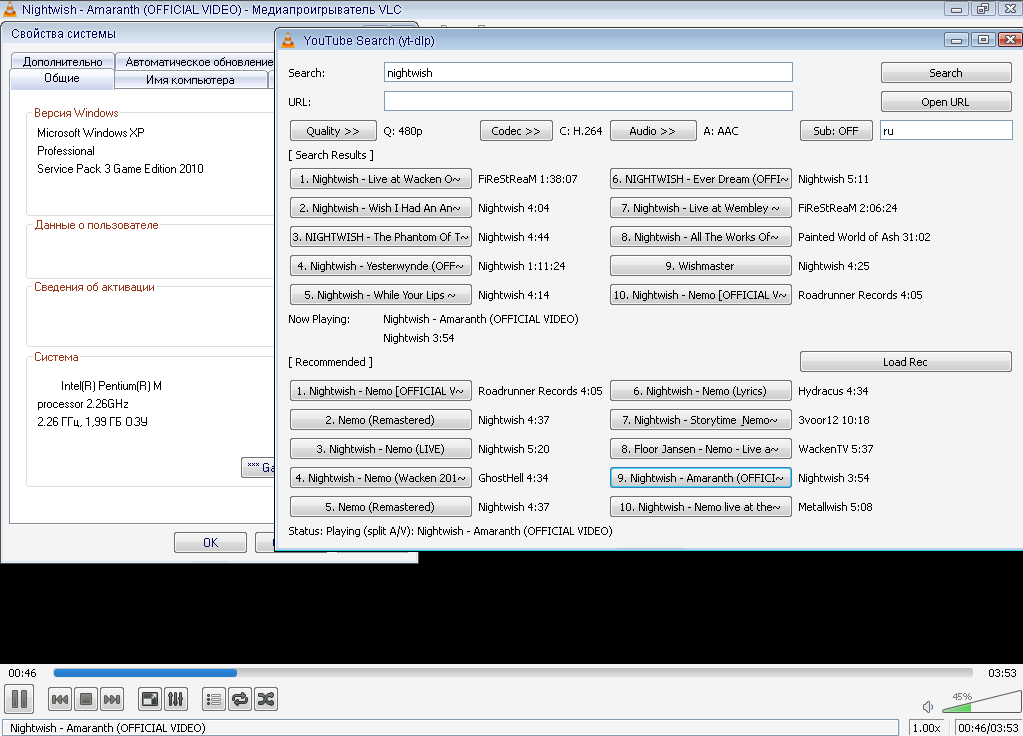
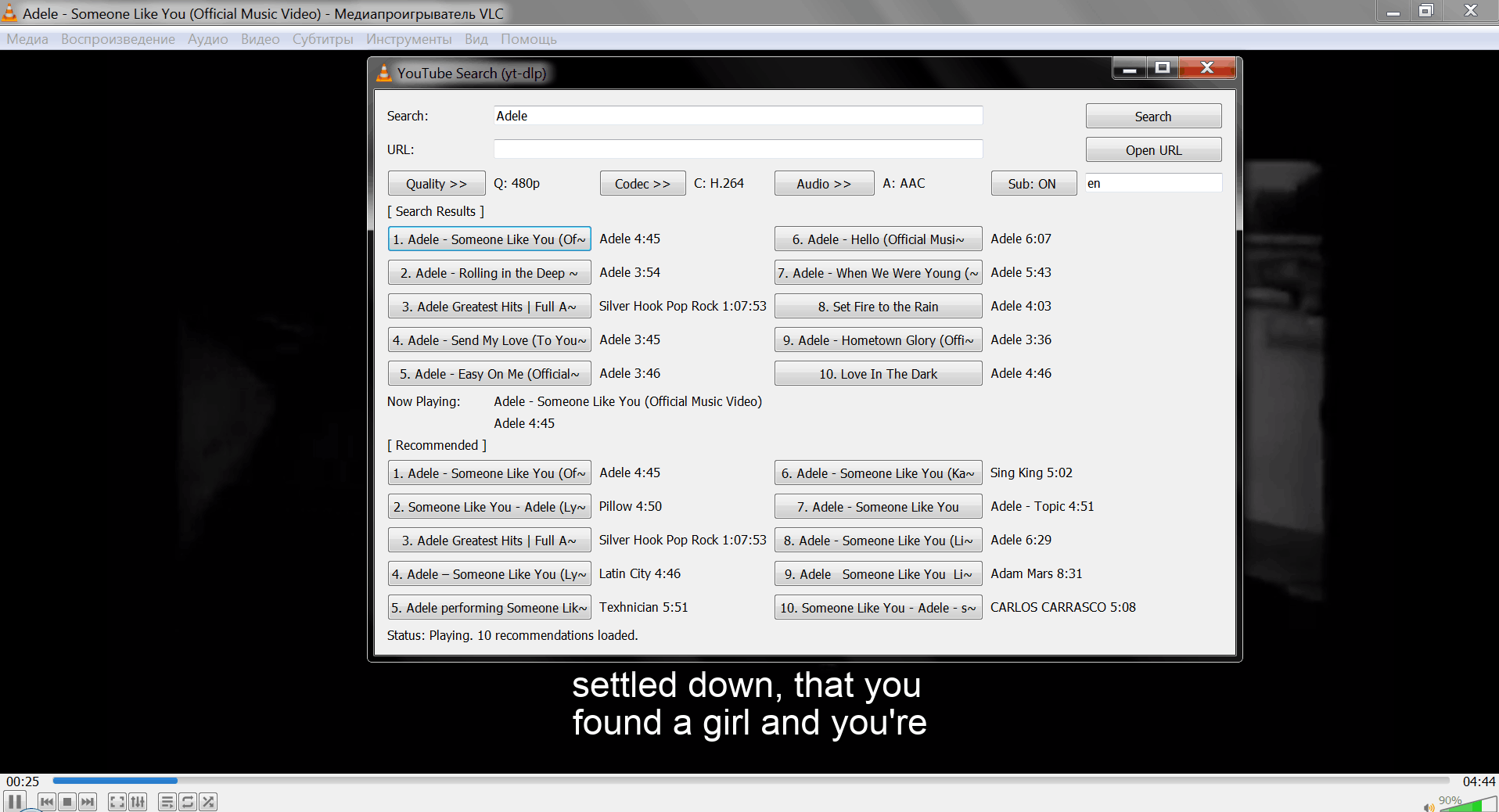
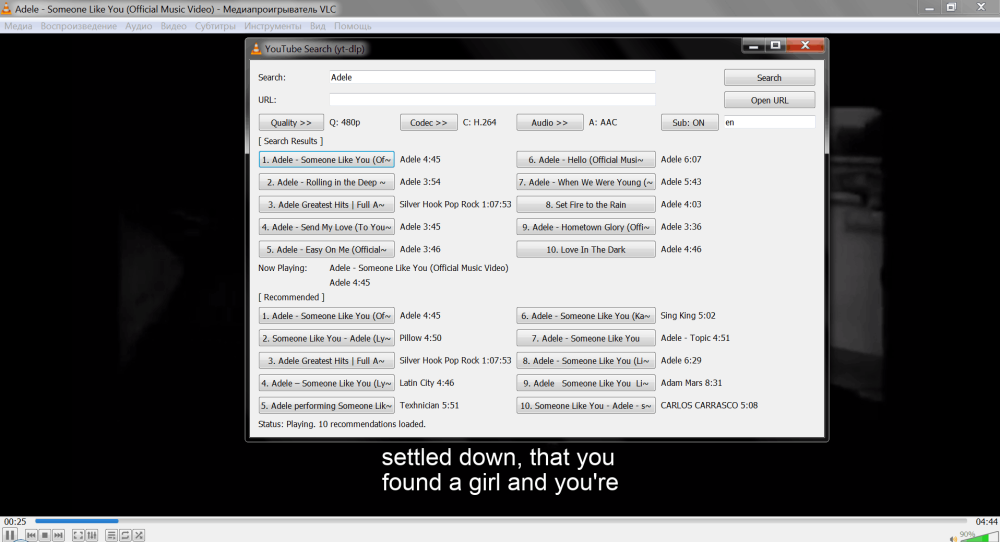
My plugin works on the same principle as your script, and it requires yt-dlp.exe and hidecon.exe in the VLC folder to function. Of course, it’s possible that something has changed in newer versions of the player itself - I’m using versions 3.0.17 and 2.2.8. I haven’t quite finished working on the subtitles yet - the automatic translation into other languages isn’t working well for me, but if the video is in English, the English subtitles will be displayed - you can see this in my screenshot below. You can send me the log file, and I’ll try to help.
-
-
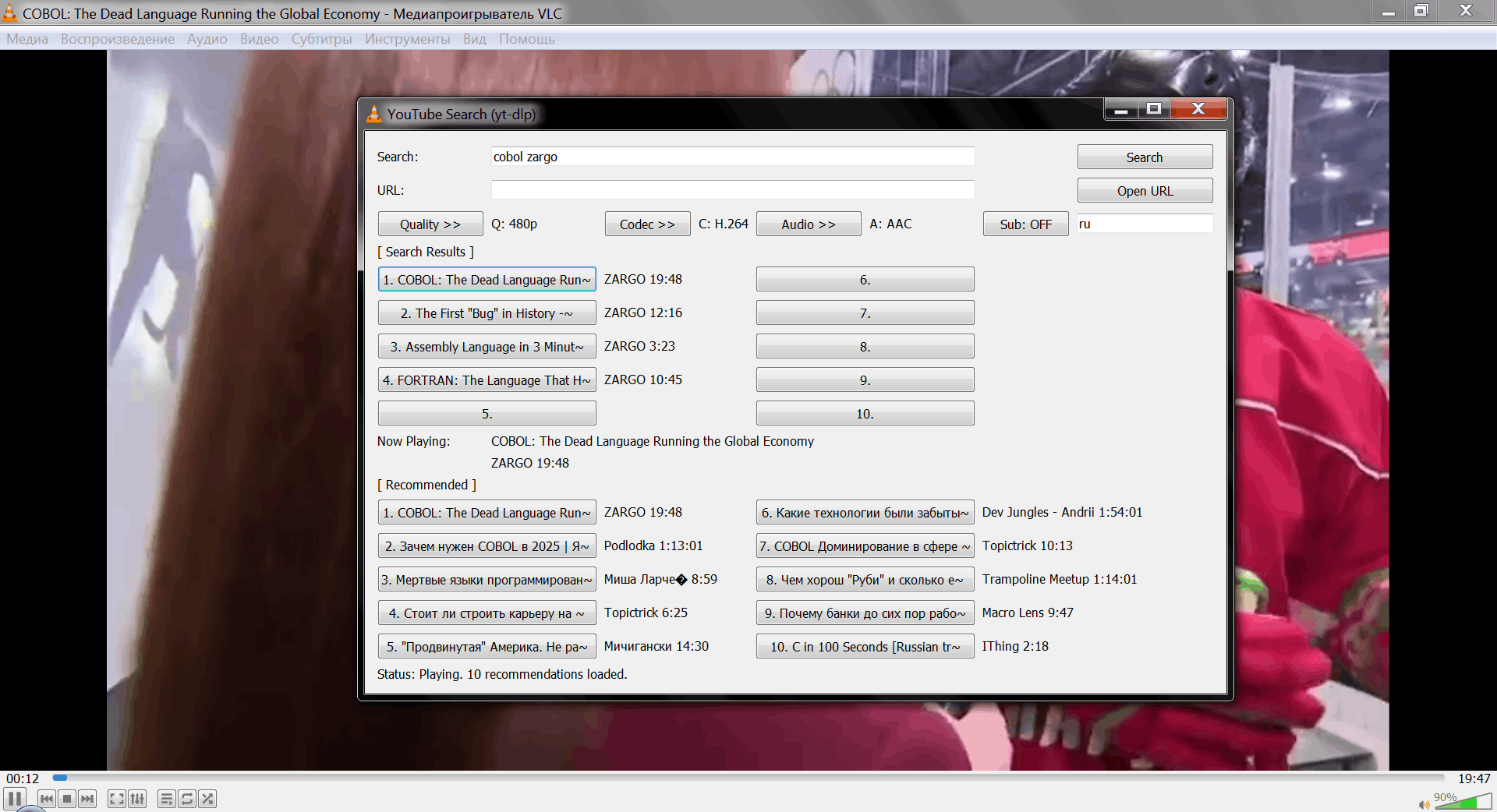
I made a few changes to AstroSkipper's script: Set the video format to avc1, Made some adjustments to how yt-dlp output is handled, Parsed the video title into the VLC window title, Added logging of yt-dlp errors to the VLC console, Made a few minor tweaks to how hidecon is handled Tested on VLC version 2.2.8 on Windows XP & Windows 7. If you have any comments or suggestions, I’ll try to stay in touch youtube.lua