Skip to content
View in the app

A better way to browse. Learn more.

MSFN

A full-screen app on your home screen with push notifications, badges and more.

To install this app on iOS and iPadOS
  1. Tap the Share icon in Safari
  2. Scroll the menu and tap Add to Home Screen.
  3. Tap Add in the top-right corner.
To install this app on Android
  1. Tap the 3-dot menu (⋮) in the top-right corner of the browser.
  2. Tap Add to Home screen or Install app.
  3. Confirm by tapping Install.

faxers199

Member

Everything posted by faxers199

  1. faxers199 replied to Tihiy's topic in StartIsBack+
    Is it possible to disable this?
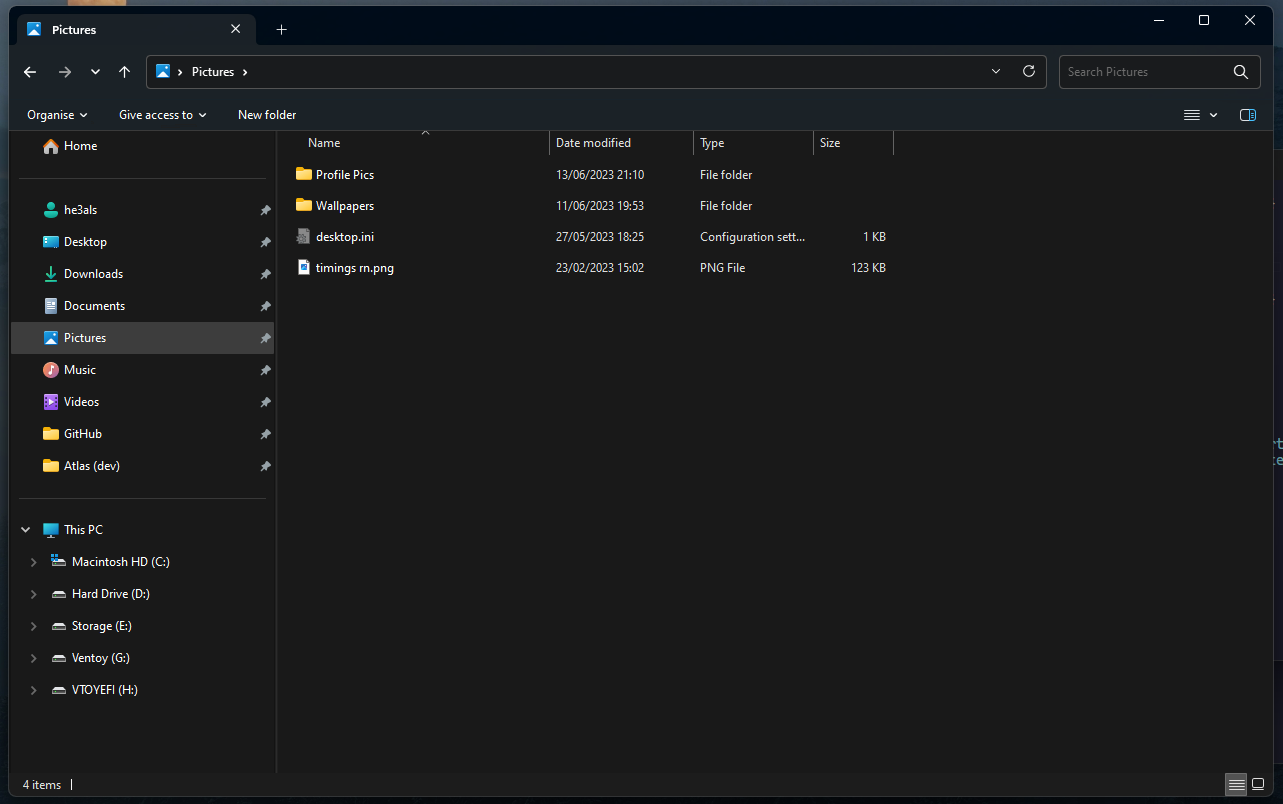
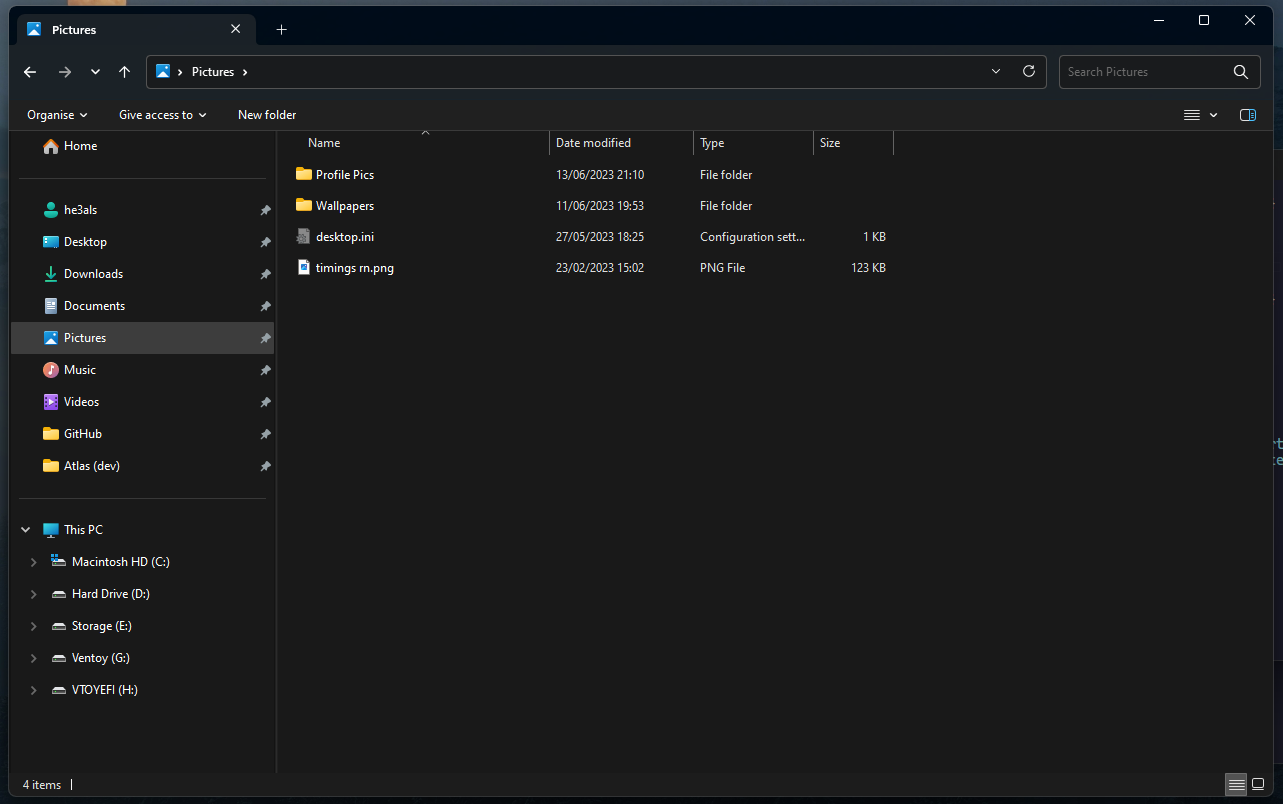
  2. I think that it would look good if there was an option to have the Windows 11 tabs, but have the Windows 7 command bar. Concepts
  3. faxers199 replied to Tihiy's topic in StartIsBack+
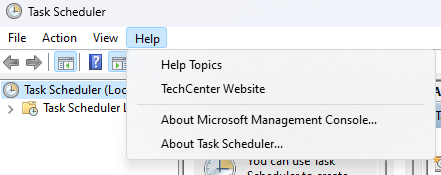
    It doesn't seem to join the title bar and the menu bar for MMC. Is this a limitation or a bug?
  4. faxers199 replied to Tihiy's topic in StartIsBack+
    3.6.8 fixes the System Informer issue, thank you.
  5. Oh, thank you. Is it possible to make it so that it works without compact mode?
  6. There's a bug with the Windows 7 Explorer style, where each new tab or window there's a blue sliding animation. ApplicationFrameHost_VwA7GSLaSv.mp4
  7. It would be nice if there was an option to shrink the address bar area height, like in previous versions of Windows. https://windhawk.net/mods/shrink-address-bar-height
  8. faxers199 replied to Tihiy's topic in StartIsBack+
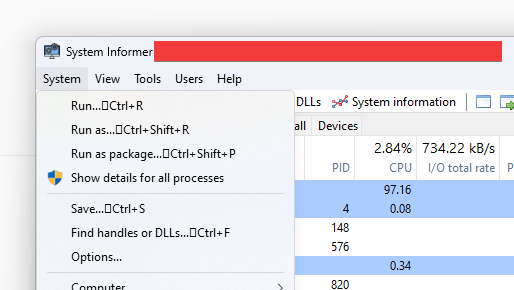
    System Informer has these weird missing unicode characters.
Account

Navigation

Configure browser push notifications

Chrome (Android)
  1. Tap the lock icon next to the address bar.
  2. Tap Permissions → Notifications.
  3. Adjust your preference.
Chrome (Desktop)
  1. Click the padlock icon in the address bar.
  2. Select Site settings.
  3. Find Notifications and adjust your preference.