-
@Dietmar ok, I get it. The only problem is that the smart does not show anything) an empty window, nothing more. with the driver from intel showed. I will try nvme driver. I think it will work.
-
@Dietmarand the last question. smart does not work with your driver for the ahci controller. does it risk anything? speed is good.
-
@DietmarCan I install microsoft nvme driver without Kernel-Mode Driver Framework? when I installed it, windows stopped loading, showing bsod deadbeef
-
@Dietmarok, i will buy the same board for the project. the last question, does it make sense to install windows on nvme, and will it boot from there at all?
-
@windows2Unfortunately, my board only has one slot, and there is no option to try another one. maybe the graphics card itself is faulty, I'll check that later
-
@Dietmar tell me I'm going to buy a motherboard for this build that will stay there forever. I have this variant GIGABYTE H470M K . how is he to you?
-
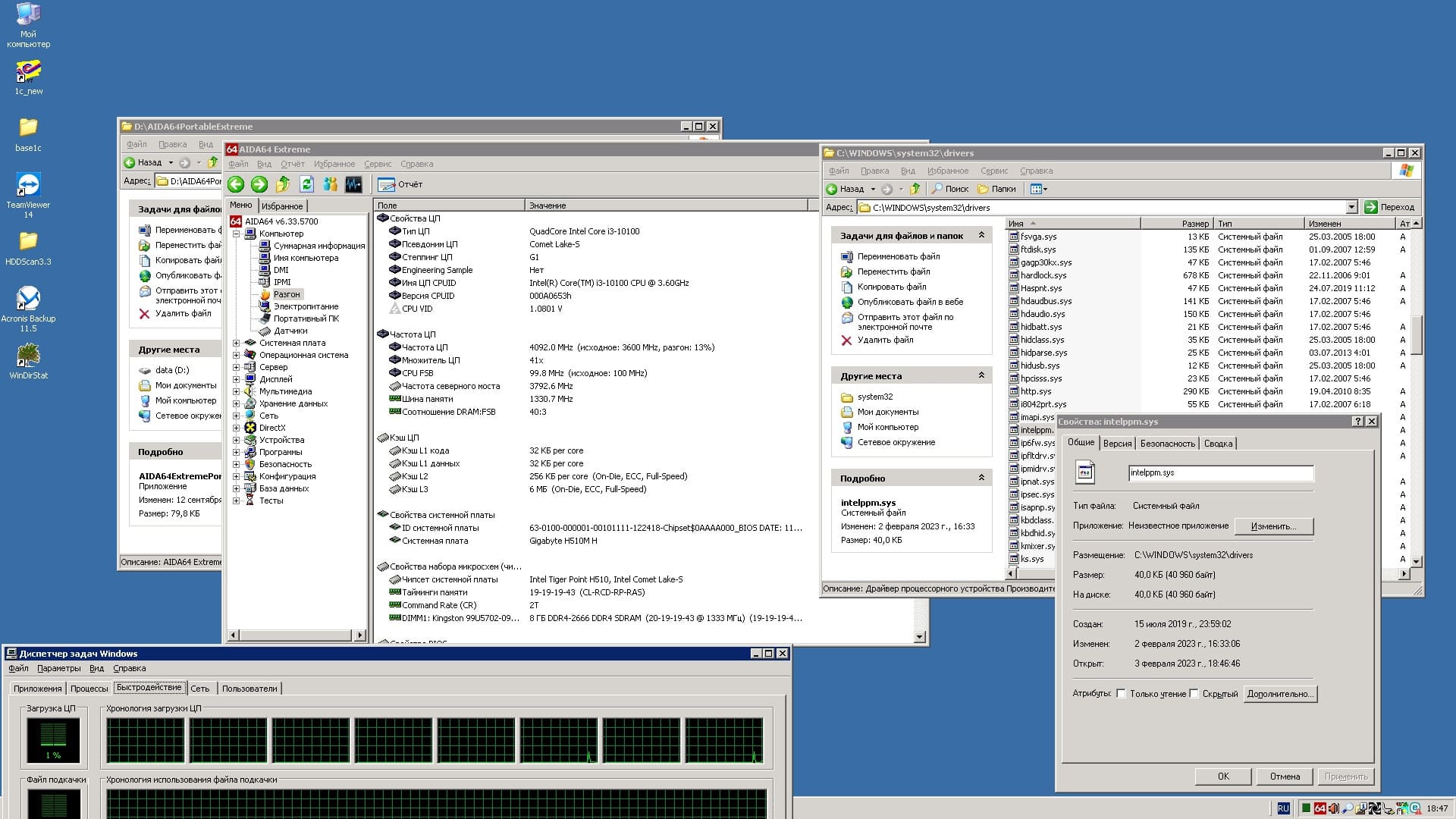
@Dietmarthe modded intelppm.sys is not working. the timer seems to work.
-
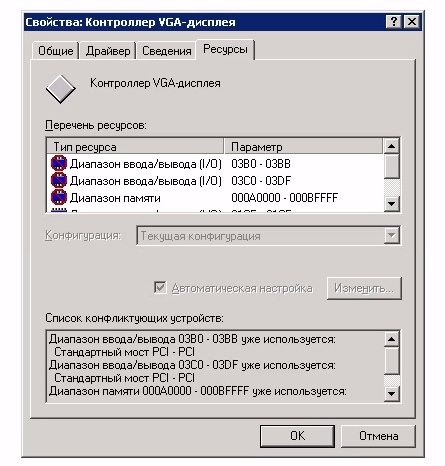
if I boot up a computer with a built-in video card and go through rdp, then there is no more conflict. but there is no picture on the monitor either. I don't even see the windows loading screen. that's it.
-
@Mov AX, 0xDEAD у меня есть вариант попробовать плату на б560 чипсете, может там этой проблемы не будет. Хотя , я думаю, что для работы это и не важно. к серверу монитор подключаться не будет. I have an option to try the board on the b560 chipset, maybe there will not be this problem. Although, I think that for work it is not important. The monitor will not connect to the server.
-
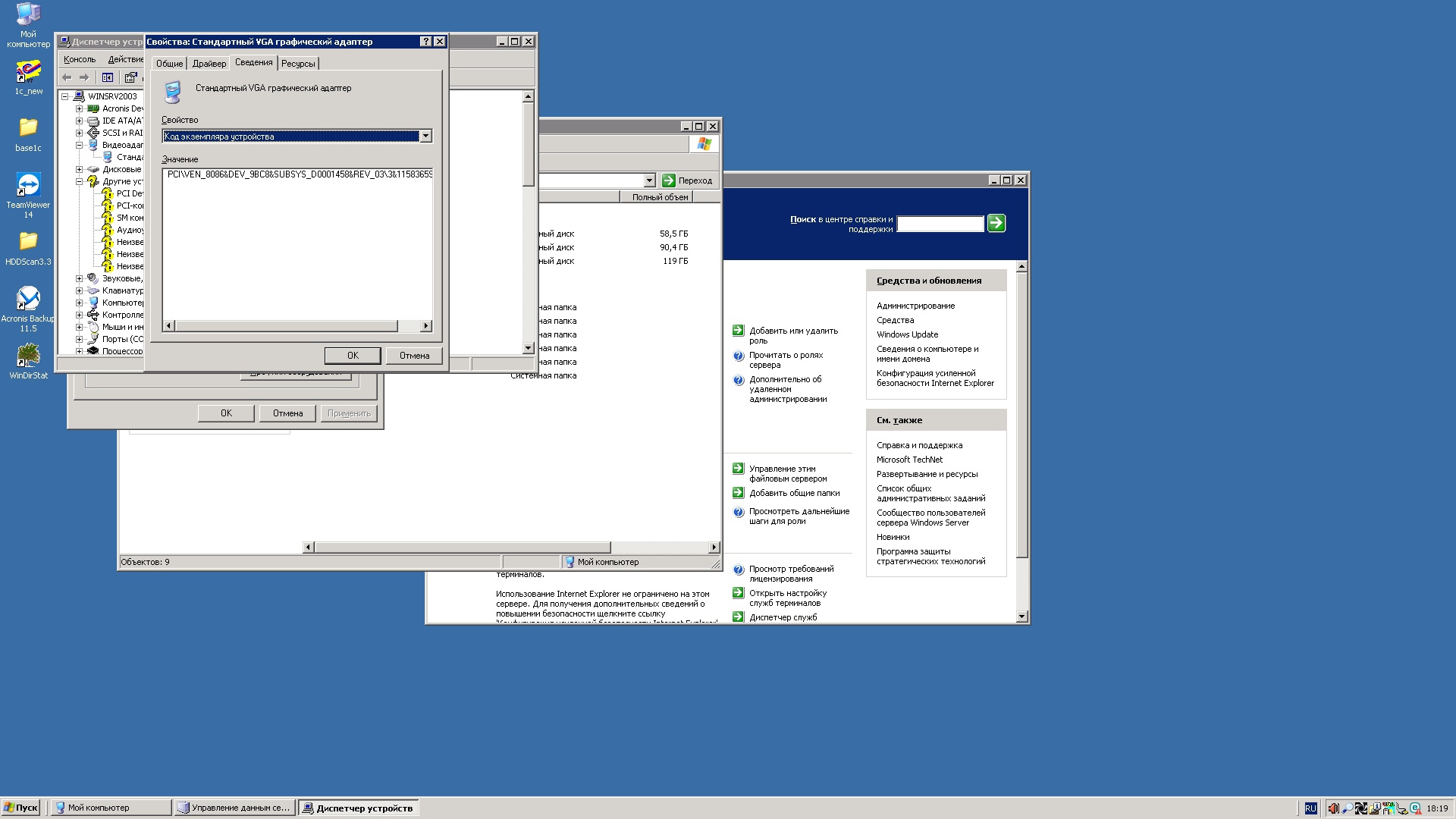
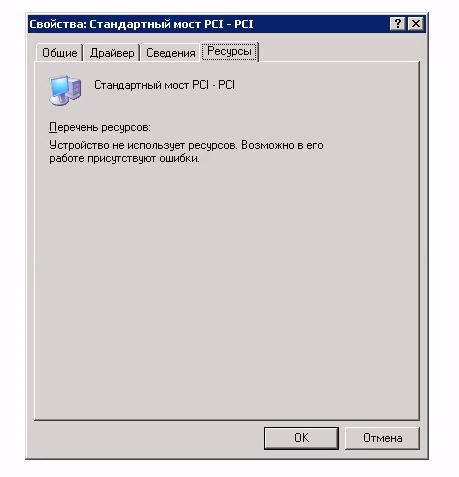
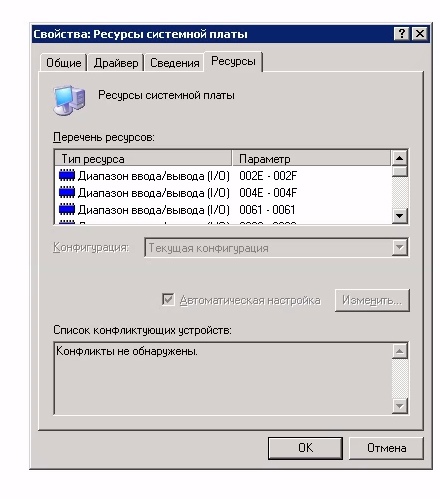
@Mov AX, 0xDEAD вторая картинка ошибка Код 10 третья картинка ошибка Код 42 second picture is code 10 error third picture is code 42 error
-
@Mov AX, 0xDEAD но производительность ай3 10100 в 1с7 мне понравилась. открывает мгновенно, даже не успевает окно прогружаться. особенно с нвме. but I liked the performance of i3 10100 in 1c7. opens instantly, the window does not even have time to load. especially with nvme.
-
@Mov AX, 0xDEADконфига типовая, торговля + склад, но доработанная, с эдо и модулем для ТСД. я больше скажу, часть парка ПК на XP) поэтому и есть задача оставить сервер 2003 как есть, но чтобы по производительности был максимальный. какую инфу предоставить по диспетчеру устройств? конфликты которые я там увидел, я писал выше. больше никаких нет. да и на С-стейты плевать, главное чтобы это не было в угоду по производительности. а вот патч таймера дает буст по дисковой подсистеме, как я понял. what information to provide on the device manager? conflicts that I saw there, I wrote above. there are no more. and the C-states do not care, the main thing is that it should not be for the sake of performance. but the timer patch gives a boost to the disk subsystem, as I understand it.
-
@Dietmardo not worry. I have a lot of experience in firmwaring buos. let's try all methods. https://www.gigabyte.ru/products/page/mb/H510M-H-rev-10#support-dl
-
@Dietmar I have a programmer. however, I'm not very good at editing bios. if I send you a bios image from my board, can you make changes?
-
@Dietmar I will use this system mainly through rdp, so I don't have to worry about the drivers for the video card? or it will give a significant increase in work