



Skip to content
View in the app

A better way to browse. Learn more.

MSFN

A full-screen app on your home screen with push notifications, badges and more.

To install this app on iOS and iPadOS
  1. Tap the Share icon in Safari
  2. Scroll the menu and tap Add to Home Screen.
  3. Tap Add in the top-right corner.
To install this app on Android
  1. Tap the 3-dot menu (⋮) in the top-right corner of the browser.
  2. Tap Add to Home screen or Install app.
  3. Confirm by tapping Install.

floppa

Member
  • Joined

  • Last visited

  • Country

    United Kingdom
  1. how do i install this, theres no tutorial on the readme or anything and it seems very interesting, hopefully some day this could be used to run windows 10 apps that block 7 users from running them
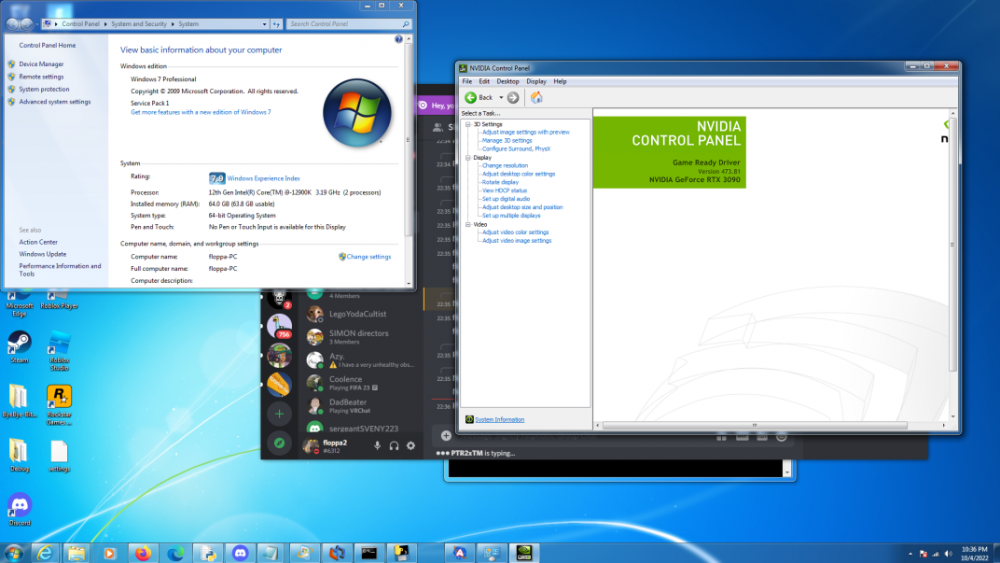
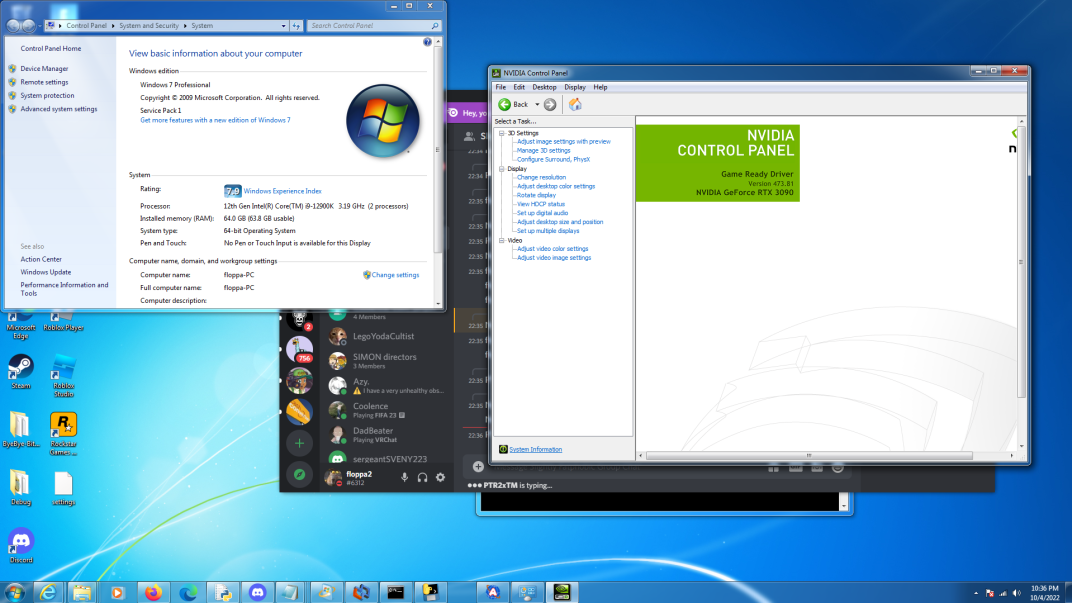
  2. Sorry if i am interrupting a conversation here but i am currently running windows 7 professional 64 bit on my pc with these specs motherboard: gigabyte b660m ds3h ddr4 edition cpu: intel core i9 12900k gpu: nvidia rtx 3090 ram: 64gb ddr4 i used this tutorial to make the iso and then once i had got it all flashed on to the usb it installed with no issues just like it would on older hardware.
Account

Navigation

Configure browser push notifications

Chrome (Android)
  1. Tap the lock icon next to the address bar.
  2. Tap Permissions → Notifications.
  3. Adjust your preference.
Chrome (Desktop)
  1. Click the padlock icon in the address bar.
  2. Select Site settings.
  3. Find Notifications and adjust your preference.