-
It occurs from a specific 24h2 build, old version SAB are same issues on current 24h2 build. there are no newly installed other apps. it seems conflict with a display environment.
-
There is tray icon not response issue from v3.9.15 on 24H2 beta (build 26120.6772), restarting explorer.exe temporarily resolves, it's the same if shut down the hooking apps.
-
Network/Volume menu is not work (no response left click) after the monitor is switched from the latest version. (SAB v3.9.15 and 24H2 26120.6690) Added: It's just a constant problem, not related to the monitor. it looks something's causing a crash, v3.9.16 is the same.
-
Doesn't work taskbar right click menu on 24H2 26120.4151 beta build, nothing happens when i press any menu. Oh v3.9.9 was released just now, it working again thanks. https://startisback.sfo3.cdn.digitaloceanspaces.com/StartAllBack_3.9.9_setup.exe
-
Yes there is, value is 38. Is this cause of the problem? add) I looked it up. there was similar cases in other third-party utilities... https://www.displayfusion.com/Discussions/View/win11-22000493-df10b12-taskbar-text-issue/?ID=9756c4de-8315-46e9-b7e7-2d5bd819d250 It seems have been created a long time ago when using ExplorerPatcher, i remove the value and now works fine. thanks
-
Task label is not displayed on SAB 3.8 RC & Win11 24h2 26120.1252 (Ko-KR) even if i changes any options, also tried resetting the registry and closing other apps.
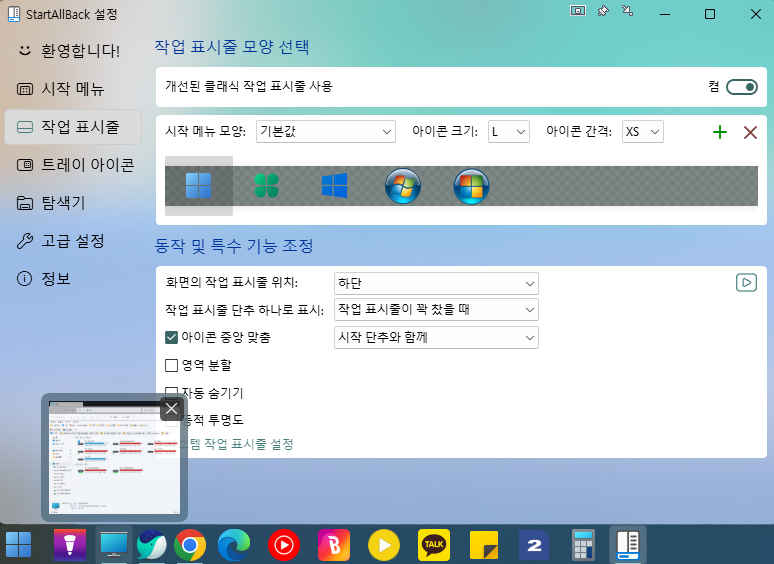
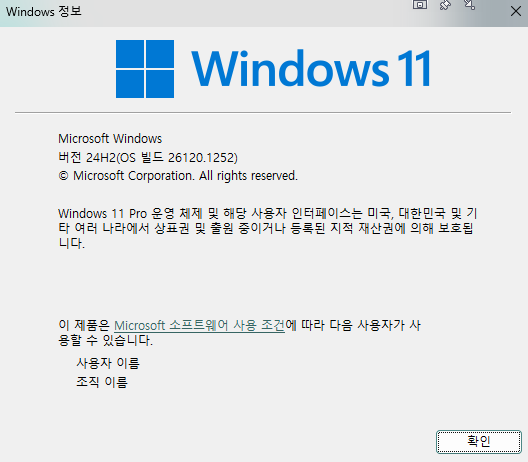
-
I re-uploaded it for minor edits. KO-KR.txt
-
Korean language updated to 3.8 and some improvements. i already have a license. I put an explanation about 'Dynamic shyness' in parentheses, because it is not intuitive, doesn't matter if you delete it.
-
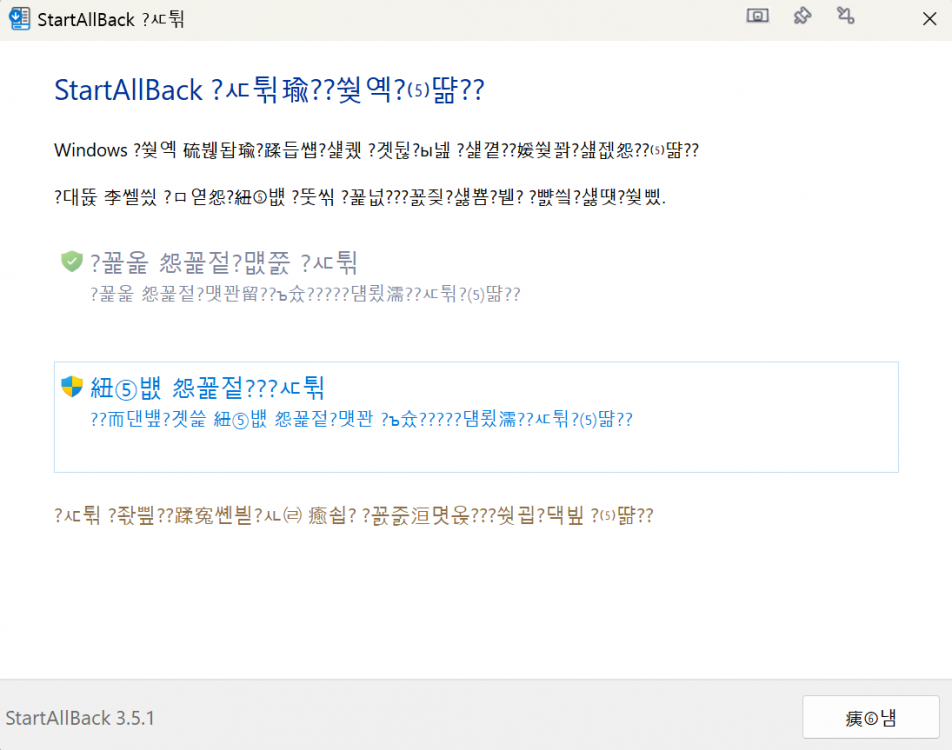
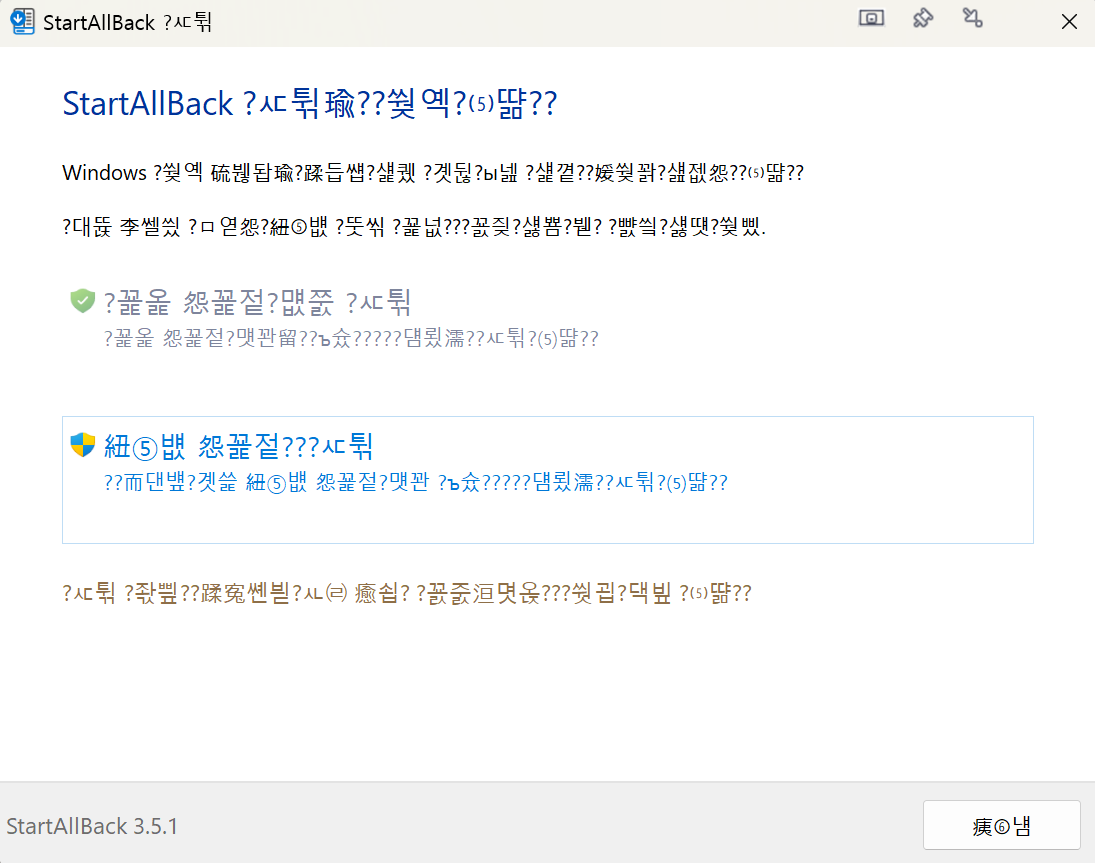
Broken Korean language, setup and cfg both