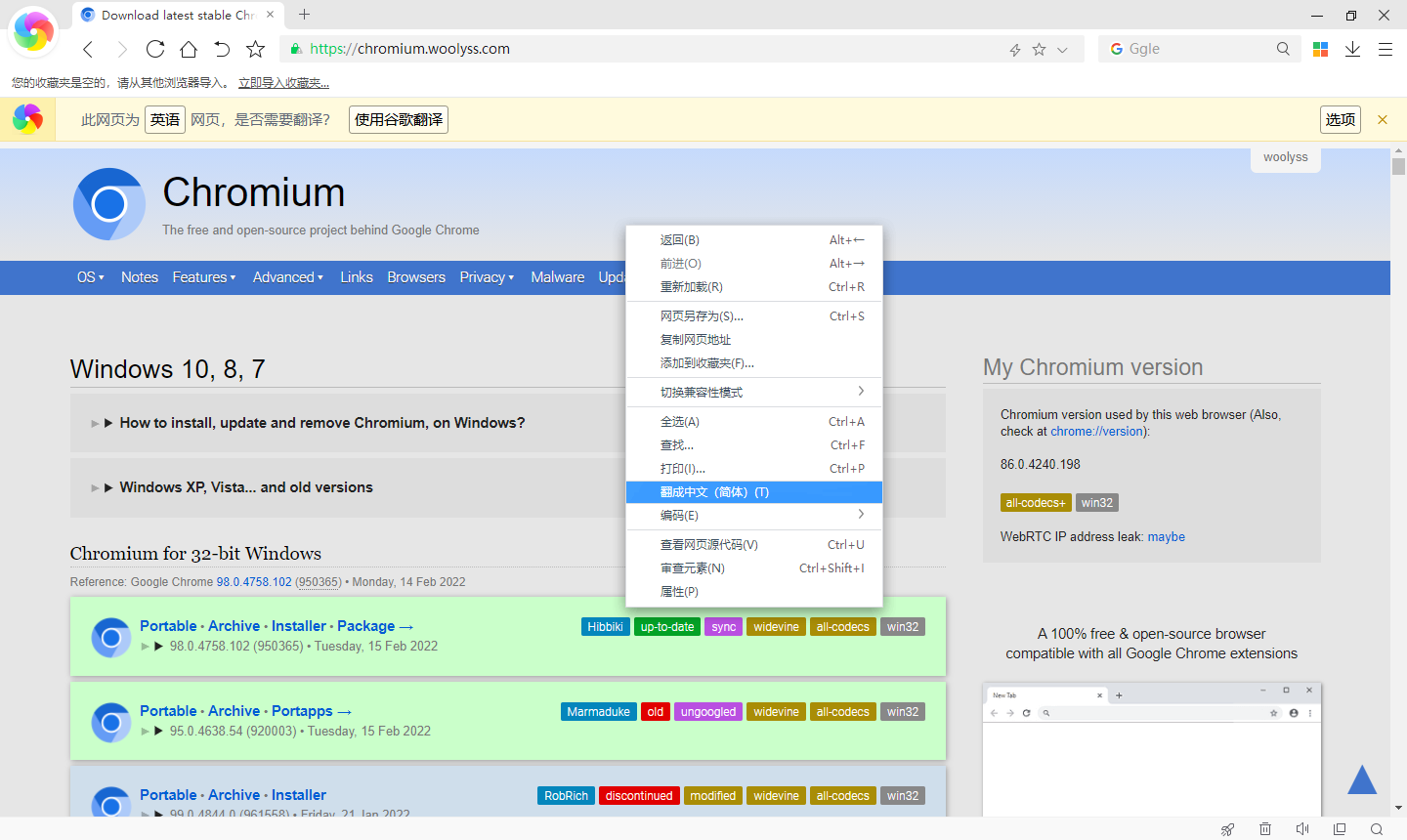
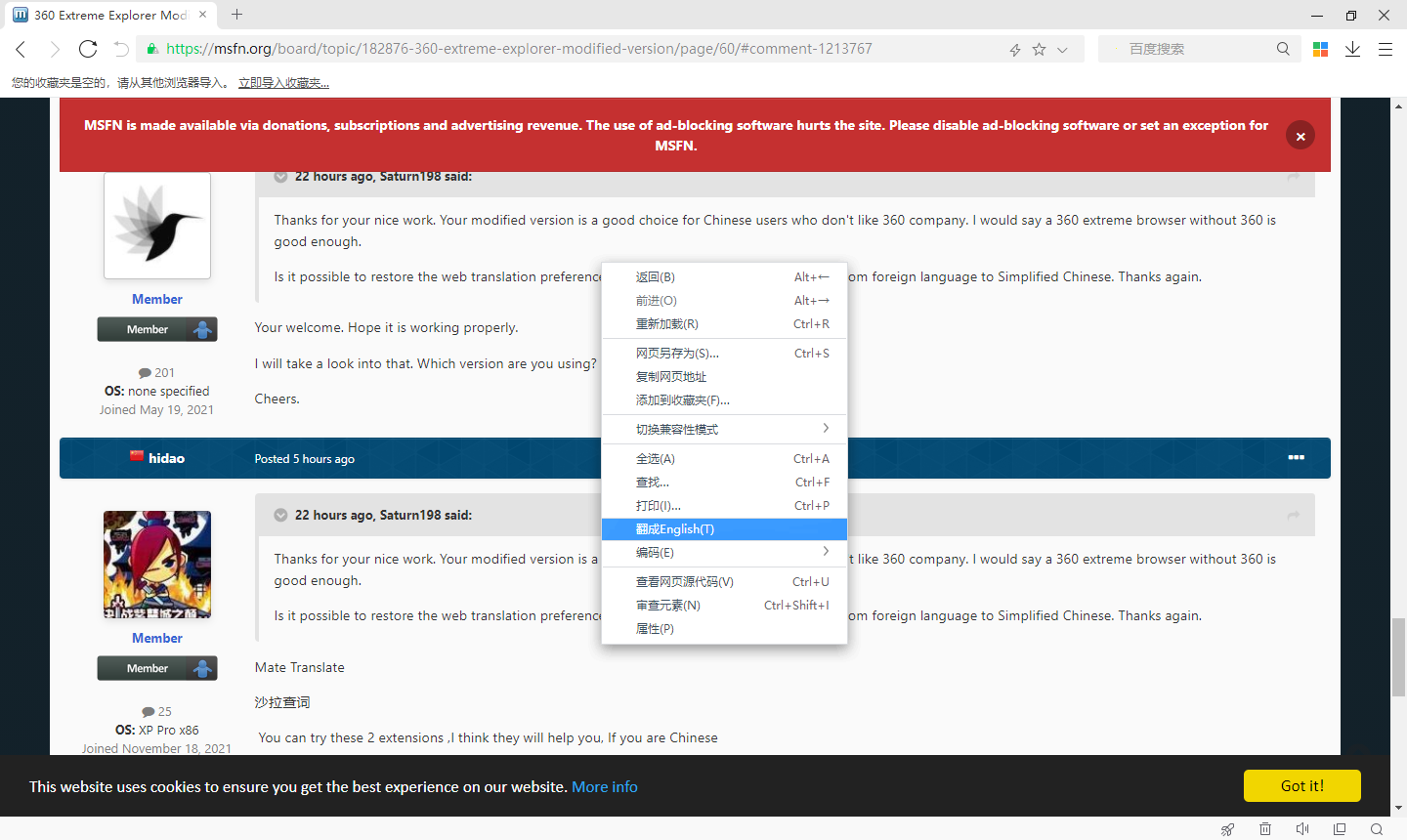
Sorry I think I made the things messed up. I have no idea where I downloaded that version (with "English" string). Some Chinese fans repacked your version with zh-CN language pack before you release the CN version. I guess I was using their repack version.
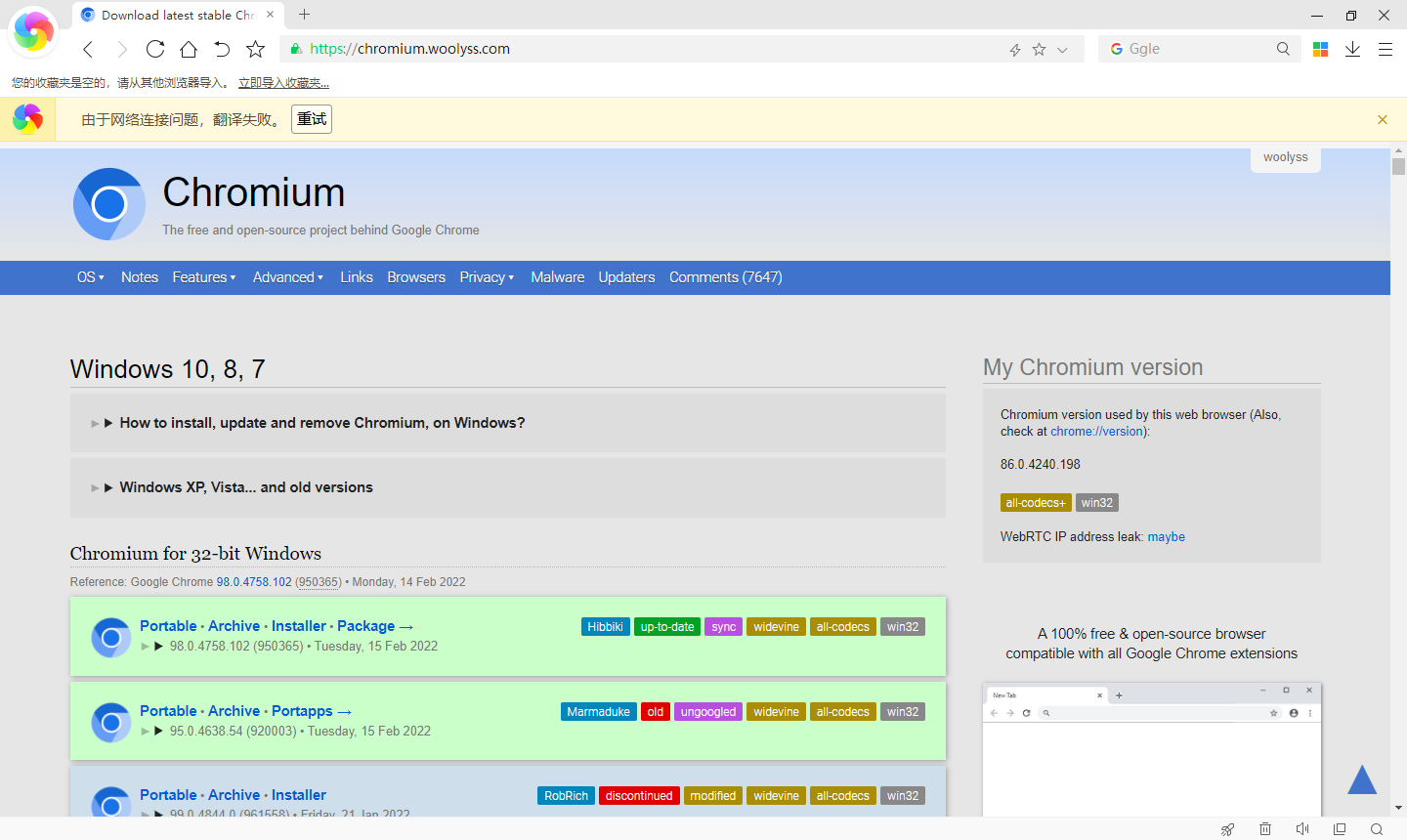
I tried the CN version from Internet Archive. And yes, it is all in Chinese characters but fails to translate (erorr picture is attched). The official version works fine on the same machine.
So the right-click menu is ok and problem comes to translate failing. Would you please look into that?
P.S. If a patcher could fix this, that would be nice. I have a Win10 machine to apply the patcher. Also I wonder if it still works when I apply the patcher on my Win10 and move the brower folder to a XP machine. If not, let's try HxD Hex Editor then.





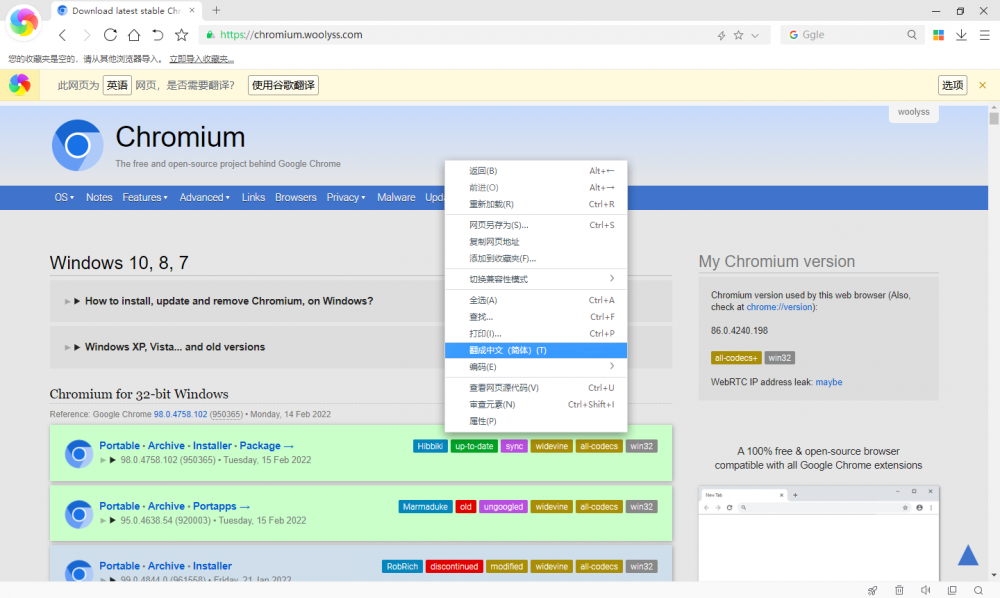
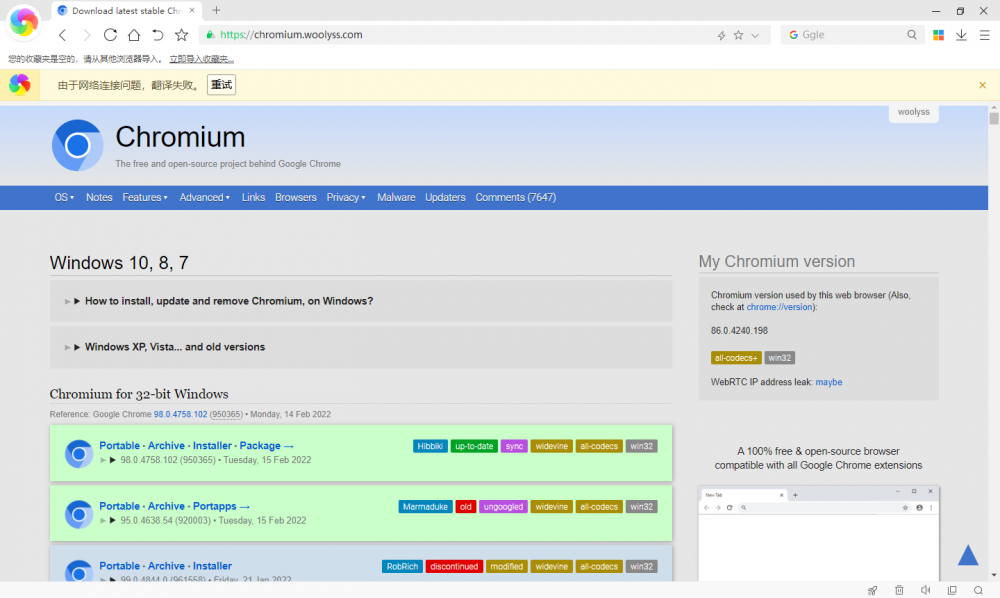 Thanks for your nice work. Your modified version is a good choice for Chinese users who don't like 360 company. I would say a 360 extreme browser without 360 is good enough. Is it possible to restore the web translation preference? We still need to translate webpages from foreign language to Simplified Chinese. Thanks again.