Skip to content
View in the app

A better way to browse. Learn more.

MSFN

A full-screen app on your home screen with push notifications, badges and more.

To install this app on iOS and iPadOS
  1. Tap the Share icon in Safari
  2. Scroll the menu and tap Add to Home Screen.
  3. Tap Add in the top-right corner.
To install this app on Android
  1. Tap the 3-dot menu (⋮) in the top-right corner of the browser.
  2. Tap Add to Home screen or Install app.
  3. Confirm by tapping Install.

kris44dad

Member
  • Joined

  • Last visited

  • Country

    United States
  1. Sorry, my mistake. I didn't realize I had to use version 1.4.9.1 for making installs for XP. I thought 1.4.9.1 version of the tool was for use on windows XP [only]. Got it working.
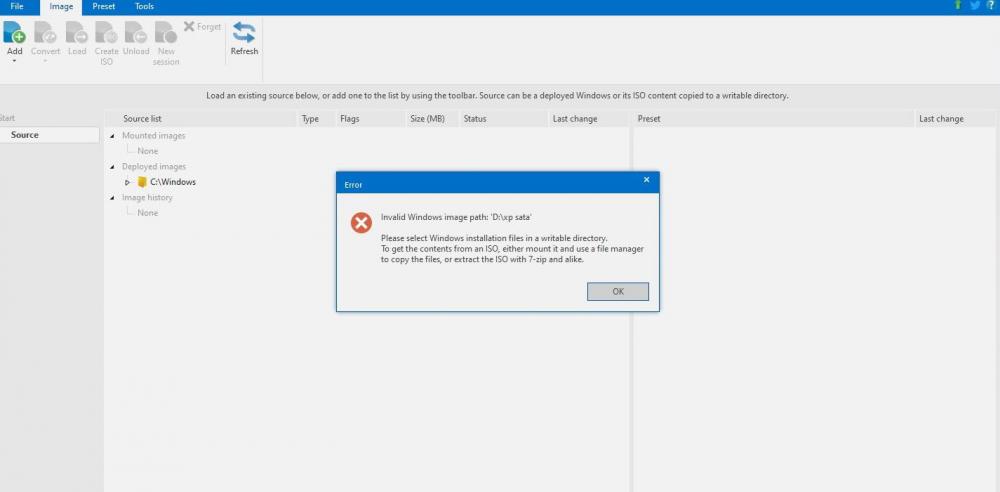
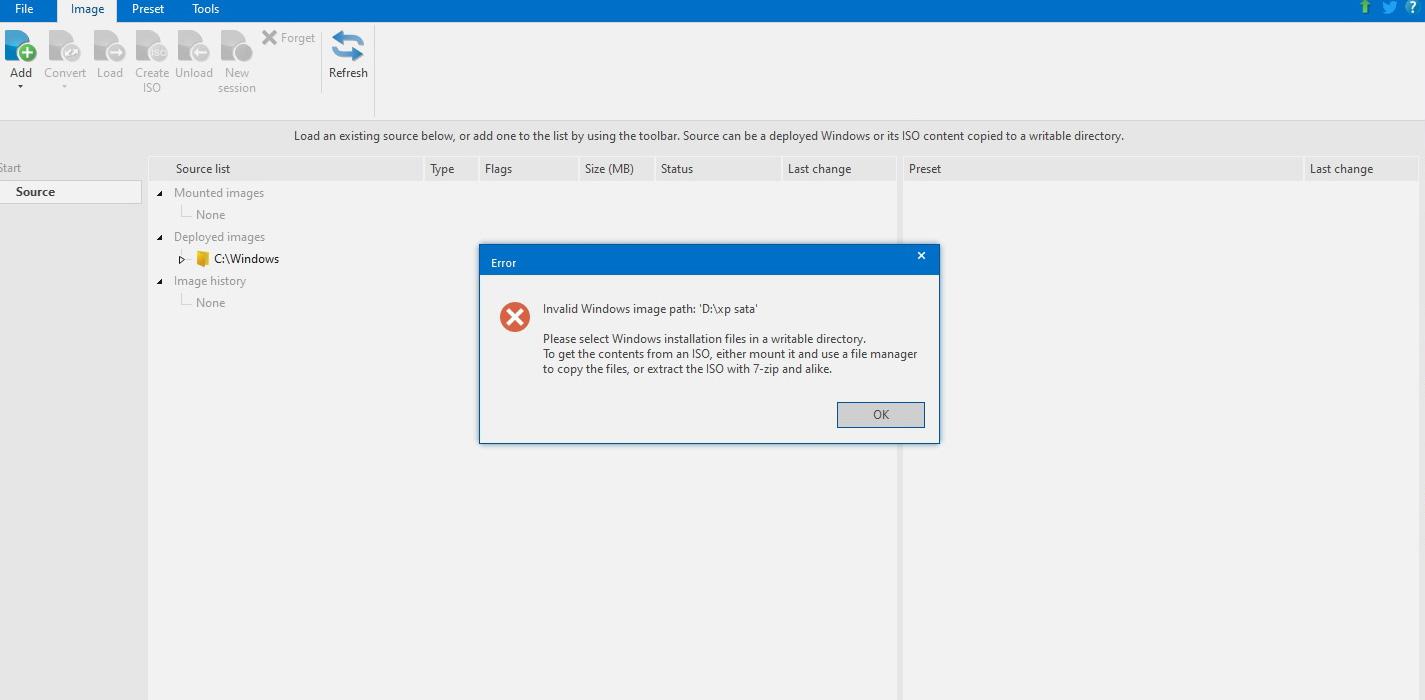
  2. I'm trying to use this tool for the first time. It won't source in the files from the Windows install disk. 1)I mount a Windows ISO in Explorer 2) I copy the contents to an empty folder. 3) Under the Image tab in NTLite, I click on Add, and select the folder I populated in Step 2. 4) I get 'Invalid Windows Image path (with useful instructions in the error box that aren't working). I've tried the above (even removing the read only permissions from the directory tree). I've tried mounting the ISO, and grabbing from that. I've even tried referencing the ISO itself. I'm missing something basic here, but I don't know what. Can someone give me a push? Thanks.
Account

Navigation

Search

Search

Configure browser push notifications

Chrome (Android)
  1. Tap the lock icon next to the address bar.
  2. Tap Permissions → Notifications.
  3. Adjust your preference.
Chrome (Desktop)
  1. Click the padlock icon in the address bar.
  2. Select Site settings.
  3. Find Notifications and adjust your preference.