Skip to content
View in the app

A better way to browse. Learn more.

MSFN

A full-screen app on your home screen with push notifications, badges and more.

To install this app on iOS and iPadOS
  1. Tap the Share icon in Safari
  2. Scroll the menu and tap Add to Home Screen.
  3. Tap Add in the top-right corner.
To install this app on Android
  1. Tap the 3-dot menu (⋮) in the top-right corner of the browser.
  2. Tap Add to Home screen or Install app.
  3. Confirm by tapping Install.

WinOS

Member
  • Joined

  • Last visited

  • Country

    Chile
  1. WinOS changed their profile photo
  2. Edge is a chronium based browser so its obvious that it will run but only version 72 cause later version dont work due to secur32.dll being to old
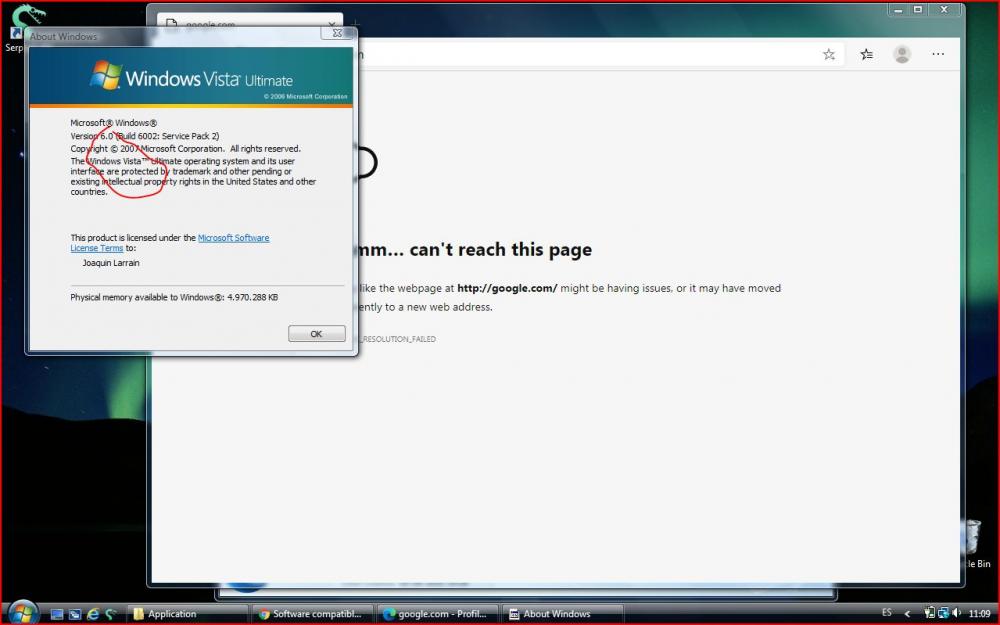
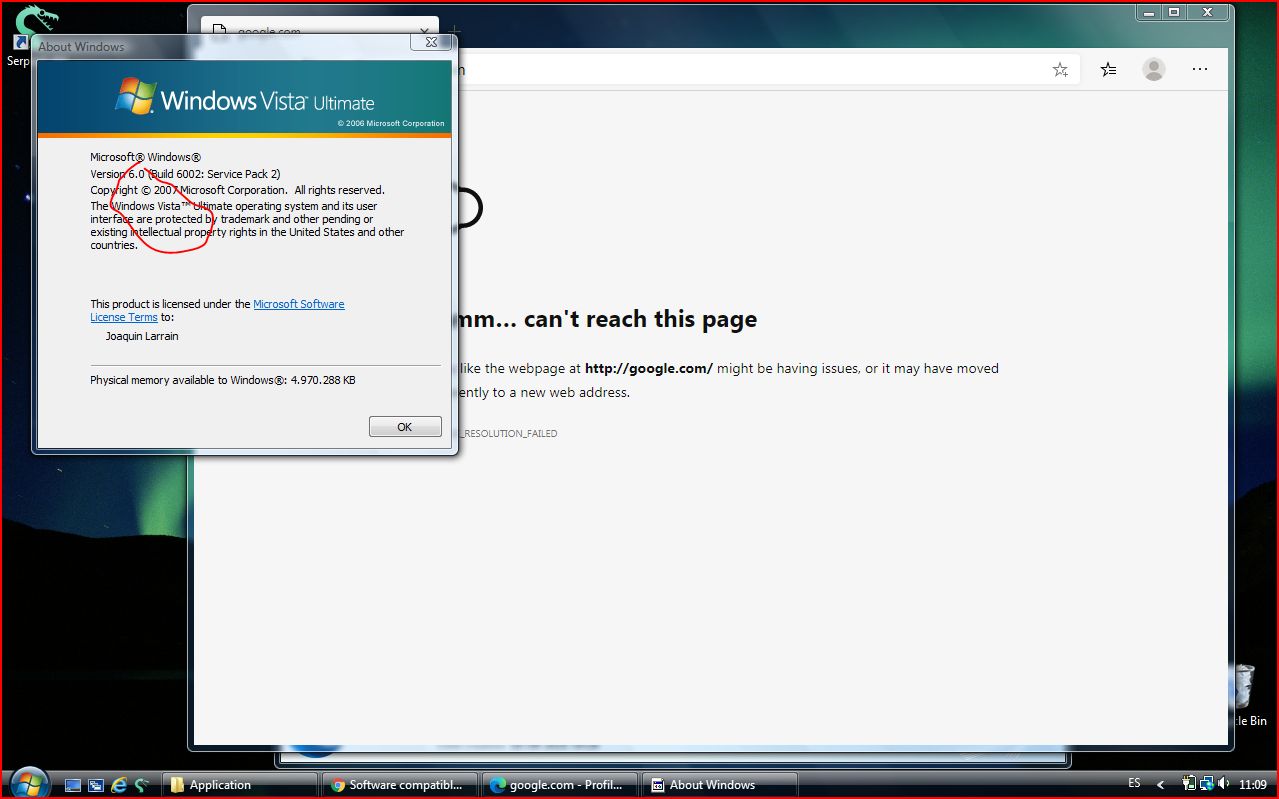
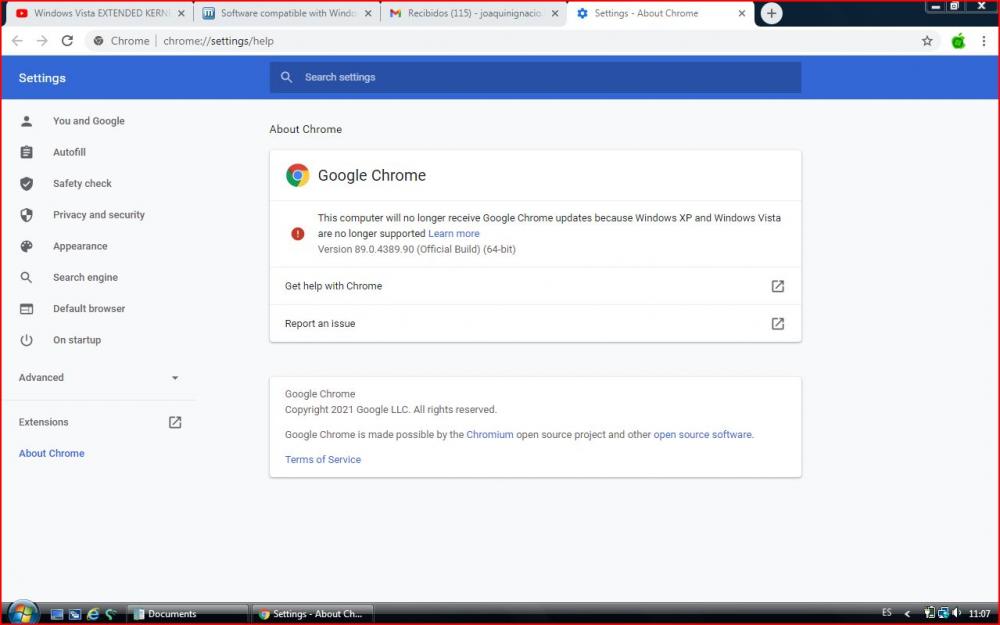
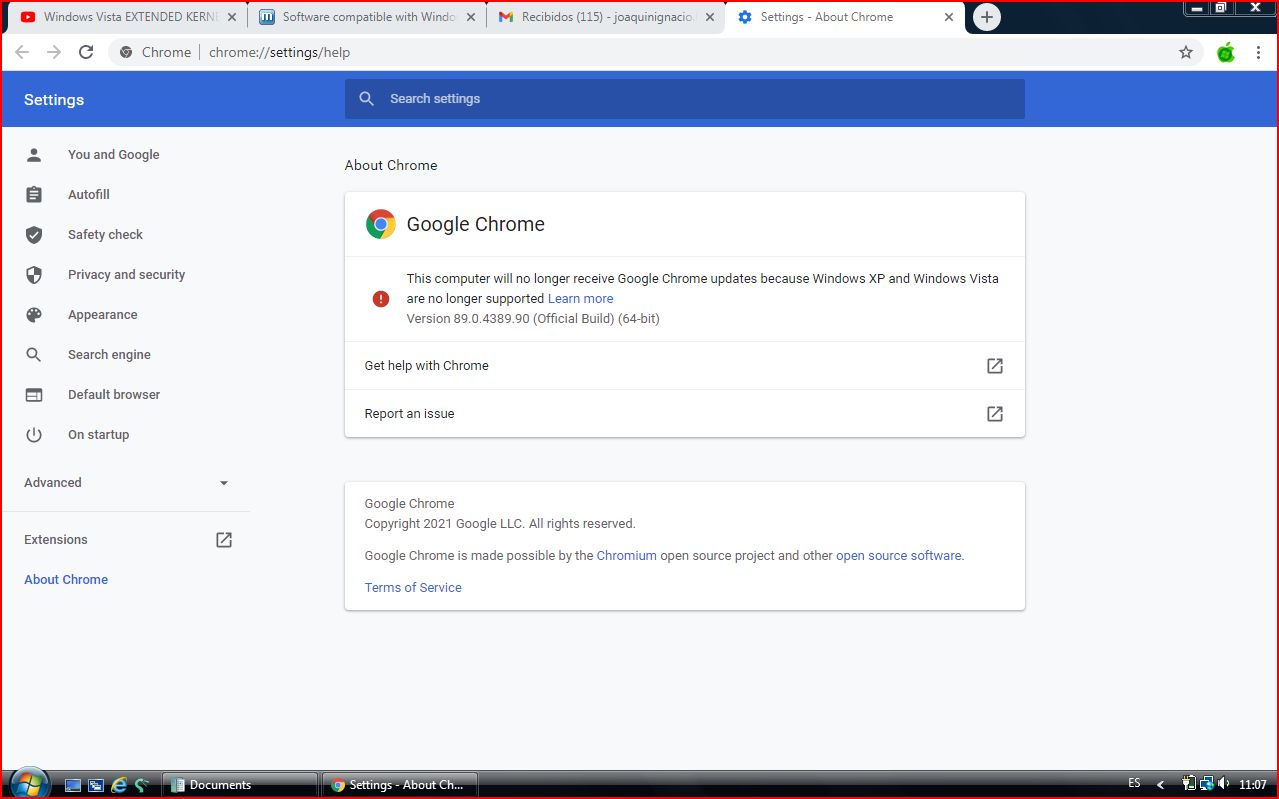
  3. Guys i got Chrome 89 working with extended kernel Google Meet works, streaming works and everything ms edge loads also but sadly i dont get any pages loading even tho i have internet but i might try porting Edge 89 cause i just found that ms edge 79 is the version and i had the same issues with chrome 79 so if anyone has a copy of 64 bit ms edge send a link and i might try see if it works.
  4. Hi how are you i am really new to this of the kernel and everything can anone send me the chrome 72 x64 bit version for my Vista Ultimate? thank you

Account

Navigation

Search

Search

Configure browser push notifications

Chrome (Android)
  1. Tap the lock icon next to the address bar.
  2. Tap Permissions → Notifications.
  3. Adjust your preference.
Chrome (Desktop)
  1. Click the padlock icon in the address bar.
  2. Select Site settings.
  3. Find Notifications and adjust your preference.