



Skip to content
View in the app

A better way to browse. Learn more.

MSFN

A full-screen app on your home screen with push notifications, badges and more.

To install this app on iOS and iPadOS
  1. Tap the Share icon in Safari
  2. Scroll the menu and tap Add to Home Screen.
  3. Tap Add in the top-right corner.
To install this app on Android
  1. Tap the 3-dot menu (⋮) in the top-right corner of the browser.
  2. Tap Add to Home screen or Install app.
  3. Confirm by tapping Install.

uav1606

Member
  • Joined

  • Last visited

  • Country

    Ukraine
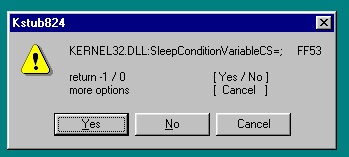
  1. Thank you very much! All I had to do was disable these three lines in Kstub824.ini with reboot: SleepConditionVariableCS WakeConditionVariable WakeAllConditionVariable I'm really dumb. Now everything works great.
  2. I commented out the line with SleepConditionVariables, but got a new error with another function, removed it, got more... I commented out a lot of functions, there are no errors as a result, but Firefox just closes immediately after launch.
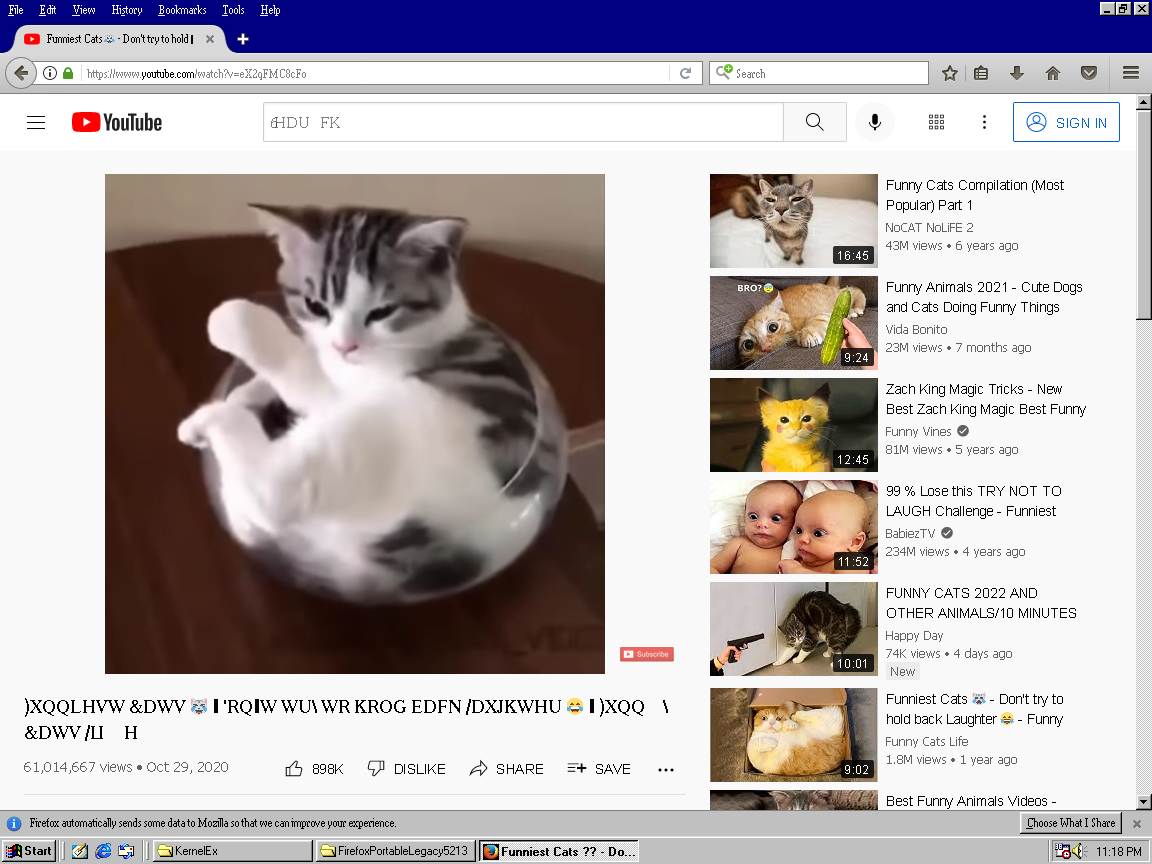
  3. I did everything from the first post. But when I try to run FF 52.9 I get multiple error messages like this: If I click Yes or No, Firefox crashes, if I click Cancel, I get a few more of these messages, at the end Firefox freezes (does not start, hangs in the process list). What is the reason? FF 48 works well.
Account

Navigation

Configure browser push notifications

Chrome (Android)
  1. Tap the lock icon next to the address bar.
  2. Tap Permissions → Notifications.
  3. Adjust your preference.
Chrome (Desktop)
  1. Click the padlock icon in the address bar.
  2. Select Site settings.
  3. Find Notifications and adjust your preference.