-
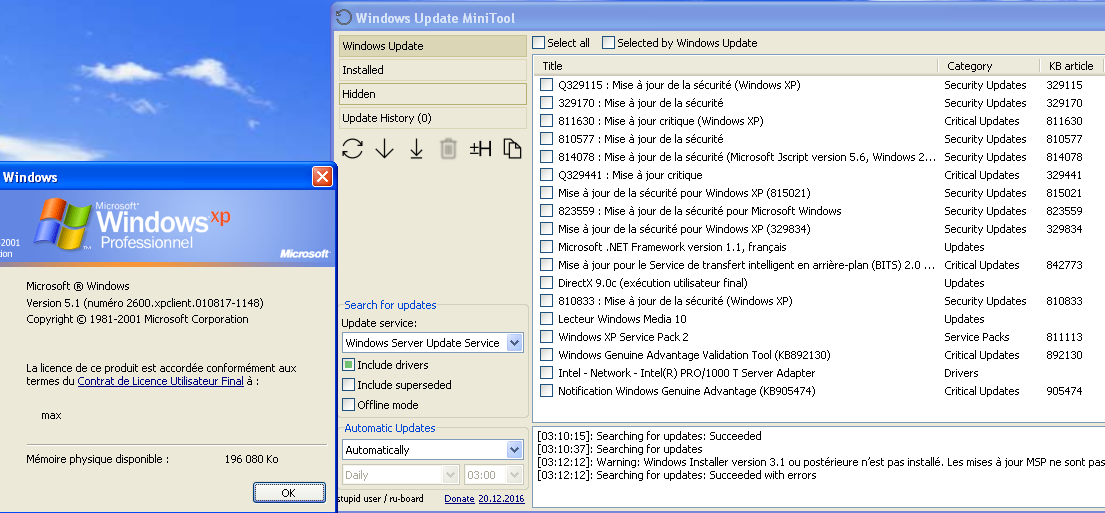
I see. I have the same problem on mine. I had to extended the partitions when i started to download the updates of office 2010, more than 5 GB (superseded and SP2 excluded) ! I think this is because a lot of updates include other languages (seen in file information) even though I only configured it to download English and French... Good news
-
Apparently, his Wsus server is only configured for English updates. I tested it on my french XP iso, no updates displayed, excepted .net framewok which is not language dependent. It would be good to mention it
-
I restricted the proxy for a good reason : it doesn't work outside from France (see Dave-H experience). Maybe Microsoft put geo-restrictions by some way (language installed?) like for activation of certain specific editions of Windows. So please, install your own. Sorry for the inconvenience.
-
All is explained
-
This method doesn't work anymore. Use the proxy instead.
-
Install WUA : http://download.windowsupdate.com/windowsupdate/redist/standalone/7.4.7600.226/windowsupdateagent30-x86.exe And the proxy :
-
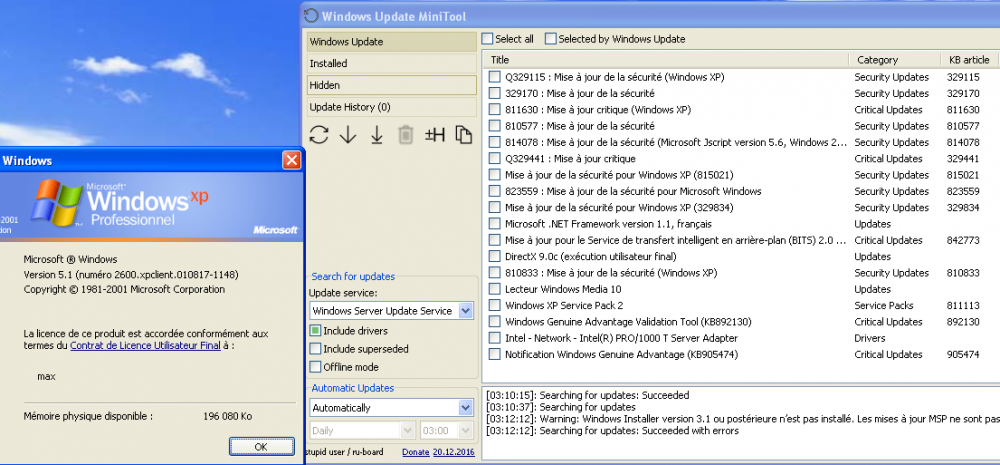
I tested update search from RTM, and it works too. I'm impressed Do you see the picture this time?
-
I did a wrong manipulation. But I corrected the links after that. For me the images well displaying even when i'm not logged in.
-
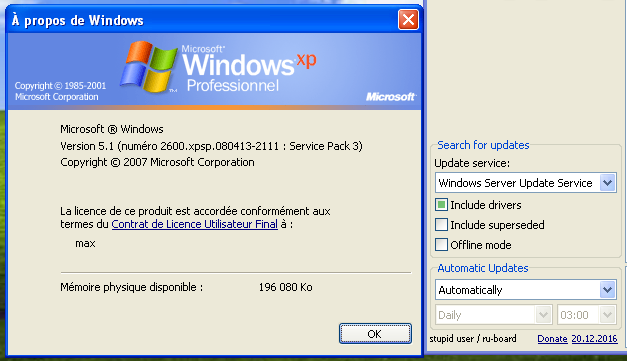
Upgrade SP1 to SP3
-
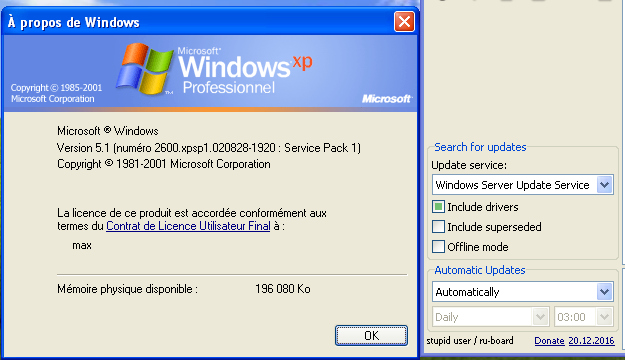
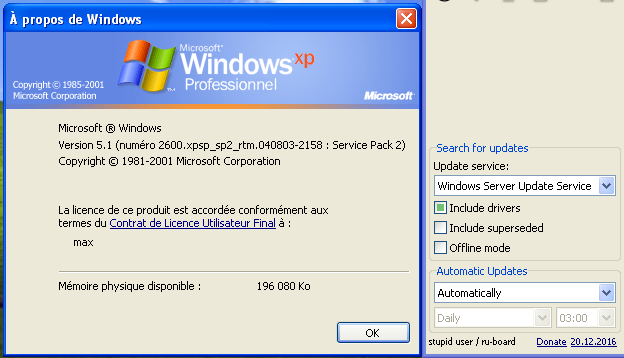
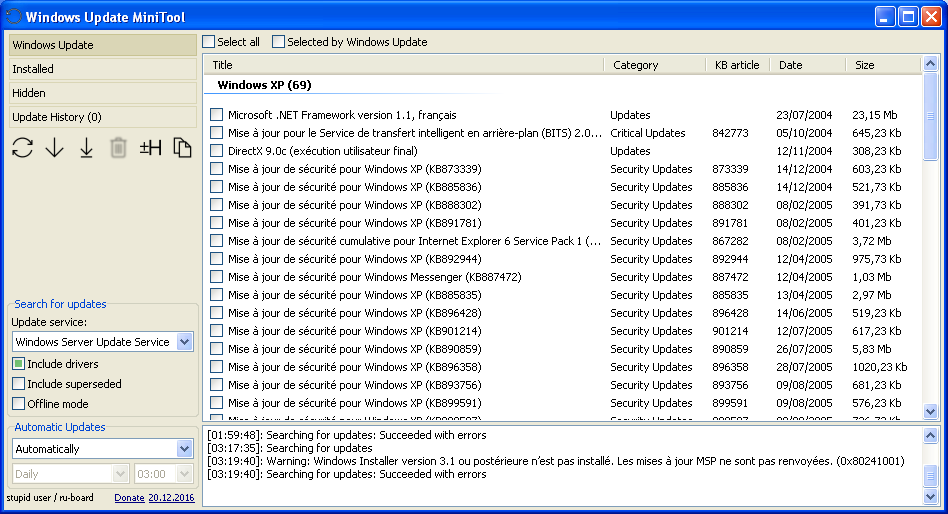
Yep Just need to install Windows installer 3.1 first : https://www.microsoft.com/fr-fr/download/details.aspx?id=25 And yes the SP1 in French displaying WSUS. I tested upgrade SP2 > SP3 and in this case, Windows server update service still displayed. But not if i directly install from SP3 iso, weird.
-
What? the proxy?
-
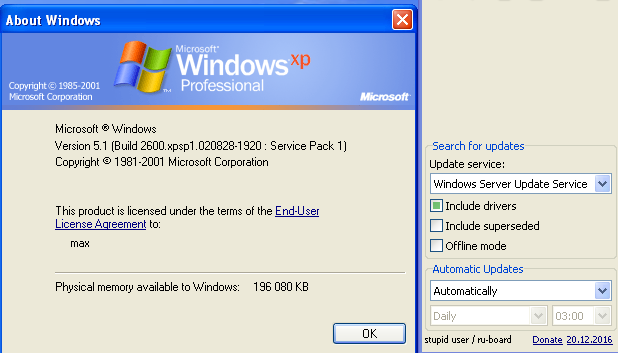
Unfortunately I have no other idea except to install it on your PC directly. The mysteries of Windows... EDIT : I finished to install XP with SP1 and it displaying... Windows server update service. I don't know what causing this bug on the French version.
-
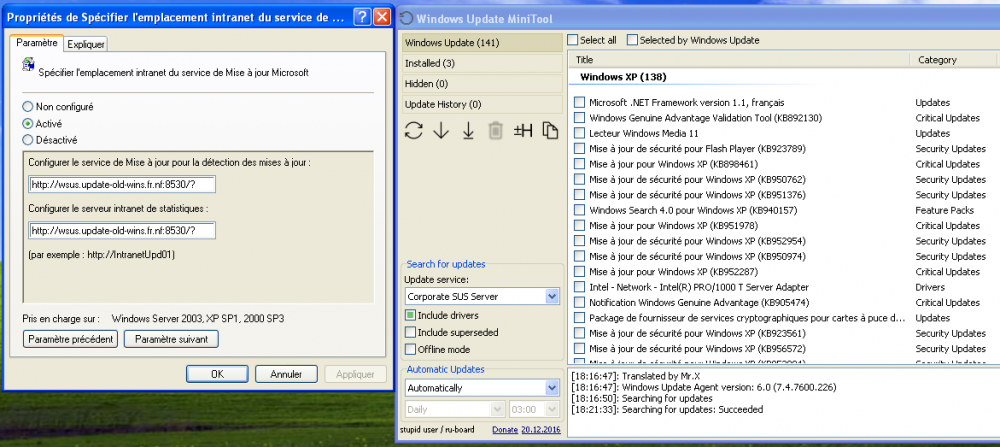
Apparently, it only appears on the French version. Corporate SUS server was the old name of WSUS. Maybe some system files were not upgraded correctly, which would also explain the systematic failure of the offline scan. I will try an English XP SP1 to see if the corporate SUS server also appears and do a manual upgrade to SP3.
-
Tested from my 4G connection and it works. It took 5 minutes to find the updates. how long have you let it run?
-
Did you insist? For me when I installed it in one of my VMs it fails many time too (maybe ten before displaying updates...) I know it's annoying but I can't do much more... HTTP implementation is buggy. You can try to install it on your PC directly (or on an another machine of your LAN) maybe you will be luckier. I also suspect it of not liking the connection through the whole internet. For me, the server is on another internet access but with the same provider.