




-
update to 3.9 PL-PL.txt
-
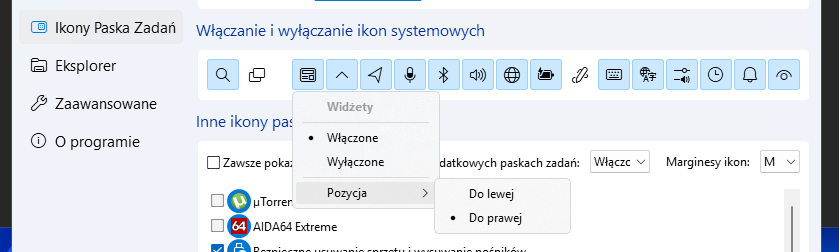
Before upgrading to Win11 24H2 26100.1742, the widget was on the right-hand side
-
-
StartAllBack 3.8.12 Win11 24H2 26100.1742 widget switching doesn't work


-
I have used NetWorx and much prefer TrafficMonitor. I know that old I personally did the translation to Polish and nice years it serves me. And until SAB version 3.7 it was ok
-
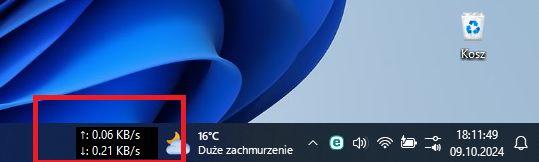
Windows 11 23H2 22631.4249 after starting the system, a black background appears in the TrafficMonitor bar. You have to close the applications and restart.
-
update to 3.8 PL-PL.txt
-
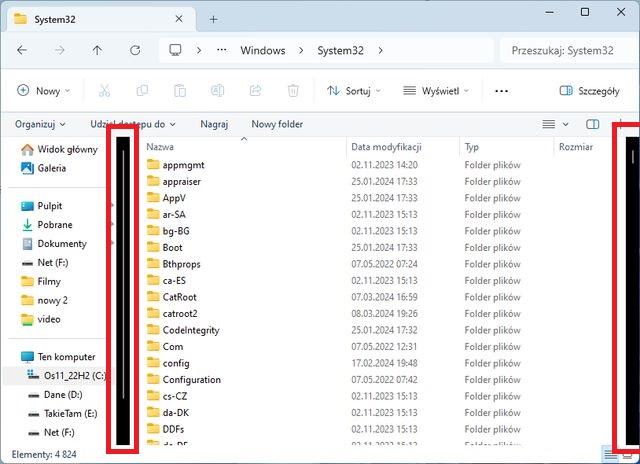
After upgrade to 3.7.6 broken scroll bar in explorer Win 22631
-
Upgrade SaB to the latest version 3.73
-
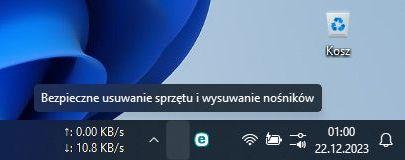
Win11 22631.2861 With v3.7.2 System icons disappear
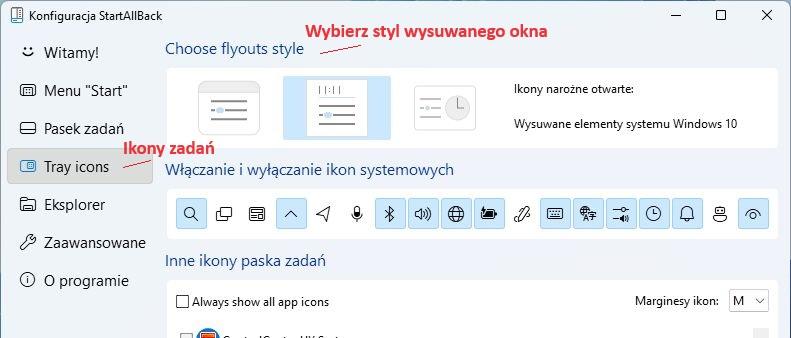
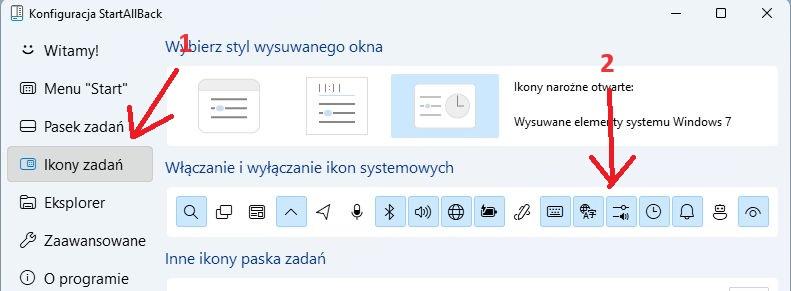
 @Tihiy Missing Polish translation
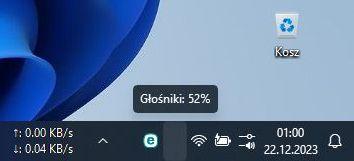
 Hi. I have a question whether after selecting the selected sliding style, the Win11 option can be left on the volume control https://ibb.co/VYpQZQk Sorry about the quality, I'm blocked by the size limit. Max total size: 28.23 kBCan it be widened by 2 mm?Some translation corrections have been made 3.7 PL-PL.txt

Account
Navigation
Configure browser push notifications
Chrome (Android)
- Tap the lock icon next to the address bar.
- Tap Permissions → Notifications.
- Adjust your preference.
Chrome (Desktop)
- Click the padlock icon in the address bar.
- Select Site settings.
- Find Notifications and adjust your preference.
Safari (iOS 16.4+)
- Ensure the site is installed via Add to Home Screen.
- Open Settings App → Notifications.
- Find your app name and adjust your preference.
Safari (macOS)
- Go to Safari → Preferences.
- Click the Websites tab.
- Select Notifications in the sidebar.
- Find this website and adjust your preference.
Edge (Android)
- Tap the lock icon next to the address bar.
- Tap Permissions.
- Find Notifications and adjust your preference.
Edge (Desktop)
- Click the padlock icon in the address bar.
- Click Permissions for this site.
- Find Notifications and adjust your preference.
Firefox (Android)
- Go to Settings → Site permissions.
- Tap Notifications.
- Find this site in the list and adjust your preference.
Firefox (Desktop)
- Open Firefox Settings.
- Search for Notifications.
- Find this site in the list and adjust your preference.