



Skip to content
View in the app

A better way to browse. Learn more.

MSFN

A full-screen app on your home screen with push notifications, badges and more.

To install this app on iOS and iPadOS
  1. Tap the Share icon in Safari
  2. Scroll the menu and tap Add to Home Screen.
  3. Tap Add in the top-right corner.
To install this app on Android
  1. Tap the 3-dot menu (⋮) in the top-right corner of the browser.
  2. Tap Add to Home screen or Install app.
  3. Confirm by tapping Install.

AlexJ2245

Member
  • Joined

  • Last visited

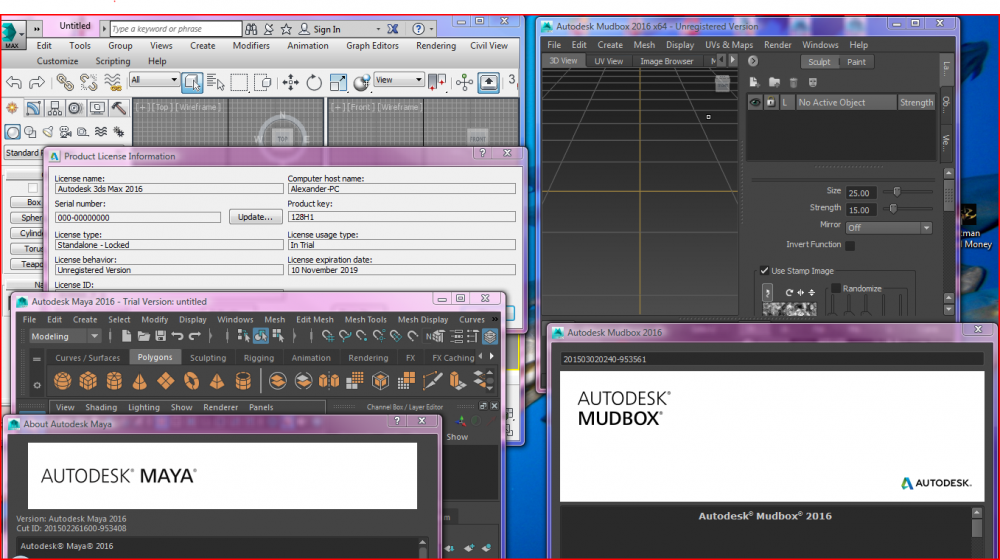
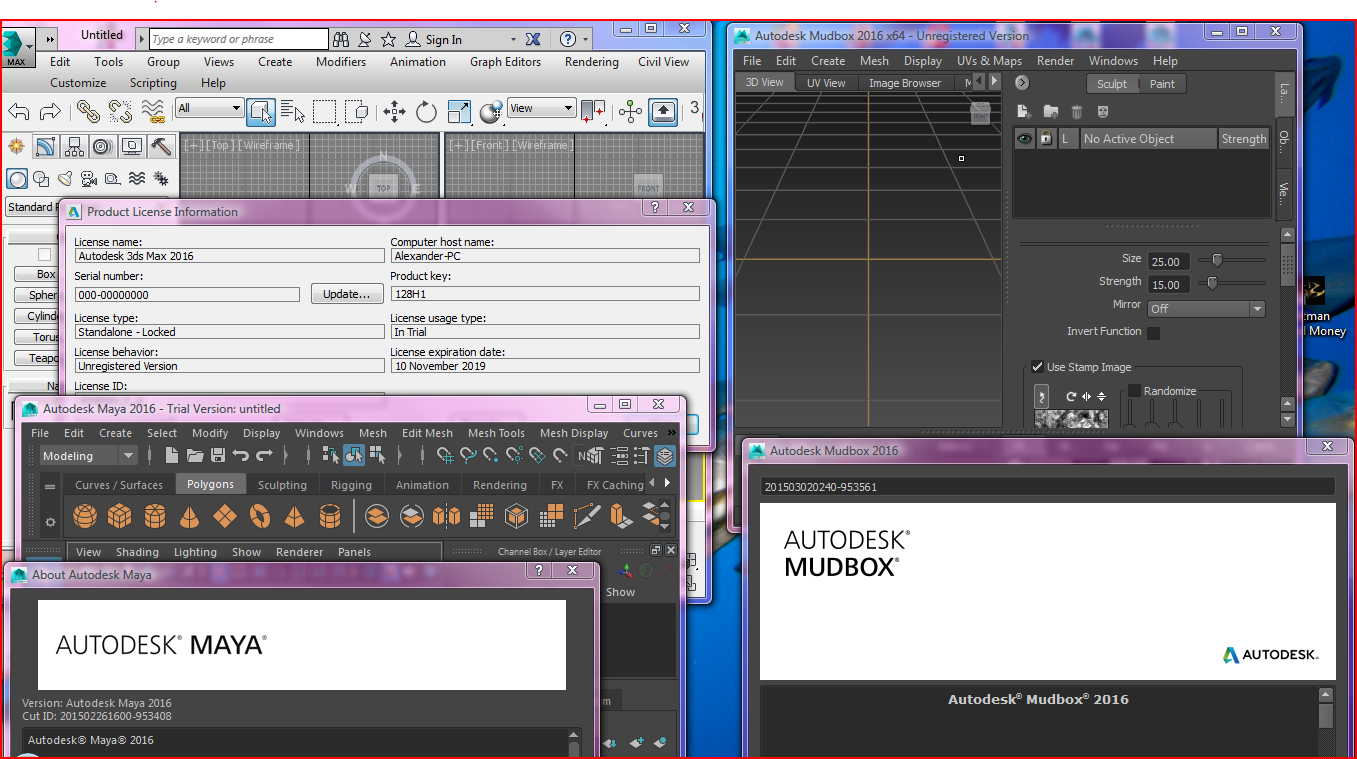
  1. I have discovered that the 2016 versions of 3dsMax, Maya and Mudbox work on Windows Vista by editing the MSI installer using Orca. What you have to do is navigate to C:\Autodesk and into your 2016 versions of either 3dsMax, Maya or Mudbox. Then, enter into the folder of either x86 or x64 (depends on you Windows architecture version) and into the folder named after the program you want to install. In my case it is "max". Right click on "3dsMax.msi" and click "Edit with Orca". Finally, scroll down to "LaunchCondition", then right-click and click drop table. Save, close and proceed to install the program. I recommend that you have Vista completely up to date with Service packs, Platform updates and .NET. Orca download = https://www.technipages.com/downloads/OrcaMSI.zip
Account

Navigation

Configure browser push notifications

Chrome (Android)
  1. Tap the lock icon next to the address bar.
  2. Tap Permissions → Notifications.
  3. Adjust your preference.
Chrome (Desktop)
  1. Click the padlock icon in the address bar.
  2. Select Site settings.
  3. Find Notifications and adjust your preference.