-
Check out this thread: .
-
If anyone was experiencing compatibility issues with the installer (like I was) you can grab the files zipped up at THIS LINK.
-
Thank you much! Unfortunately, the downloaded file won't install. Anyone have this zipped up at all? Edit: found the zipped up file HERE.
-
Try THIS, though it won't install for me. I really just need the zipped up file. Edit: Found the zipped file in case anyone needs it HERE.
-
I wonder if part of my problem is that I don't have a symbols folder. This indicates no such symbol download is occurring for me. Would anyone mind uploading their current symbol files and their correct directories? I'd like to see if that helps. (Edit for context: My issue is that there are no blur, color or opacity options taking effect. I'm able to apply theme atlas png files just fine but otherwise, completely transparent and very difficult to reconcile between multiple open windows)
-
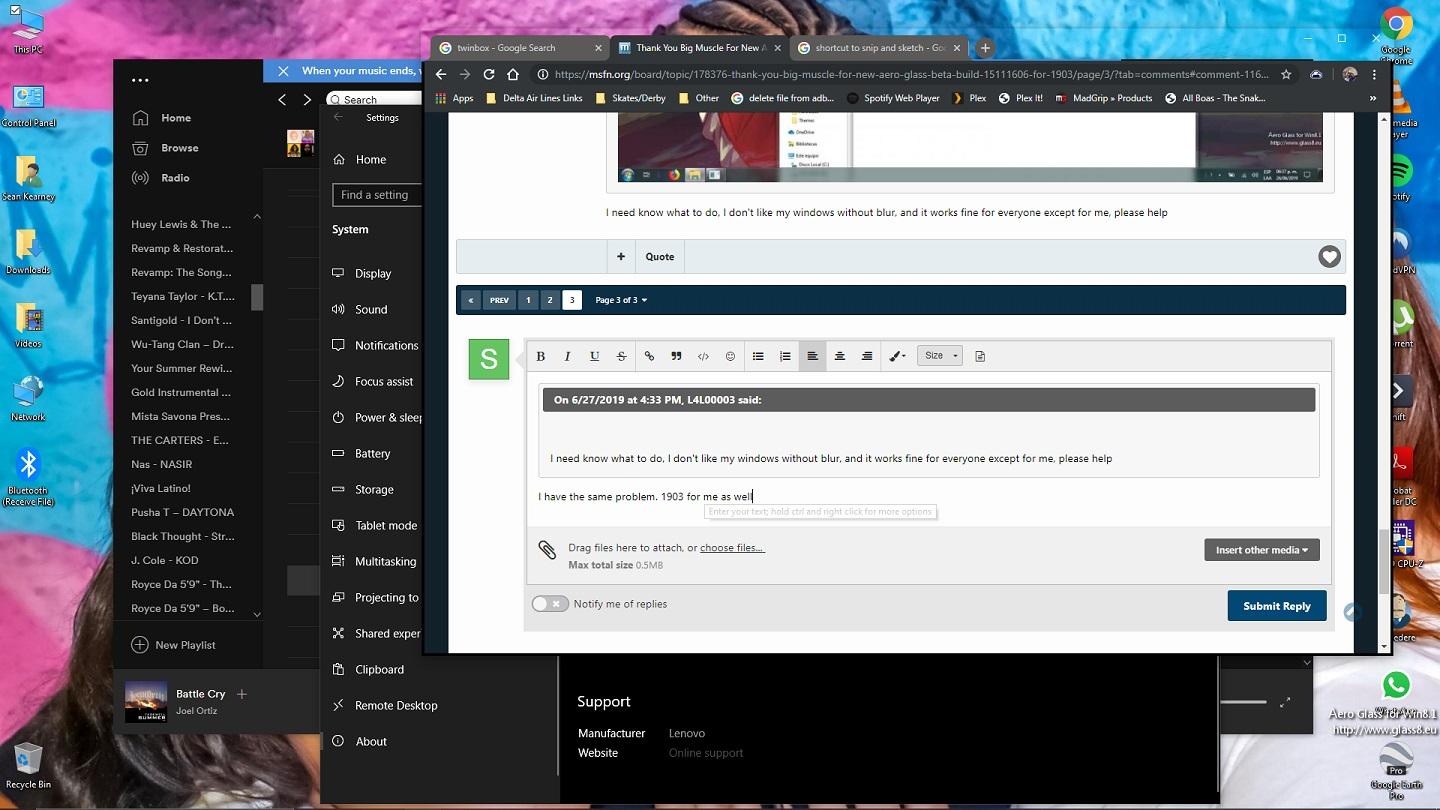
I have the same problem. 1903 for me as well