Skip to content
View in the app

A better way to browse. Learn more.

MSFN

A full-screen app on your home screen with push notifications, badges and more.

To install this app on iOS and iPadOS
  1. Tap the Share icon in Safari
  2. Scroll the menu and tap Add to Home Screen.
  3. Tap Add in the top-right corner.
To install this app on Android
  1. Tap the 3-dot menu (â‹®) in the top-right corner of the browser.
  2. Tap Add to Home screen or Install app.
  3. Confirm by tapping Install.

lutin593

Member
  • Joined

  • Last visited

  • Country

    France
  1. You guys are awesome 👍🙏 Fixed Many thanks
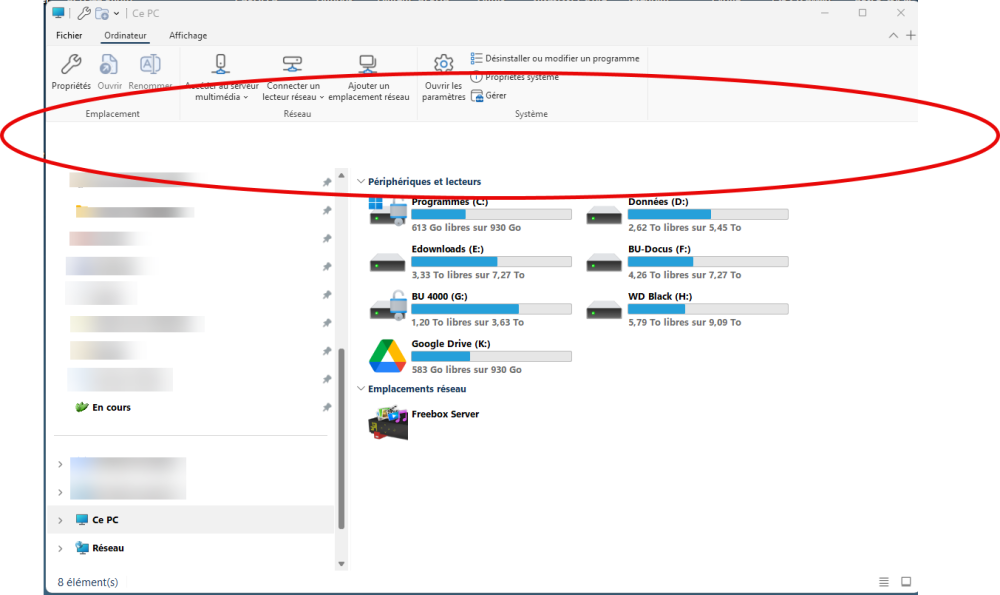
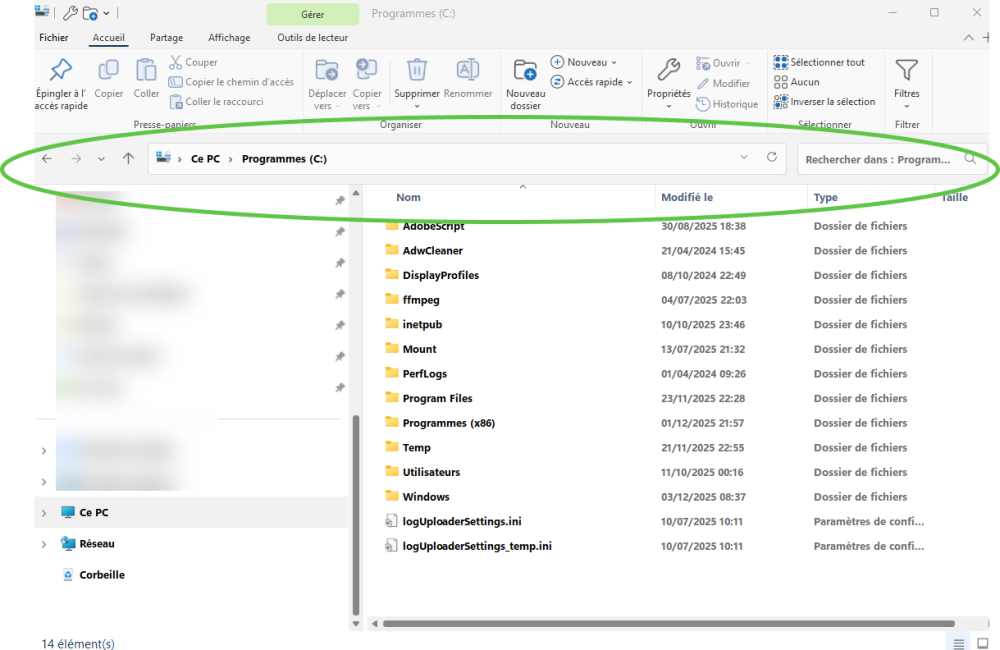
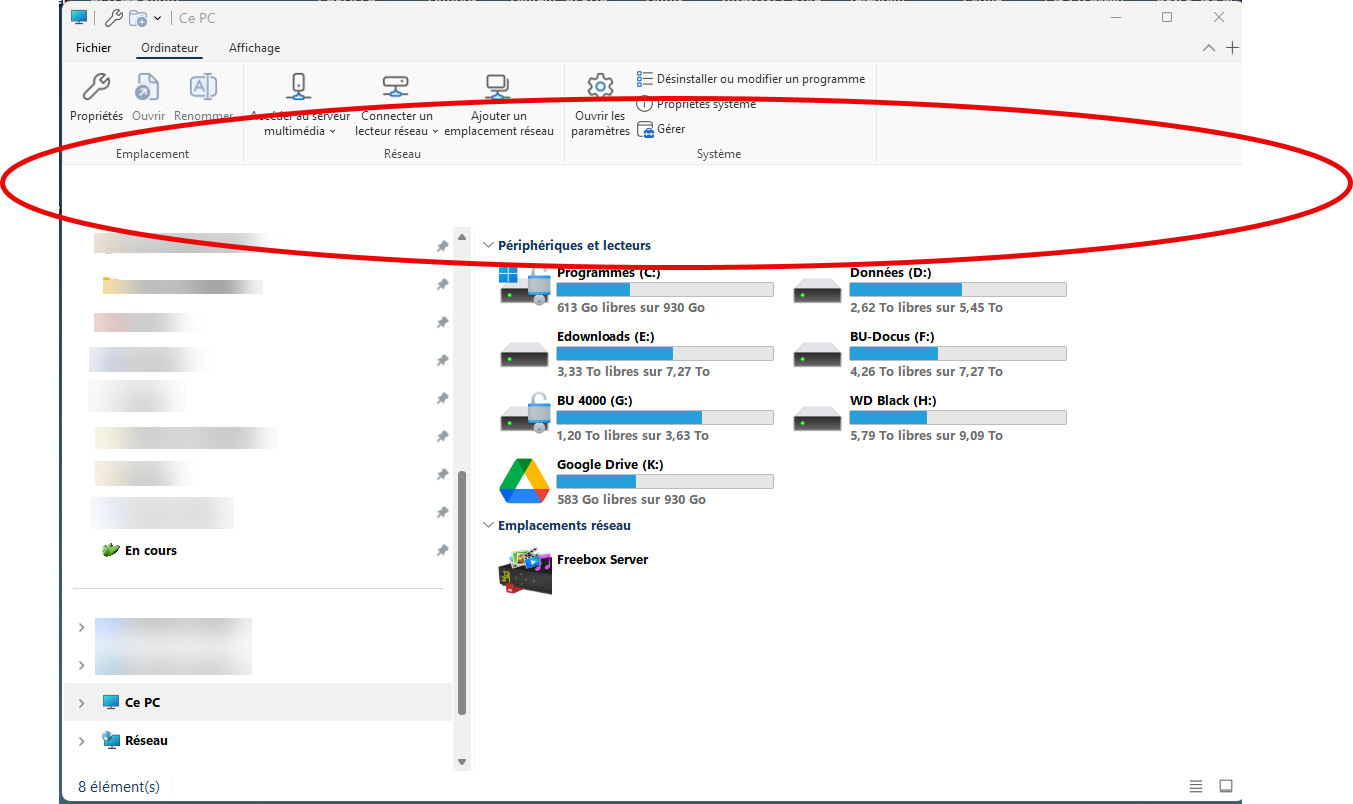
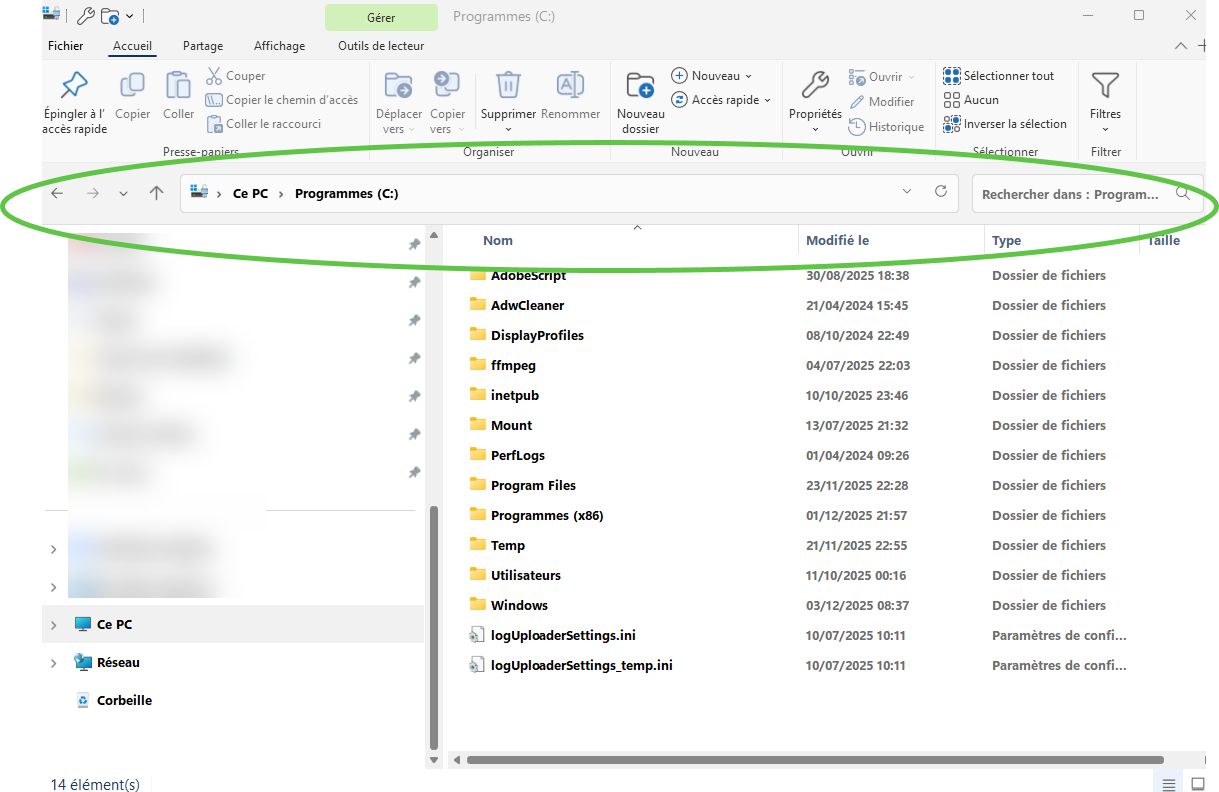
  2. This is a terrific software 👍 I'm having an issue running windows 11 25H2 - 26220.7271 Using explorer windows 10 style Each time I'm launching a new explorer windows i'm missing elements Then I go to taskbar manager ctrl+shift+esc and it comes back to normal Any fix?
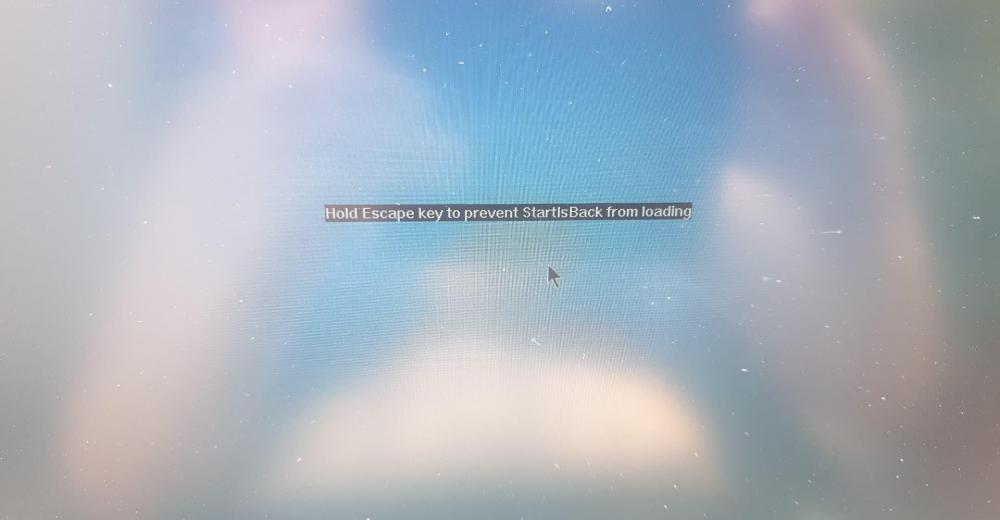
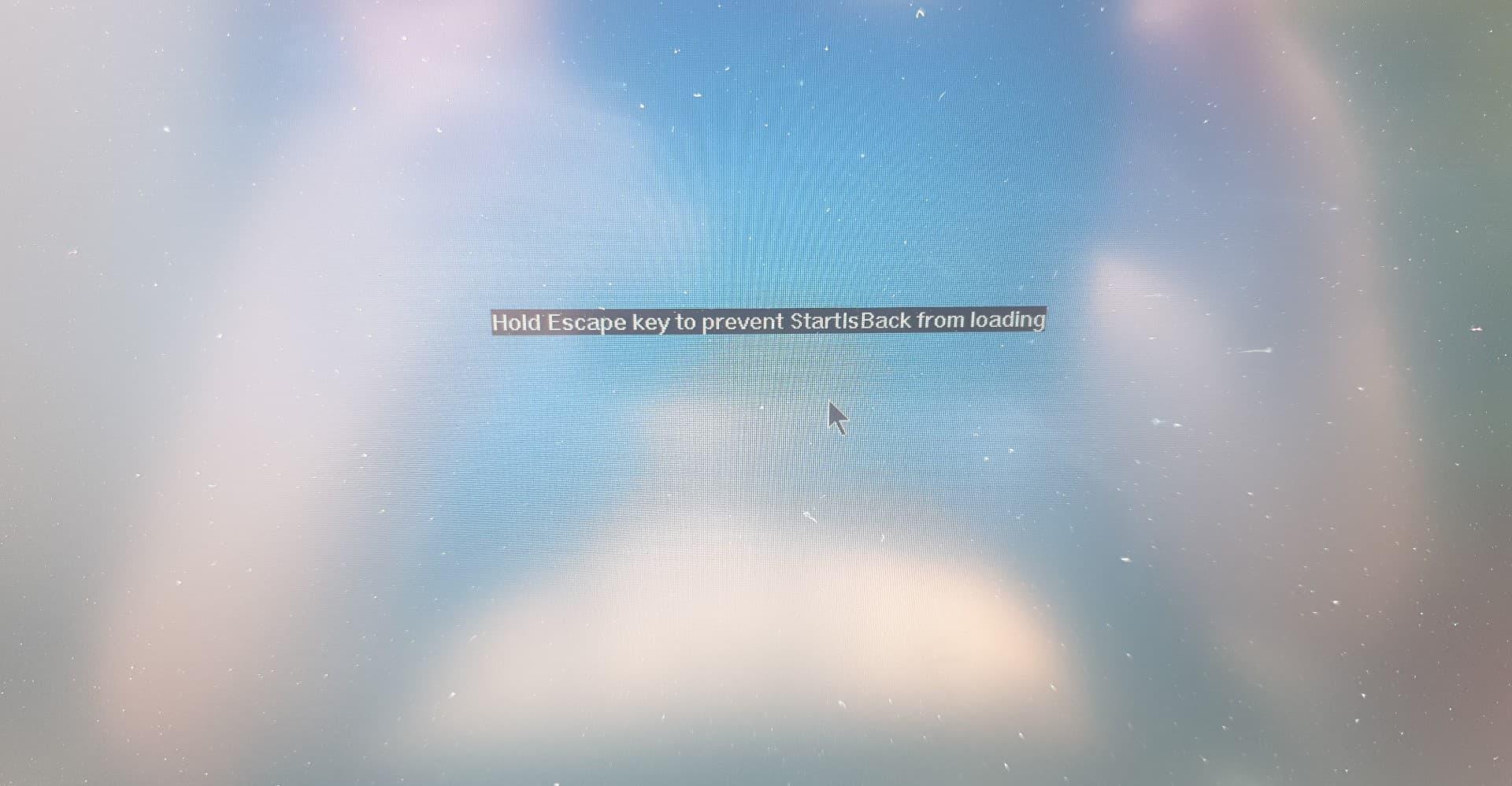
  3. I installed it as administrator and use for everybody still the same problem I don't get it I'am running this software on 3 or 4 machines everything is ok This a brand new HP laptop with w10 pro and when I restart I got this screen. And the same error in envent log. Thanks for your helpErreur SIB.txtErreur SIB.txt
  4. Thanks gentlemen, I shall try and will come back to you. Muchas gracias ! Grazie mĂłlto !
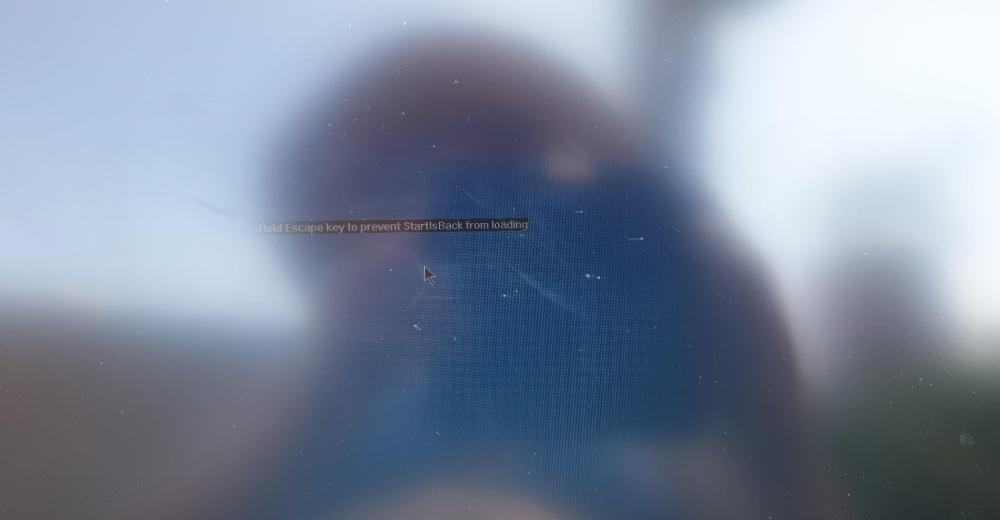
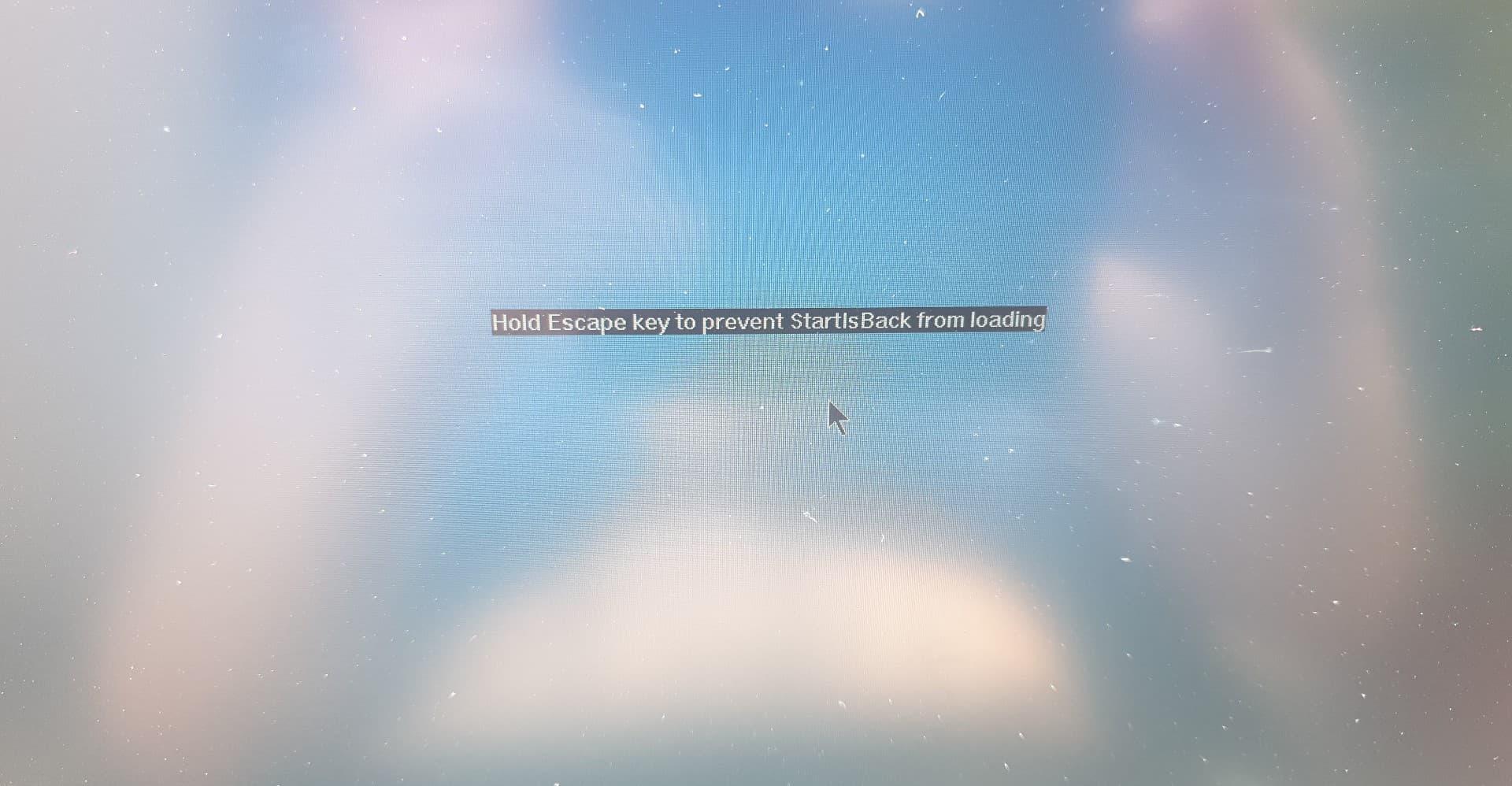
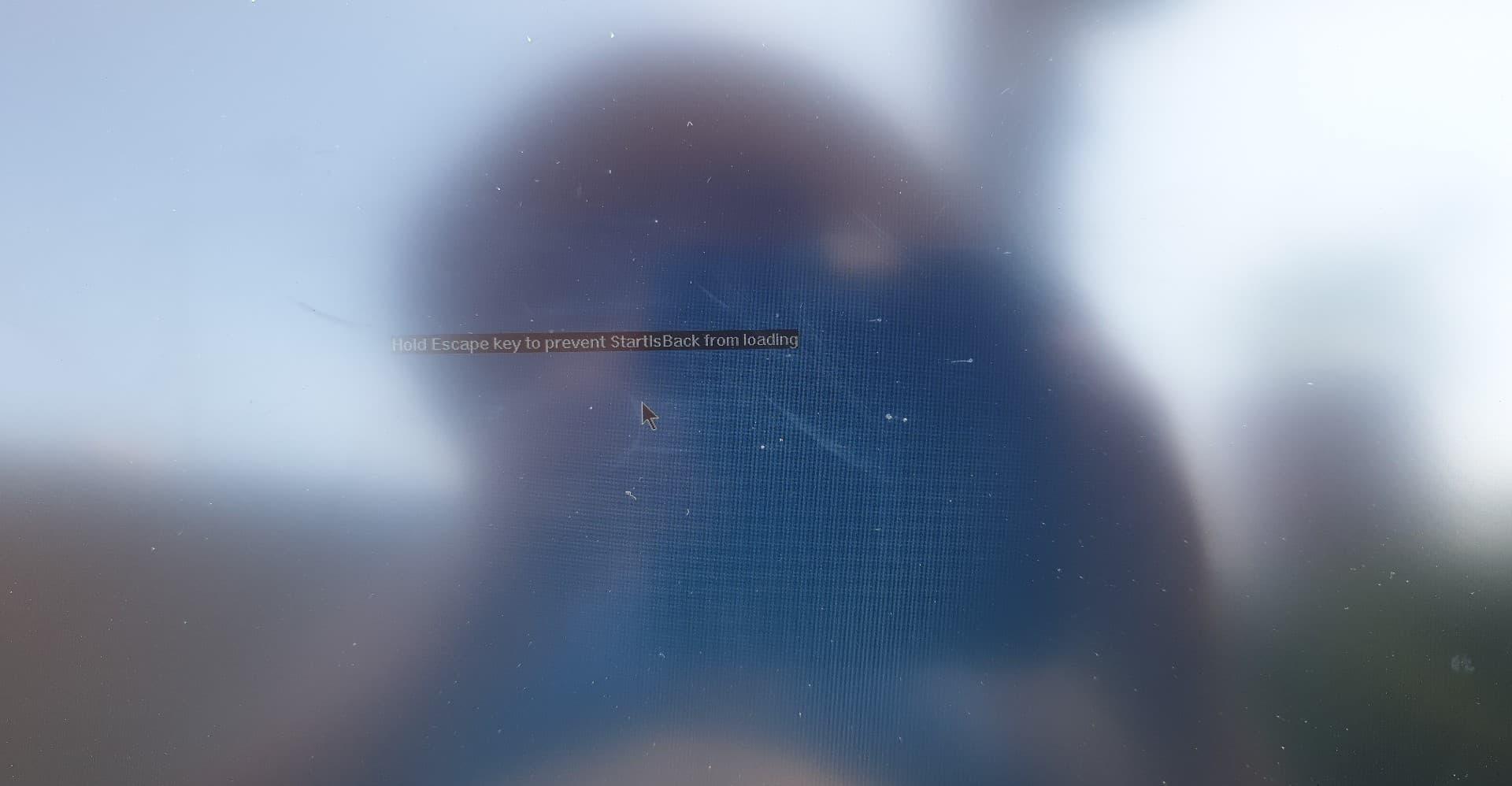
  5. Hi there, Installed SIB on 4 or 5 PC, a great software. However, I installed it on a brand new HP laptop Windows 10 pro 1809 And it keeps saying: "hold escape key to prevent SIB from loading" (see pictures). Went to event log Nom du journal :Application Source : Application Error Date : 24/06/2019 13:27:53 ID de l’événement :1000 Catégorie de la tâche :(100) Niveau : Erreur Mots clés : Classique Utilisateur : N/A Ordinateur : HP-SANDRA Description : Nom de l’application défaillante explorer.exe, version : 10.0.17134.858, horodatage : 0x407a5e89 Nom du module défaillant : StartIsBack64.dll, version : 5.8.5.3020, horodatage : 0x5cb2d5b1 Code d’exception : 0xc0000005 Décalage d’erreur : 0x0000000000043652 ID du processus défaillant : 0x334c Heure de début de l’application défaillante : 0x01d52a7fda97adf1 Chemin d’accès de l’application défaillante : C:\WINDOWS\explorer.exe Chemin d’accès du module défaillant: C:\Program Files (x86)\StartIsBack\StartIsBack64.dll ID de rapport : 73900692-13eb-474b-a189-0bc5629c11ce Any idea what's going wrong? Disabled Bitdefender. There is a filmora video software installed + MS Office 2019. Thanks for your kind support.

Account

Navigation

Configure browser push notifications

Chrome (Android)
  1. Tap the lock icon next to the address bar.
  2. Tap Permissions → Notifications.
  3. Adjust your preference.
Chrome (Desktop)
  1. Click the padlock icon in the address bar.
  2. Select Site settings.
  3. Find Notifications and adjust your preference.