Everything posted by simonsat
-
Loads the mobile version, when trying to play it asks for an action (open or save). Newmoon 27.
-
roytam1 Can I download the corrected one somewhere?
-
New build of Firefox 45ESR: firefox-45.9.25-20200620-b5b03bdce-win32-sse.7z firefox-45.9.25-20200620-b5b03bdce-win32-ia32.7z
-
https://o.rths.ml/palemoon/palemoon-28.10.1a1.win32-git-20200613-2ddefd2bc-uxp-59a5adc93-xpmod.7z
-
I have xul.dll changed 12.06 2020.
-
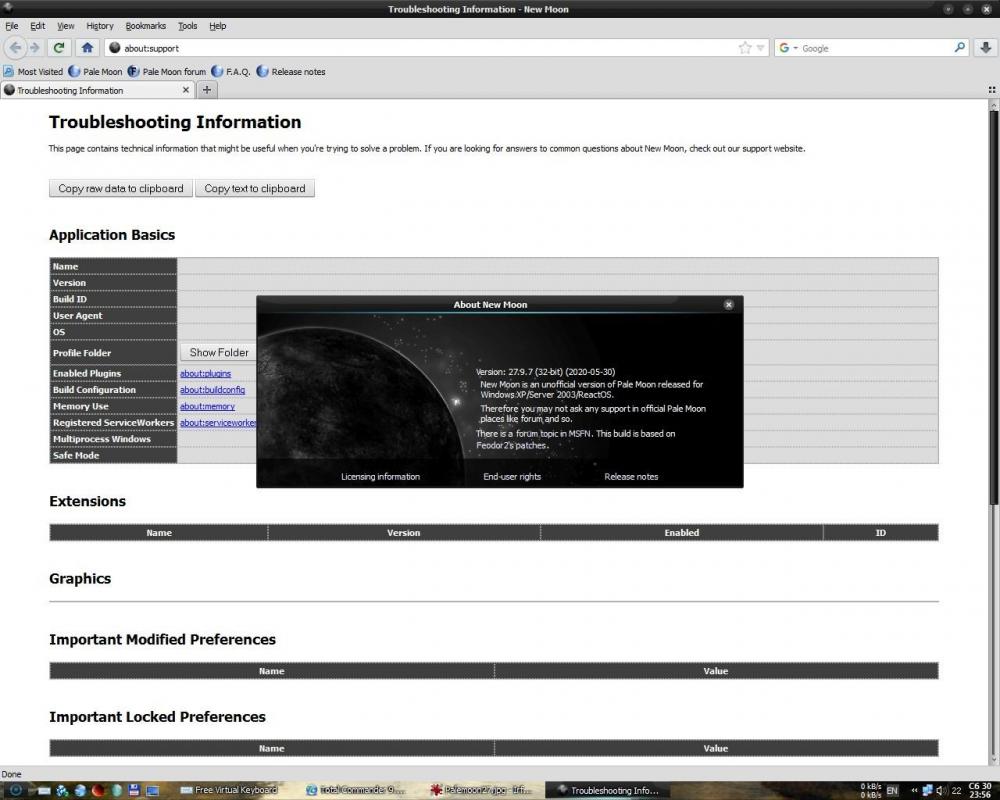
Without language packs, first start.
-
Everything is working. This is a language pack problem.
-
Español (España) Language Pack langpack-es-ES@palemoon-28.9.0a1.xpi Other Language Pack langpack
-
I will not (not a specialist). Very high-quality Russian does volkovysk Russian (RU) Language Pack 27.9.7, it inspired me to experiment. There is a lot of work and knowledge is desirable language. Example: We take the necessary version of Palemoon, it has two omni.ja files, you need to unpack them (open as archive). Find the localization of the en-US folder in them (omni.ja \ chrome \ en-US \ locale \ en-US \). In them we find the translation files * .dtd, * .properties and others. We also act with the * .xpi translation file of the language you need. Comparing the files with the original (en-US), we find the missing-extra lines and delete-add (we translate the added one). It's like in my opinion not a professional. A lot of work and thanks to everyone who does this. Sorry for the Google translation. Maybe someone will be interested in my builds based on the builds of the respected roytam1. Unfortunately only RU-EN, more RU than EN. You can add any language, but you need to translate some buttons of Custom Buttons. arcticfox-27.9.19-win32-20200118-portable-ru-xpmod palemoon-27.9.7.win32-20200314-portable-ru-xpmod palemoon-28.9.0a1.win32-20200314-portable-rus-ukr-xpmod firefox-45.9.21-win32-20200314-portable-ru-sse
-
Langpack-palemoon-28.9.0a1 de_en-GB_es-ES_fr_it_pl_ru_uk Langpack Langpack-palemoon-28.9.0a1 bg_el_ko_th_vi_zh-CN_zh-TW Langpack Dutch (NL) langpack-nl@palemoon-28.9.0a1.xpi
-
Try french for palemoon-28.9.0a1.win32-git-20200314-bad6974a7-uxp-41e5925b4-xpmod langpack-fr@palemoon-28.9.0a1.xpi
-
Please tell me how to fix the language file (in particular Russian) for palemoon-27.9.7.win32-git-20200314-823a79830-xpmod? Tried different, none fit. :-( Russian (RU) Language Pack 27.9.7.20200308 for NewMoon XPmod Language Pack
-
Well, it's the little things, the main thing that the job is done. Thanks.
-
roytam1 NM28XP build: not the correct link.
-
New releases palemoon localization. https://github.com/JustOff/pale-moon-localization/releases
-
I changed the previous omni.ja and the language went.