Skip to content
View in the app

A better way to browse. Learn more.

MSFN

A full-screen app on your home screen with push notifications, badges and more.

To install this app on iOS and iPadOS
  1. Tap the Share icon in Safari
  2. Scroll the menu and tap Add to Home Screen.
  3. Tap Add in the top-right corner.
To install this app on Android
  1. Tap the 3-dot menu (⋮) in the top-right corner of the browser.
  2. Tap Add to Home screen or Install app.
  3. Confirm by tapping Install.

AxE_09

Member
  • Joined

  • Last visited

  • Country

    Malaysia
  1. The link you provided isn't working.
  2. I haven't done anything apart from installing Aeroglass, any tips on how to decrease opacity or blur radius?
  3. Default theme and debug.log. debug.log
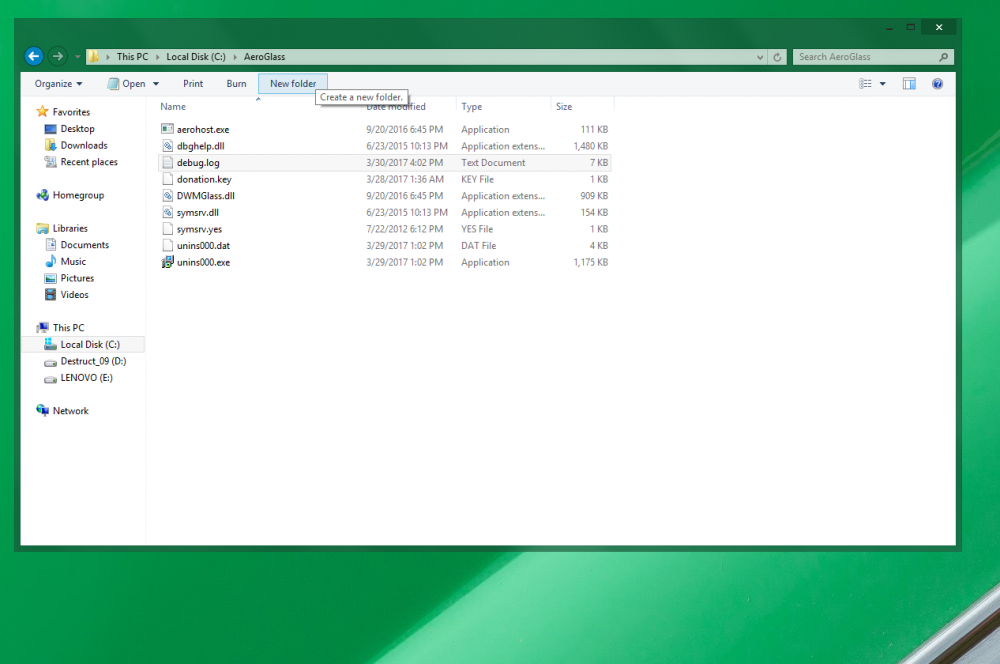
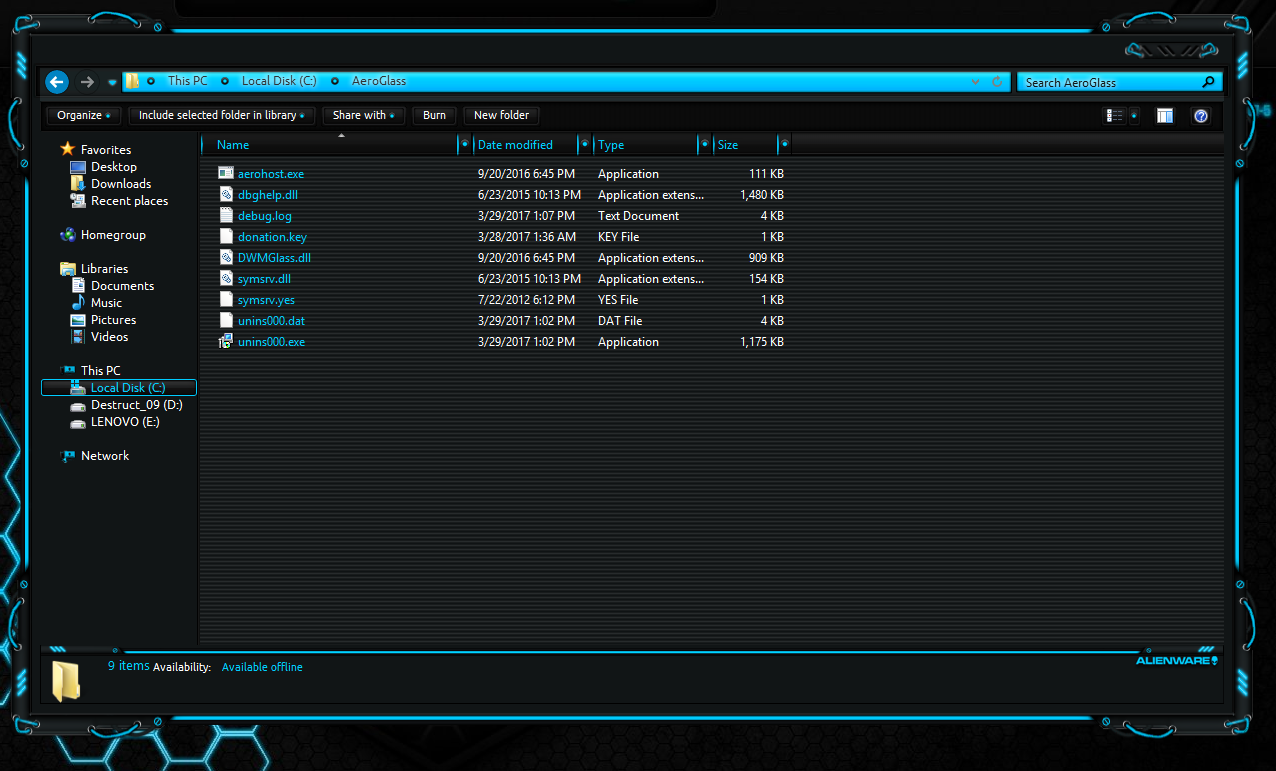
  4. As I mentioned with or without the theme my windows remain the same & I was using aeroglass on multiple themes in the past including this one.
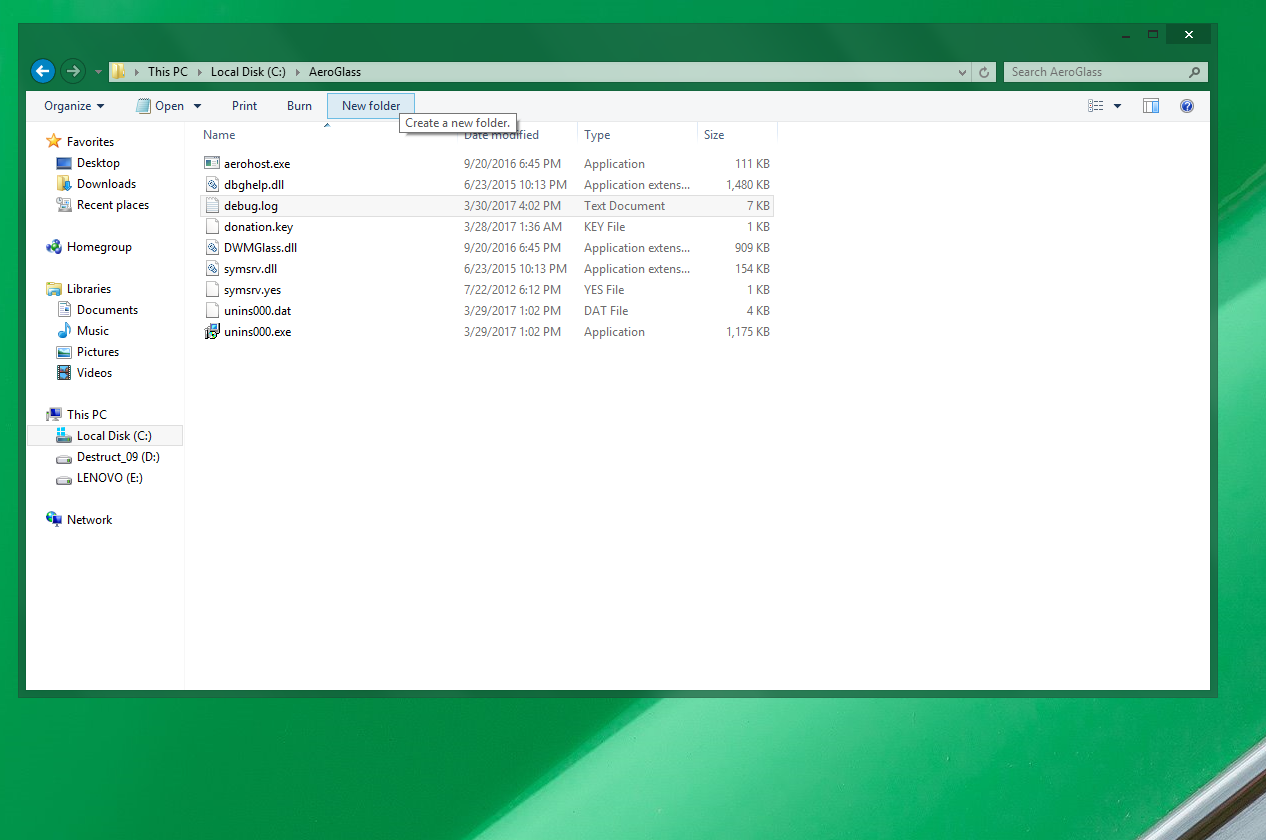
  5. Thanks for replying, for sure I rebooted but to no avail. debug.log attached, aeroglass is running but as you can see no window transparency. Have tried with and without theme. debug.log
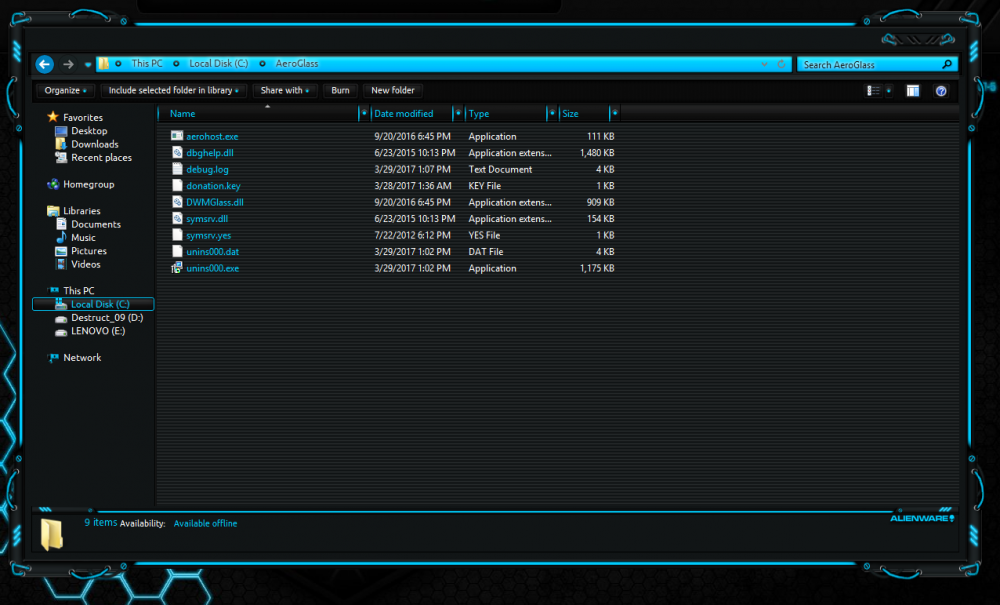
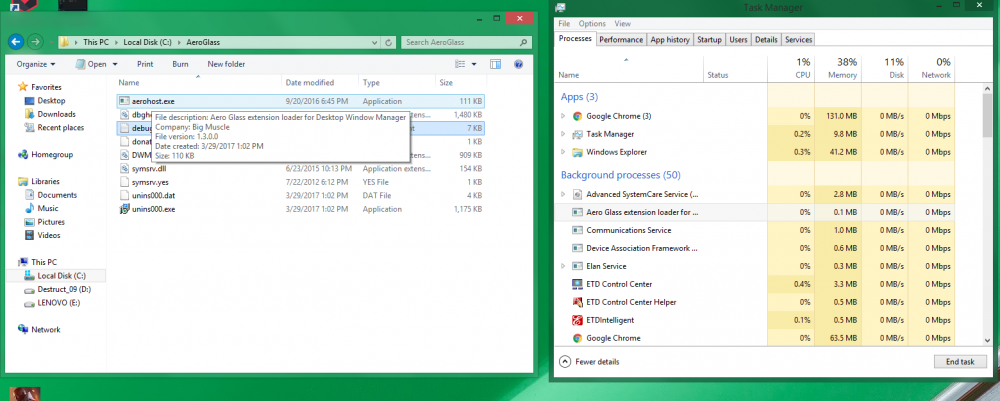
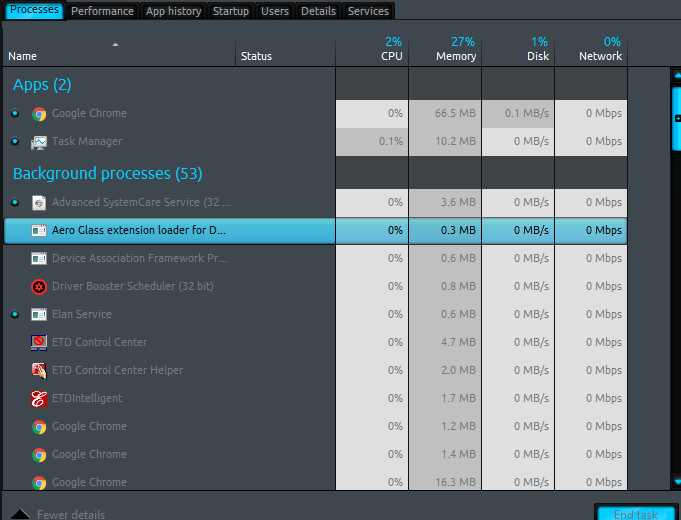
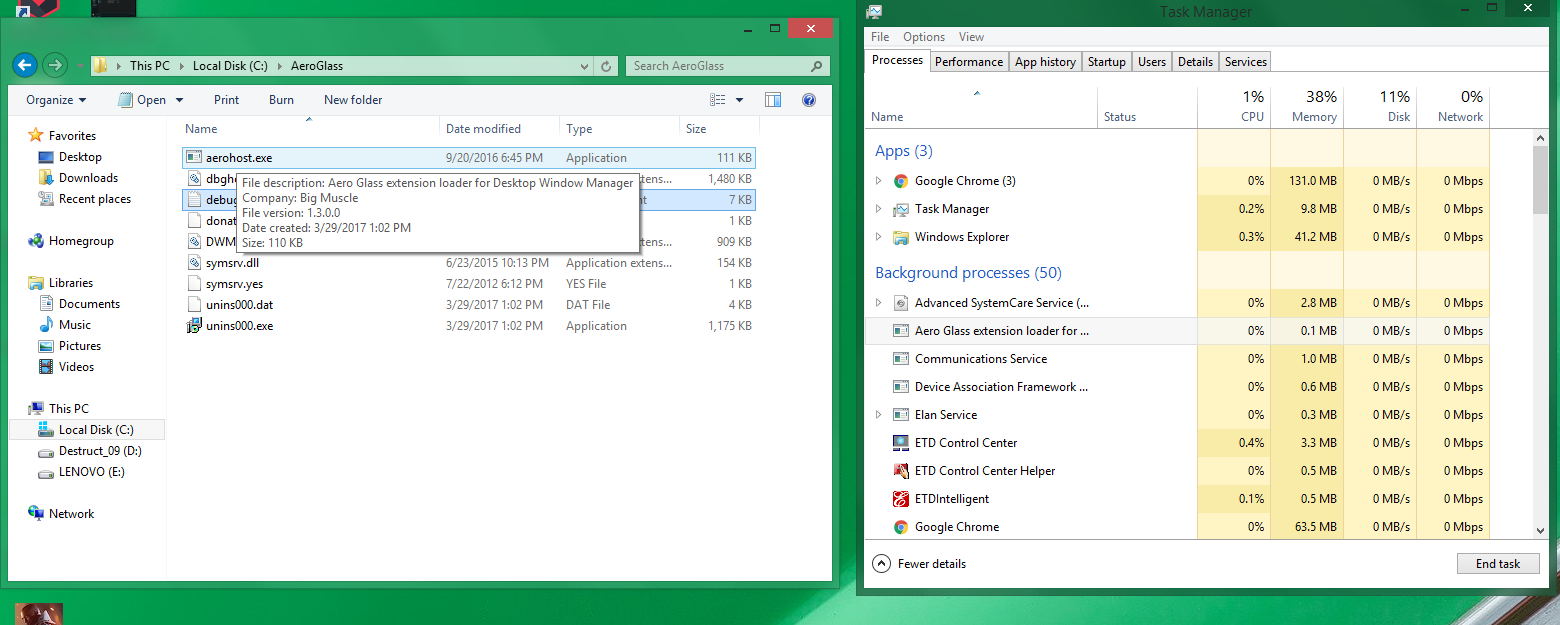
  6. Hi, Aeroglass v1.4.6 isn't working for me on Win 8.1-6.3.9600. I do not get any errors after installation but none of the explorer windows have any transparency. I have the donation key as well. Any help?
Account

Navigation

Configure browser push notifications

Chrome (Android)
  1. Tap the lock icon next to the address bar.
  2. Tap Permissions → Notifications.
  3. Adjust your preference.
Chrome (Desktop)
  1. Click the padlock icon in the address bar.
  2. Select Site settings.
  3. Find Notifications and adjust your preference.