




-
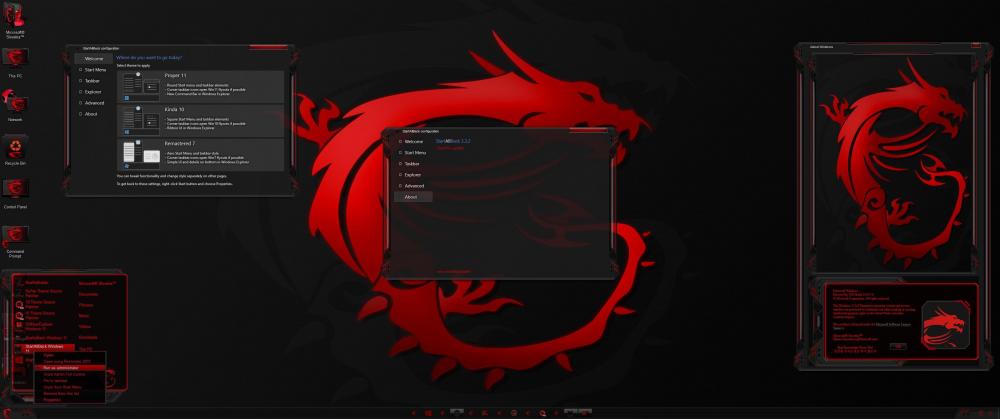
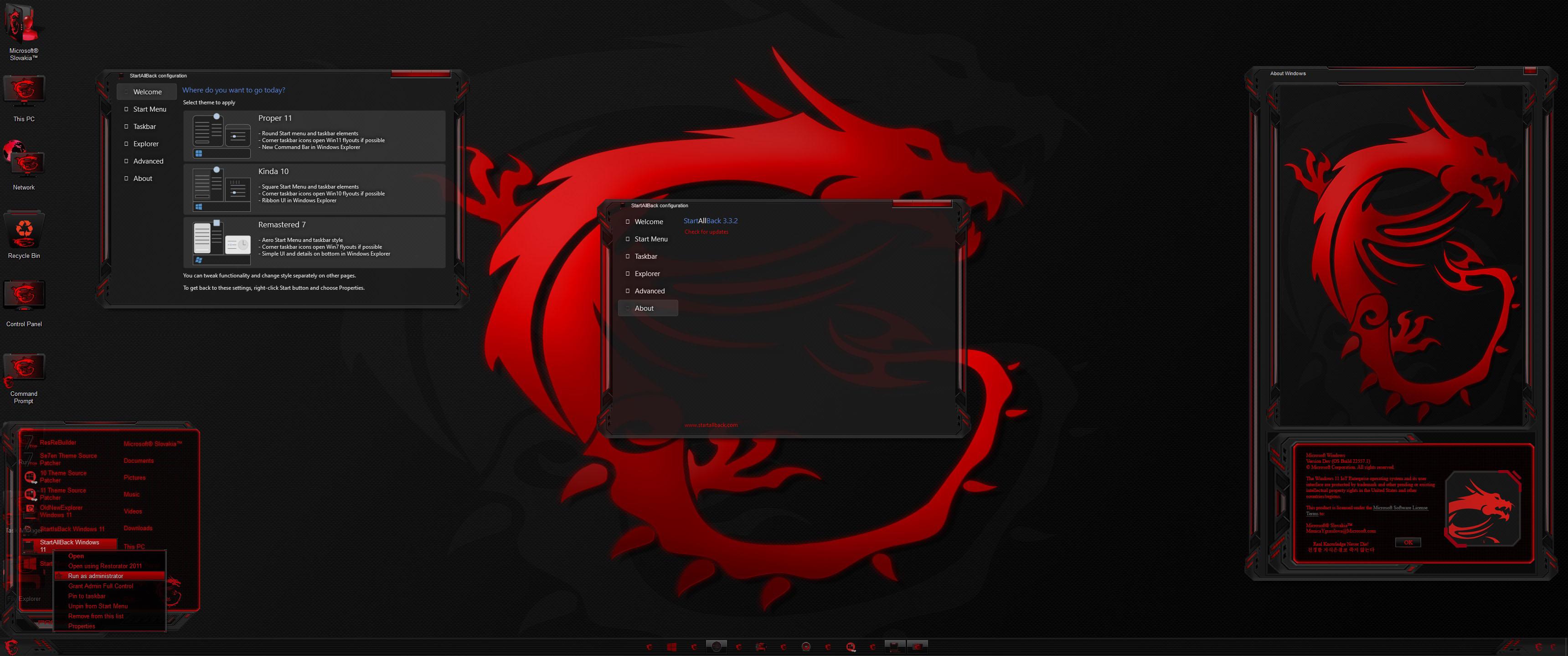
I see this pic have enable windows 11 explorer border by startisback 3.3.2 How I can enable windows 11 explorer border? Thanks!
-
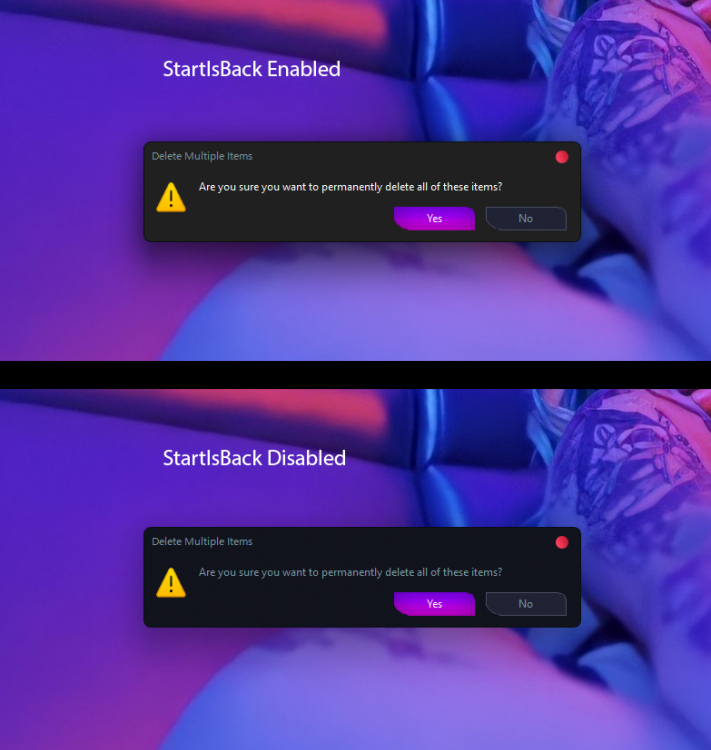
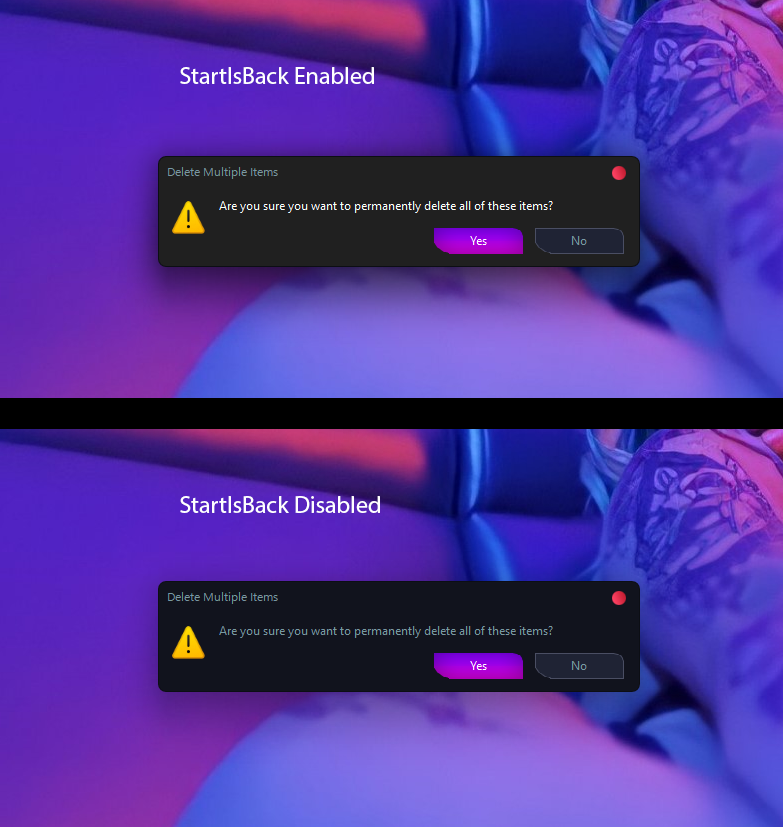
Thank you so much for great software. I have one issue. When startisback enable, it auto change background dialogs on dark mode to rgb 32, 32, 32. How can I fix it ? I want use dialog color of my theme. Thank you so much!
-
Yes. if you want icon default, you just don't install icon pack
-
I bought theme from cleodesktop and I just install theme with his guide and enjoy aero on windows 10 20h2. Cleodesktop have much aero nice theme, you can check on here: https://www.cleodesktop.com/search/label/Aero glass?&max-results=14 Cleodesktop is updating the aero themes to windows 10 2004 and 20h2.
-
Full Aero Glass back on Windows 10 2004 And 20H2 Theme: Black White Full Aero Glass Theme For Windows 10 2004 And 20H2 by Cleodesktop.com Link: https://www.cleodesktop.com/2021/03/black-white-full-aero-glass-theme-for.html
.thumb.jpg.4165f1b5a4318c77a00229f5d97be518.jpg)
-
Thanks for sharing! How to I can run it to work?
-
Awesome. Thank you so much! How to add "Show Desktop" to msstyle?
.jpg.de1c6b093646b6ce30468c9ef3d3c35b.jpg)