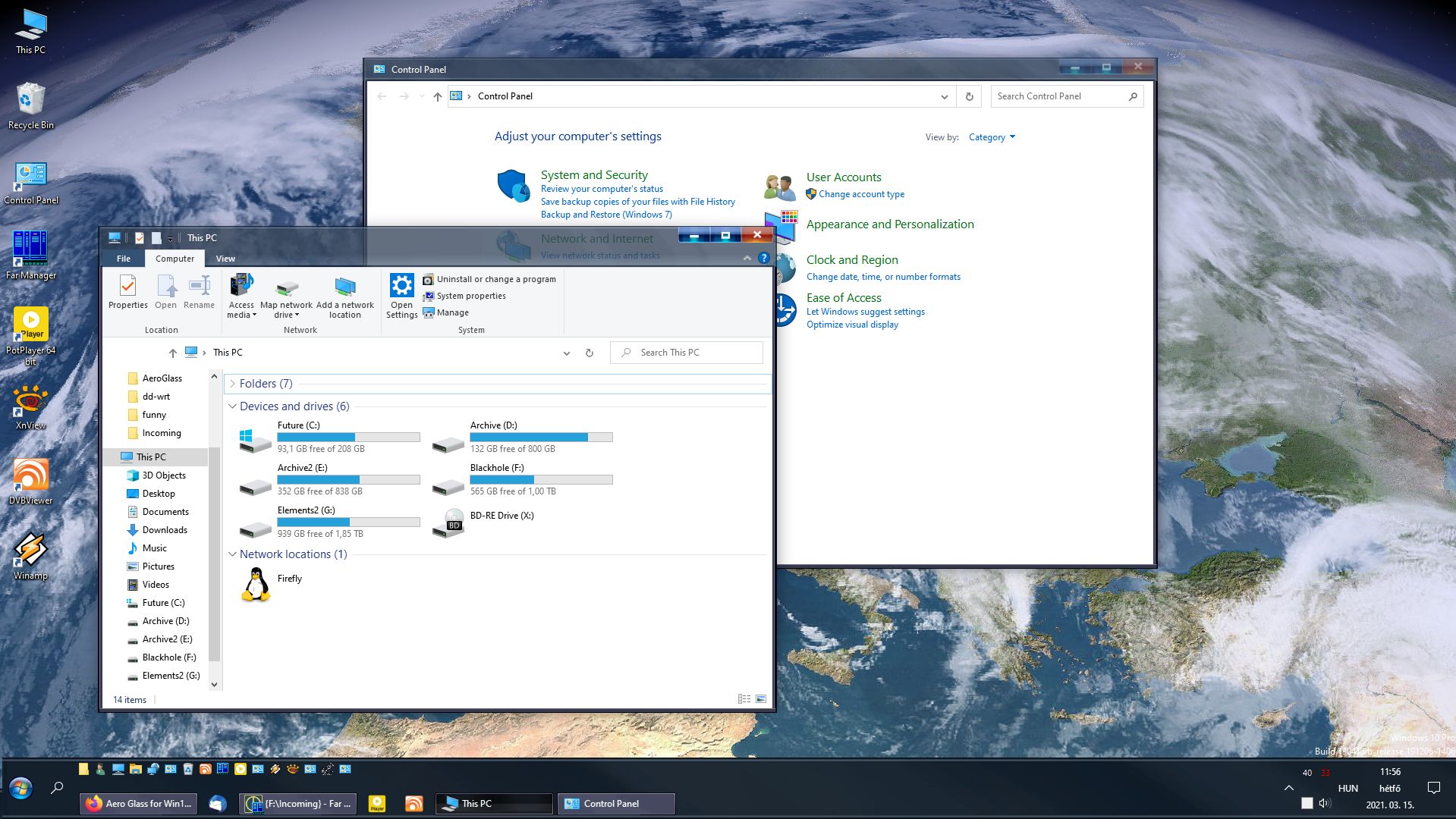
-
share it please, this really looks good...
-
no. It requires Stardock Curtains, that's all.
-
https://www.wincustomize.com/explore/curtains/273/
-
for me, this is the best so far... Midnite 7 by Maximus2020
-
I guess we were talking about Windowblinds
-
Dear Uk58, please don't get me wrong, I really appreciate the time and effort you have put into this. I guess I'd try my luck with it if I had the time and patience. Is it really not possible to make different sized caption buttons in Curtains like those in WindowBlinds?
-
this is the least bad skin for Curtains until now. but still... the proportions are not there. and the window buttons are ugly. but the least ugly so far. I give a try to Curtains in every one or two months, just to check if there's a decent win7 skin. but nothing so far...
-
Stardock Curtains is the closest in similarity. It has editable skins, but there's still not a half decent skin that looks like Win7 or Vista.
-
works from Hungary too.
-
this works for me with UxThemePatcher https://www.deviantart.com/niivu/art/Glassic-780843509
-
thanks. I won't install Windowblinds 'cause it's a resource hogging bloatware. (yeah, I tried.) I gave a chance to Curtains, but no dice...
-
I don't get it. I checked your Curtains skins on wincustomize.com, but the window buttons there look completely different. Am I missing something?
-
yes, but for how long can we do this? sooner or later there will be something in those dll's the system will be missing...
-
honestly, I let Areoglass go a couple of weeks ago. the wait was too long. now I just use a Win7 theme from Deviantart without transparency, but at least I have visible borders on the windows.
-
same here.