Skip to content
View in the app

A better way to browse. Learn more.

MSFN

A full-screen app on your home screen with push notifications, badges and more.

To install this app on iOS and iPadOS
  1. Tap the Share icon in Safari
  2. Scroll the menu and tap Add to Home Screen.
  3. Tap Add in the top-right corner.
To install this app on Android
  1. Tap the 3-dot menu (⋮) in the top-right corner of the browser.
  2. Tap Add to Home screen or Install app.
  3. Confirm by tapping Install.

CatHorse

Member
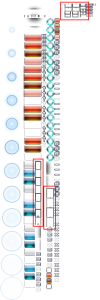
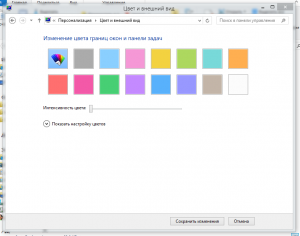
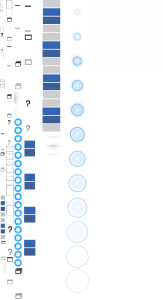
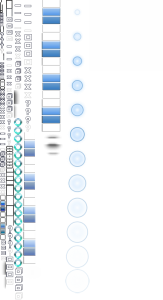
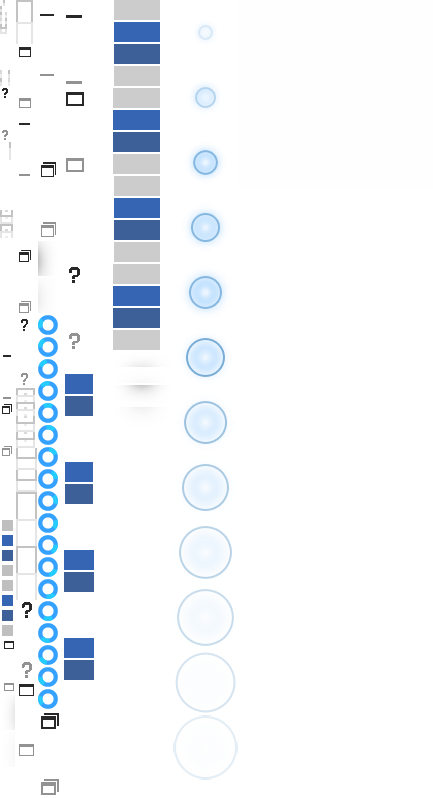
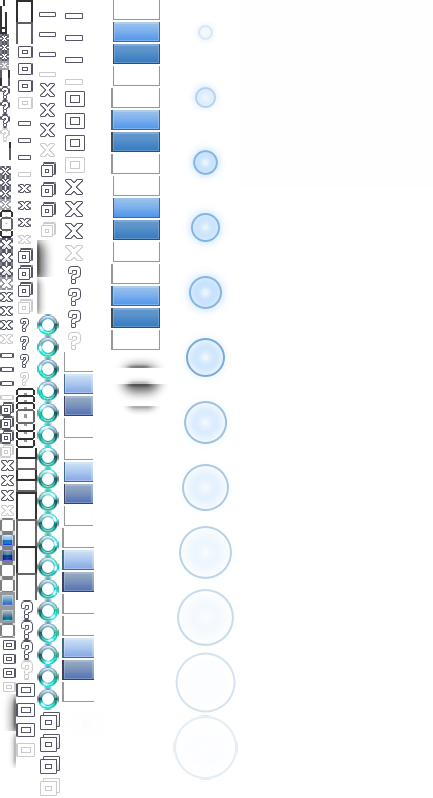
  1. Напишу по Русски,кто захочет нажмёт кнопку онлайн-переводчика Как раз этот ресурс и отвечает,в том числе за конфигурацию рамок окон.Вот как я отредактировал его(тот что показывал выше): И вот что получилось,это с первого раза и есть небольшие неровности,но это потом подправлю.Вроде неплохо вышло,а были абсолютно прямые углы. Создай themeatlas с такими углами, думаю любители тем Windows 7 оценят) Только у всех текстуры находятся в других местах .т.е. ты наверное используешь старую версию Aero Glass. Create themeatlas with this angles, I think fans Windows 7 themes will love this) All textures are in other places. You probably are using an older version of Aero Glass.

  2. У тебя с английским плоховато Вообще странный ресурс, все текстуры в других местах... Но мне кажется что-то из этого: You're English is bad Strange resource, textures in different places... But I think some of this:
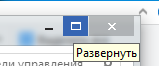
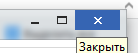
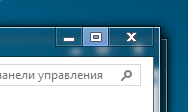
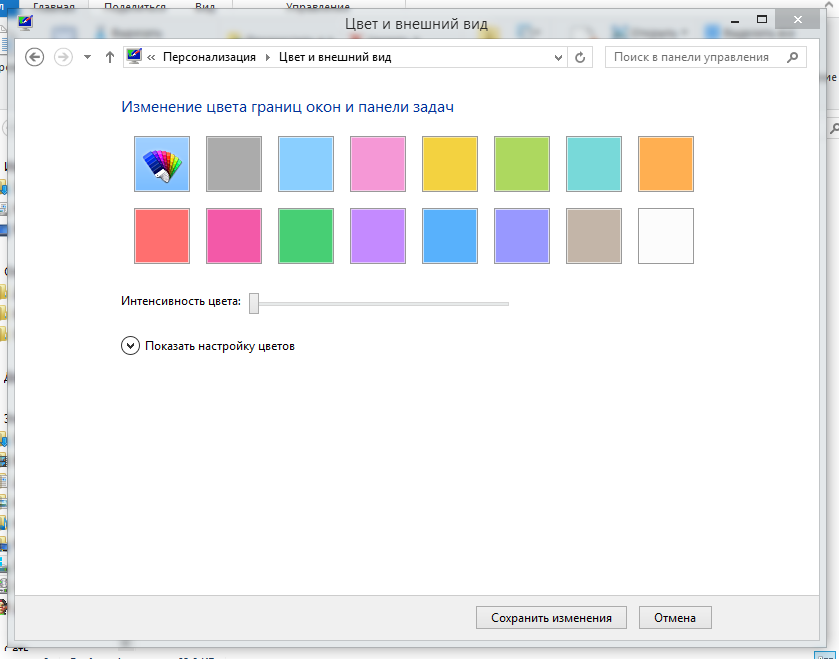
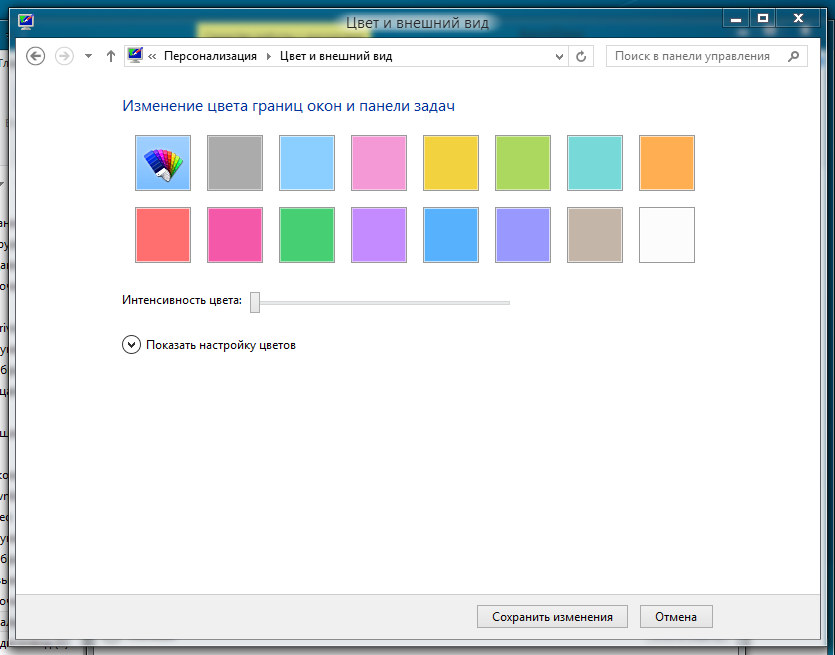
  3. Windows 8 Default theme with blue close button without glowing.
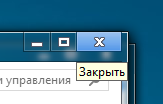
  4. Windows 8 Release Preview theme with blue close button without glowing.

Account

Navigation

Configure browser push notifications

Chrome (Android)
  1. Tap the lock icon next to the address bar.
  2. Tap Permissions → Notifications.
  3. Adjust your preference.
Chrome (Desktop)
  1. Click the padlock icon in the address bar.
  2. Select Site settings.
  3. Find Notifications and adjust your preference.