-
-
-
-
-
-
Easiest way to test them is to put them in the folder where your theme is (that you specified in the registry), rename the currently used file, name you test-theme like the currently used one, and close the dwm.exe window. That will restart the dwm.exe and load the new theme. Already opended windows must be refreshed to see effect.
-
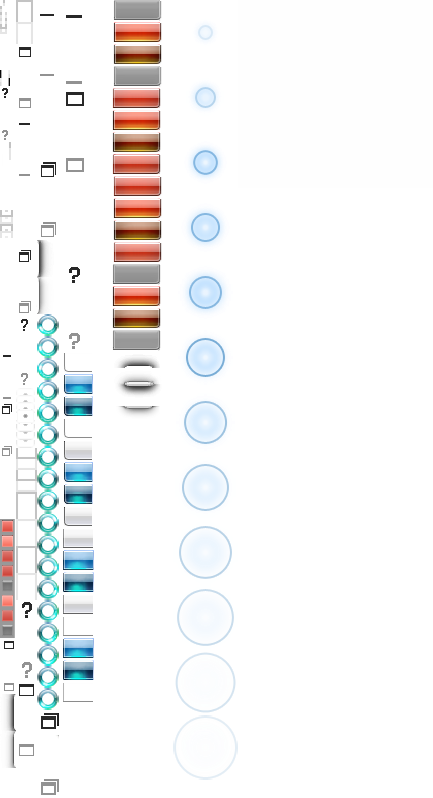
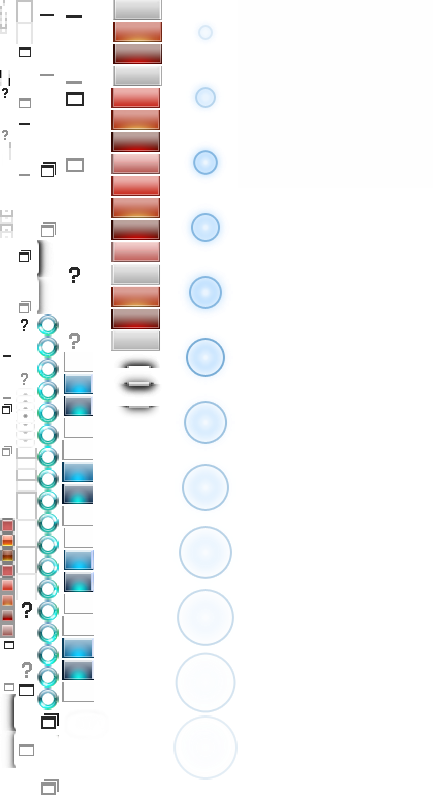
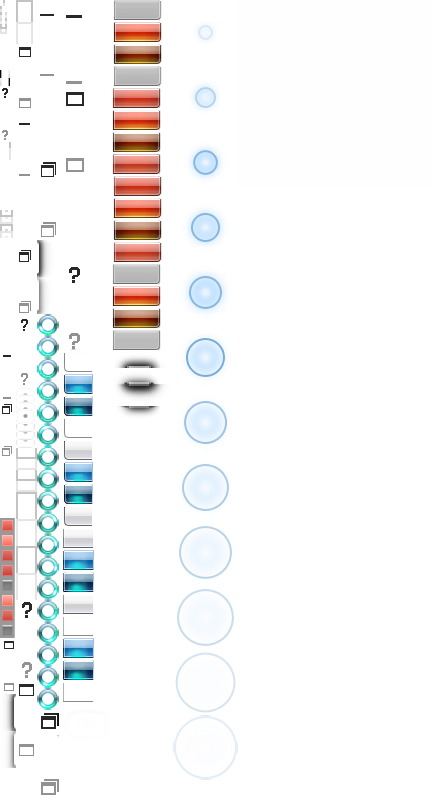
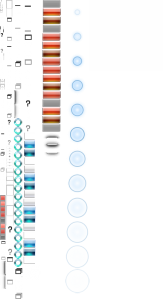
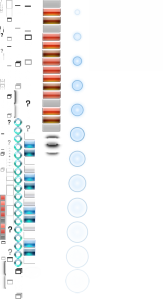
Noel´s theme, but with win 7 buttons Update: included the glow.bmp for beta 4
-
-
@infinality: I don´t know how he did it but NoelC uses rounded corners in his theme found on the download page of glass8 homepage. I took that as a basis and copy/pasted your button colors into it. I did not change the symbols, so now the win 7 buttons contain win 8 symbols. I like it that way.
-
debug.log says license file loaded. The popup window "This is BETA of Aero Glass for Win8.1." still appears. Edit: I used the licence key generated under win 8. I just generated a new one under win 8.1, and it was different than the old one. Let´s see if that works. Edit2: No popup anymore, maybe that´s also the reason why automatic downloading of symbols did not work. I did not change my CPU or harddrive, so I expected the old licence key to work, but obviously that was wrong.
-
-
-
-
-