Skip to content
View in the app

A better way to browse. Learn more.

MSFN

A full-screen app on your home screen with push notifications, badges and more.

To install this app on iOS and iPadOS
  1. Tap the Share icon in Safari
  2. Scroll the menu and tap Add to Home Screen.
  3. Tap Add in the top-right corner.
To install this app on Android
  1. Tap the 3-dot menu (⋮) in the top-right corner of the browser.
  2. Tap Add to Home screen or Install app.
  3. Confirm by tapping Install.

Trailblazer101

Member
  • Joined

  • Last visited

  • Country

    United States
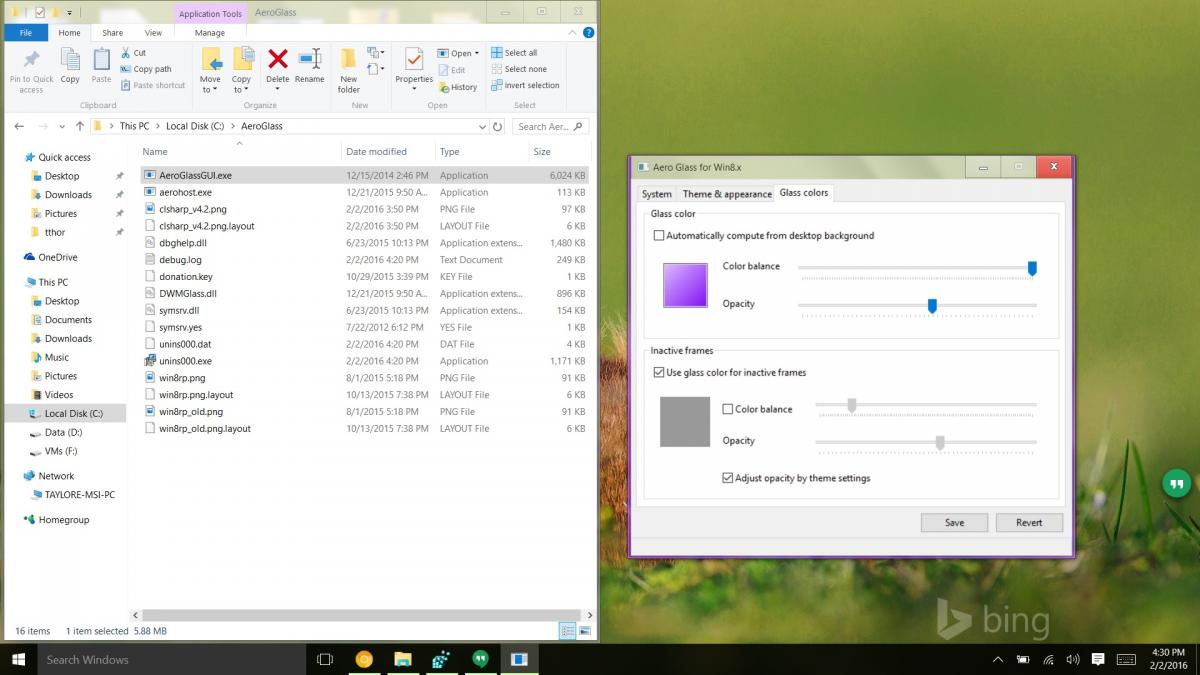
  1. I'm actually having the same issue: Anyone have any ideas? I've tried changing every setting in Theme Settings and for the AeroGlassGUI tool. I've tried changing the title bar color, and it doesn't work; I've previously been able to do it without a problem. I looked through the logs and it looks fine. Maybe someone can send a full registry 'backup' of what all the AeroGlass/Theme settings should be, and I can restore that?
  2. I can replicate this on Windows 8.1 with the latest beta, with my license. Not a big deal for me, personally, since I never use the tool, but...
  3. Whenever I try to add any CustomThemeResource, it never works... I added the String registry key in the right place, with the path definitely right... I'm getting this error a whole bunch of time: [0x20A4] Failed to load custom theme file (0x80070005) This has been the issue since the first build which added the option, it never worked... Everything else in the debug log looks fine... That looks quite good, ORelio. What tool are you using to edit the resources? -Noel Resource Hacker. It allows to view/extract/replace resources in exe, dll, msstyles files. The PNG file you are looking for can be found in the msstyles file at STREAM/983/1033. Once extracted, you can modify it with any image editor and apply the file with CustomThemeResource registry key. -- Or place it back in the msstyles file but you need to patch your system to use modified msstyles so bigmuscle's method is better

  4. Was this directed towards anyone in particular? If not, here you go! Windows 8 Pro RTM 64bit: UDWM (6.2.9200.16420) - https://docs.google.com/file/d/0B_vNYG0_RQUka2tlZzRZUGRadEk/edit?usp=sharing DWMCore (6.2.9200.16433) - https://docs.google.com/file/d/0B_vNYG0_RQUkZEJDcFRDX2NVaEk/edit?usp=sharing

Account

Navigation

Configure browser push notifications

Chrome (Android)
  1. Tap the lock icon next to the address bar.
  2. Tap Permissions → Notifications.
  3. Adjust your preference.
Chrome (Desktop)
  1. Click the padlock icon in the address bar.
  2. Select Site settings.
  3. Find Notifications and adjust your preference.