Homes32
Content Type
Profiles
Forums
Events
Everything posted by Homes32
-
You will need to post the entire log, and also the contents of X:\Windows\System32\PinUtil.ini, but it looks like you are trying to pin more then 100 items to the start menu.
-
[Duplicate Post]
-
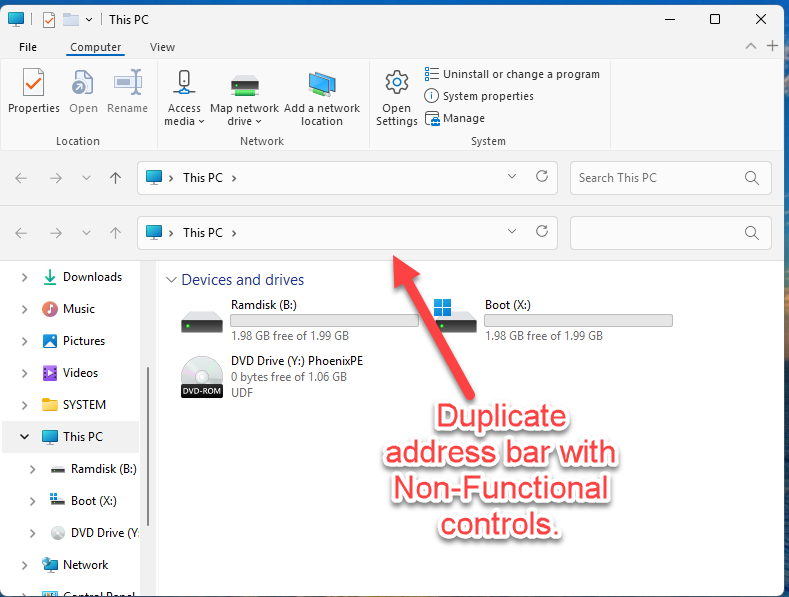
Somewhat similar issue in WinPE with Proper 11 theme. an extra address/nav bar is added to the window with non-functional controls. Win10 ribbon theme works fine. `

-
You need to escape percent signs in the URL proper. eg. KeePass%202.x/2.60 as KeePass#$p202.x/2.60 otherwise the engine is evaluating your variable %202.x/% (or in the case of the attached WebGet log %202.x/2.60/KeePass-2.60.zip",%)which will be empty and result in an invalid URL. FYI PhoenixPE has a wrapper for Aria (https://github.com/PhoenixPE/PhoenixPE/wiki/WebGetEx)
-
Hopefully. It looks like a relatively simple issue that's common when PHP is updated. Unfortunately, I've been trying to get in touch with galapo for over a month now (even before the site went down there were warning signs) and haven't had any luck. I'm sure as soon as he gets back from whatever he is doing it will be sorted out.
-
PhoenixPE is a WinPE Rescue/Recovery Environment based on Win10/Win11. It can be booted via USB, CD/DVD, PXE/Network, or hard disk. PhoenixPE uses the "next-generation" PEBakery engine resulting in faster build times and advanced features compared to legacy Winbuilder projects. Build from Win10/Win11 sources using either boot.wim or WinRE.wim as a base. Designed from the ground up to be developer/contributor friendly and use clean, well documented code. Easy to understand options and uncluttered user interface. Flexible and fully customizable. Features Drive Backup/Clone/Imaging Malware Removal Password Recovery File Recovery Forensics Tools Drive Partitioning/Install Prep. Hardware Diagnostics Offline OS Troubleshooting/Repair/Recovery And more... PhoenixPE includes a variety of carefully selected applications to get you started and PEBakery's user friendly scripting language makes it easy for you create your own scripts and customize PhoenixePE with your favorite apps and settings. Homepage: GitHub Latest Release: Download
-
Working great now! Thank you very much!
-
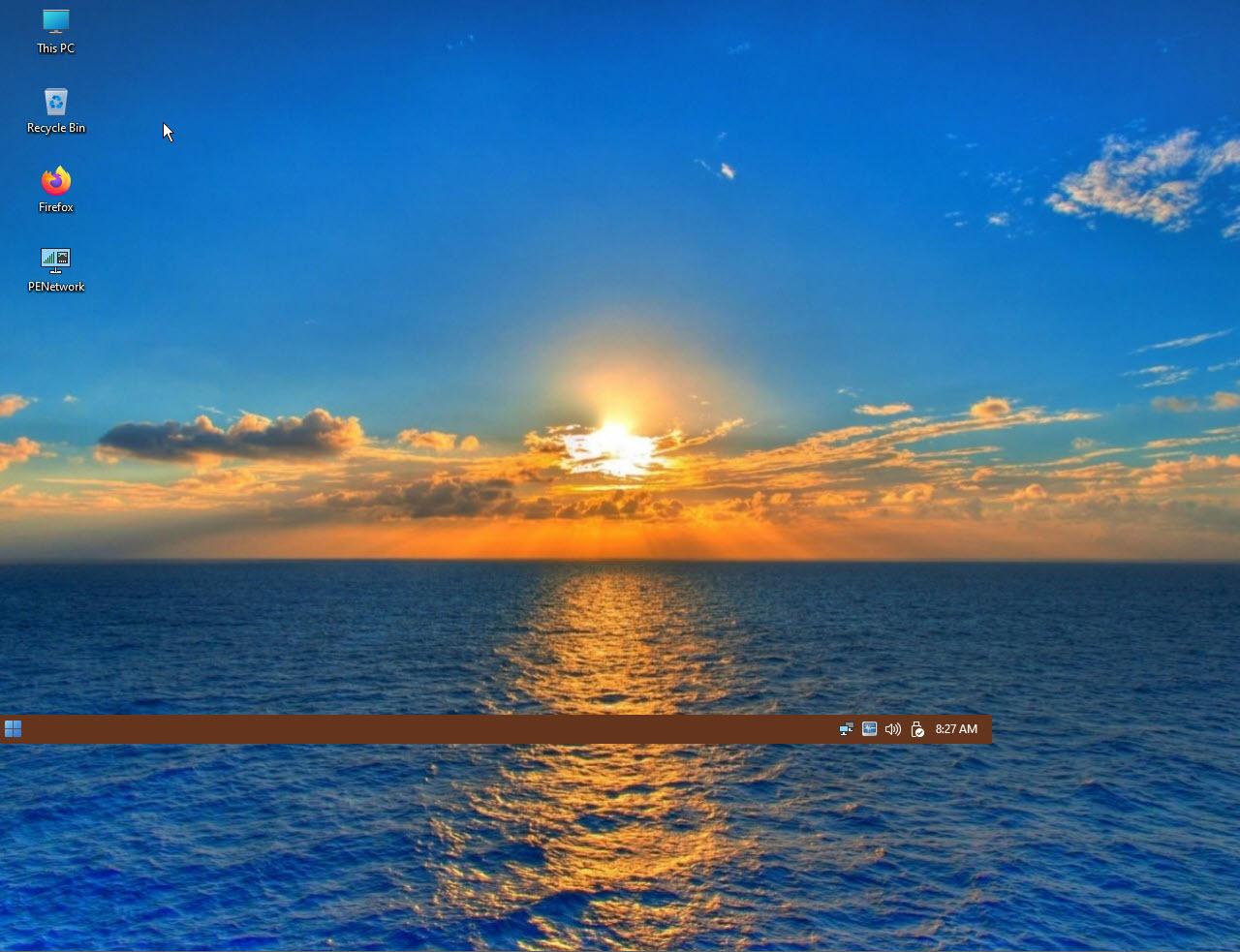
I'm having issues with display changes in WinPE. (PhoenixPE) Screen resolution changes [[ChangeDisplaySettings()/ChangeDisplaySettingsEx()] + broadcast WM_DISPLAYCHANGE are no longer causing StartAllBack to update it's geometry/screen position. I've attempted the usual tricks such as listening to WM_DISPLAYCHANGE in my own app and Broadcast WM_SETTINGSCHANGE with lParam "Display" Broadcast WM_TASKBARCREATED Sending SHAppBarMessage(ABM_WINDOWPOSCHANGED, abd) to Shell_TrayWnd Sending various combinations of RedrawWindow, InvalidateRect/UpdateWindow to Shell_TrayWnd Using SetWindowPos to bump Shell_TrayWnd 1px and back to trigger a recalc All attempts other then manually recalculating the geometry and using SetWindowPos to move it myself have been unsuccessful in triggering StartAllBack to realign itself. Is there a different window or message I should send to inform it of the display change? Thanks, Homes32
-
StartAllBack does not re-create SysTray icons on explorer restart (WinPE)
Homes32 replied to Homes32's topic in StartIsBack+
Working great now with v3.9.2. Thank you for the quick response! -
While running StartAllBack in WinPE, restarting the shell (explorer) does not restore the icons to the system tray. Even for programs that proper register and respond to the "TaskbarCreated" Window Message.
-
Figured . Thanks for the update. Merry Christmas & Happy New Year Cheers!
-
Is there a reason the Lang folder and language resource files are missing from the 5.4 release archive?