Everything posted by Helge09
-
-
-
Donated I have 2x. In Windows 8.1, the window is not visible. In Windows 10, it does not go awaym, despite key? Darovaná mám 2x. V systému Windows 8.1, okno není vidět. V systému Windows 10, to nejde daleko, přes klíč? Role: Donator Your support value: 13.00 € You can totally generate 8 keys. You have already generated 2 keys (6 remaining).
-
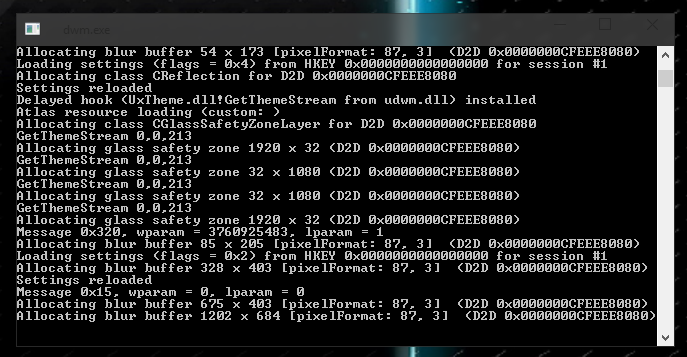
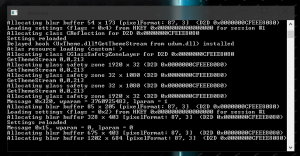
Hello, donation.key Compared key fits, Inserted donation.key, cmd window will not go away greeting Helge09 log.txt
-
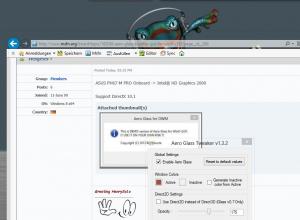
why the works "DWMHook08-64" version
-
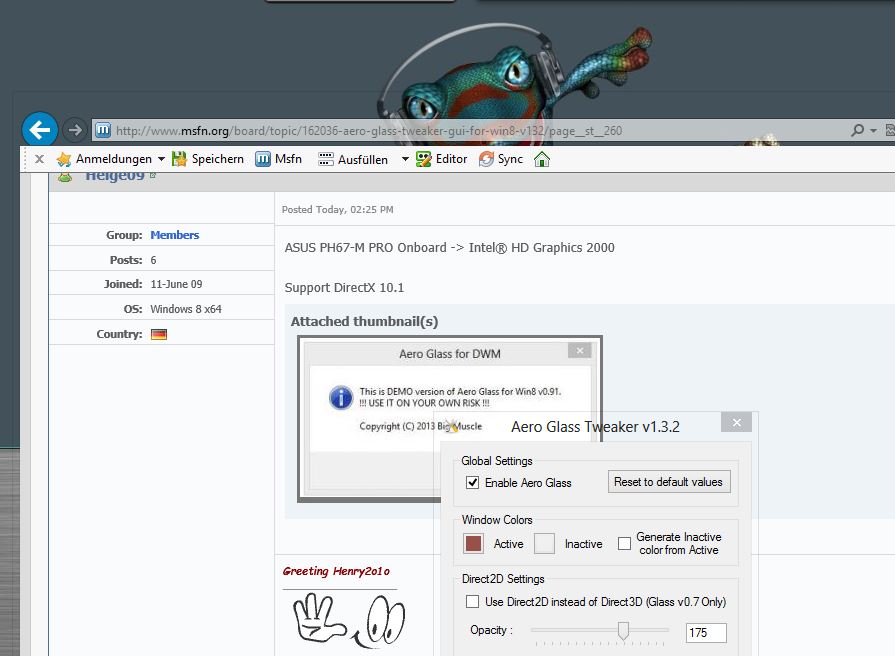
ASUS PH67-M PRO Onboard -> Intel® HD Graphics 2000 Support DirectX 10.1
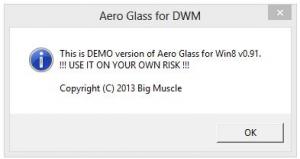
-
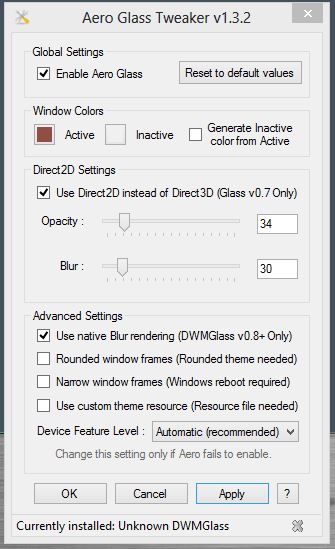
Windows Registry Editor Version 5.00 [HKEY_LOCAL_MACHINE\SOFTWARE\Microsoft\Windows NT\CurrentVersion\Windows] "LoadAppInit_DLLs"=dword:00000001 "AppInit_DLLs"="C:\\DWM\\DWMGlass.dll" "RequireSignedAppInit_DLLs"=dword:00000000 see pictures before and after restart no glass effect



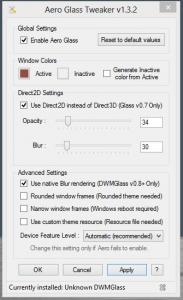
-
like the theme - can you post a link please Please upload your folder DWM Thank you
-
can you help me ?
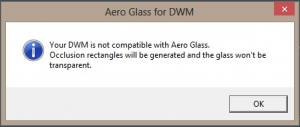
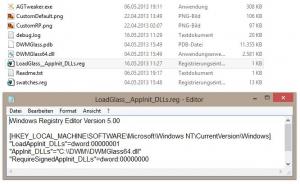
-
as described but there is an error
-
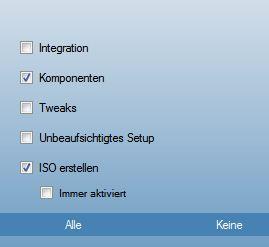
Hallo zusammen, Im Anhang habe ich ein Preset das bei mir geht. Habe nur die großen Komponenten entfernt. gruss Helge09 Last_Session.ini