Skip to content
View in the app

A better way to browse. Learn more.

MSFN

A full-screen app on your home screen with push notifications, badges and more.

To install this app on iOS and iPadOS
  1. Tap the Share icon in Safari
  2. Scroll the menu and tap Add to Home Screen.
  3. Tap Add in the top-right corner.
To install this app on Android
  1. Tap the 3-dot menu (⋮) in the top-right corner of the browser.
  2. Tap Add to Home screen or Install app.
  3. Confirm by tapping Install.

kr0nx

Member
  • Joined

  • Last visited

  • Country

    India
  1. kr0nx replied to aviv00's topic in vLite
    Thank you so much aviv00 ! 716 MB of server 2008 set up & it took only 2.5 gb of hdd space (without paging file and hibernate). I was surprised to see performance improvement...it took only 7 mins to install SQL 2005 Developer Edition. On vista and xp it takes approx 15 - 20 mins Special thanks to nuhi for nLite and vLite
  2. kr0nx replied to aviv00's topic in vLite
    What's the best config of vlite for server 2008 ? I'm going to install SQL server 2005 and Visual Studio 2008 on server 2008. I need IIS and Desktop Experience features. pls help me.
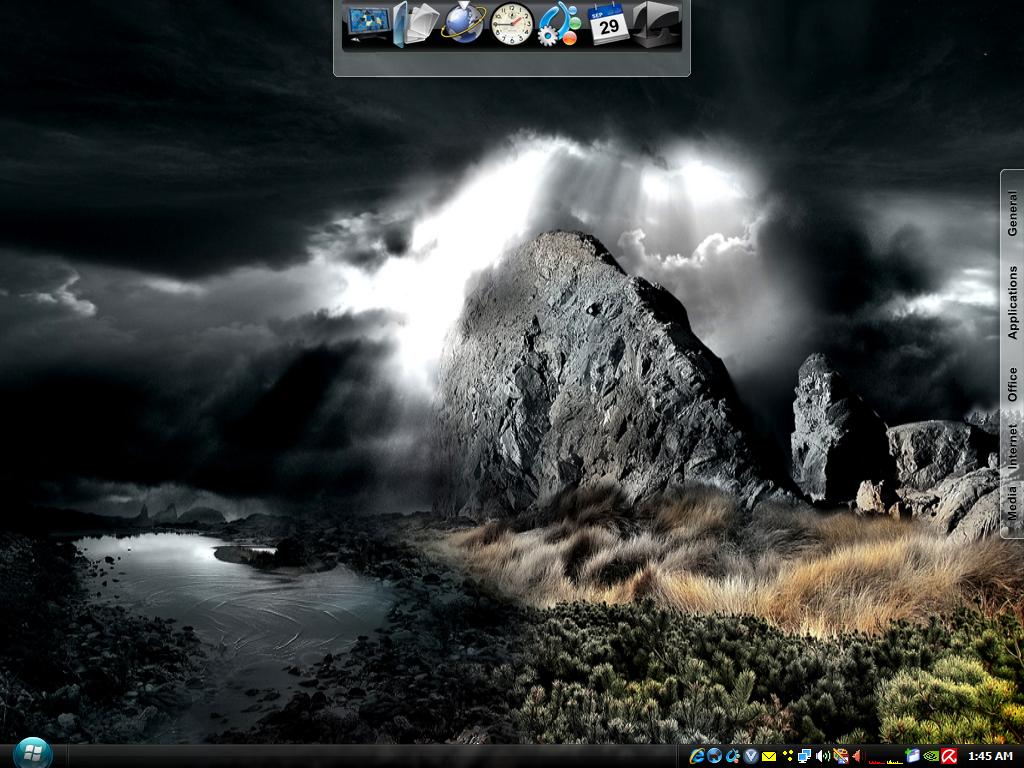
  3. Here's the link 'Mr. Shady http://www.wincustomize.com/skins.aspx?ski...119&libid=1 Enjoy
  4. Here's my XP desktop - Windowblinds Black theme... Objectdock... VTP 8...
Account

Navigation

Configure browser push notifications

Chrome (Android)
  1. Tap the lock icon next to the address bar.
  2. Tap Permissions → Notifications.
  3. Adjust your preference.
Chrome (Desktop)
  1. Click the padlock icon in the address bar.
  2. Select Site settings.
  3. Find Notifications and adjust your preference.