Skip to content
View in the app

A better way to browse. Learn more.

MSFN

A full-screen app on your home screen with push notifications, badges and more.

To install this app on iOS and iPadOS
  1. Tap the Share icon in Safari
  2. Scroll the menu and tap Add to Home Screen.
  3. Tap Add in the top-right corner.
To install this app on Android
  1. Tap the 3-dot menu (⋮) in the top-right corner of the browser.
  2. Tap Add to Home screen or Install app.
  3. Confirm by tapping Install.

FlyingHorse

Member
  • Joined

  • Last visited

  • Country

    United States
  1. I don't have that problem here. Checked on two different systems...
  2. See my reply to this post. DivX has been a known problem for several builds now. Perhaps the next DivX update will cure these problems.
  3. Try disabling DEP (Data Execution Protection) by editing your boot.ini file. Remove the switch that says "/NoExecute=OptIn" (or =OptOut if you changed settings) and use the switch "/Execute" Reboot. HTH
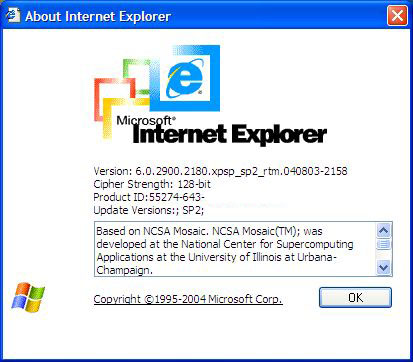
  4. Perhaps this is it? XP SP2 RTM (Build 2180) Offset : 0x0001BB8C Replace: 81 EC 88 00 00 00 A1 18 With : 33 F6 8B C6 C9 C2 08 00 Seems to work for me. Do you have a particular theme to try?
  5. Honestly I don't remember...
  6. Installed and working fine so far!!!!
  7. Yep!! That's where I'm getting my copy!! 266MB about 20% done now.

Account

Navigation

Configure browser push notifications

Chrome (Android)
  1. Tap the lock icon next to the address bar.
  2. Tap Permissions → Notifications.
  3. Adjust your preference.
Chrome (Desktop)
  1. Click the padlock icon in the address bar.
  2. Select Site settings.
  3. Find Notifications and adjust your preference.