-
nuhi, I removed almost all the listed components except Display adapters, Ethernet network adapters and Sound controllers, the image file is 1.45G, the installation was flawless. thanks, keep on the good work.
-
I just tried vlite 0.6 beta on Simplifed Chinese vista business, it doesn't work that well, at the final stage of installation, vista pops up a window with the message"some components may not be installed correctly", then press ok to quit. With the same setting, it is cool on English version. I hope vlite would get better and better, just like nlite, it is really a great software.
-
The default setting in mpc is able to play, I tried different settings in mpc, and I could not tell much difference. If there is no upgrade for now, it is cool to use mpc too.
-
I tried with different combinations in mpc, those rm and rmvb files are playable, but I still can't use wmp to watch them. And I just found that mkv files could not be played in wmp either, but they are ok in mpc.
-
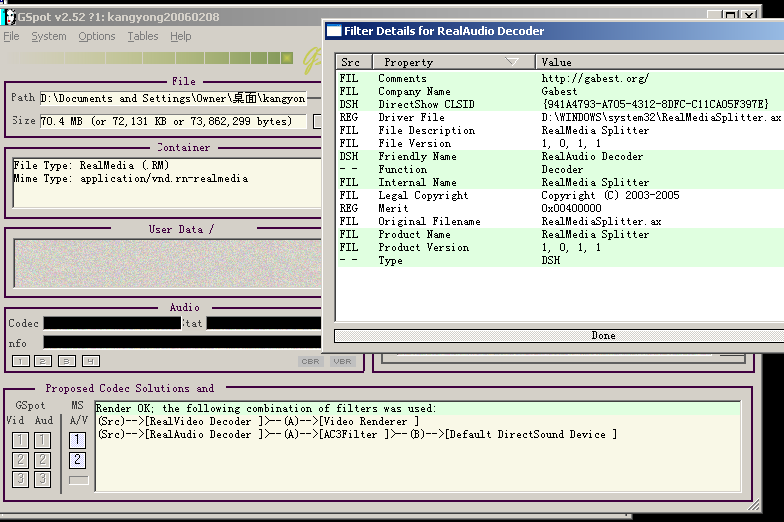
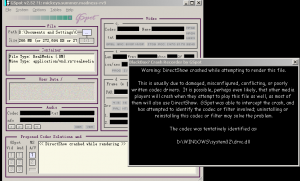
Those playable rm files gspot reports.
-
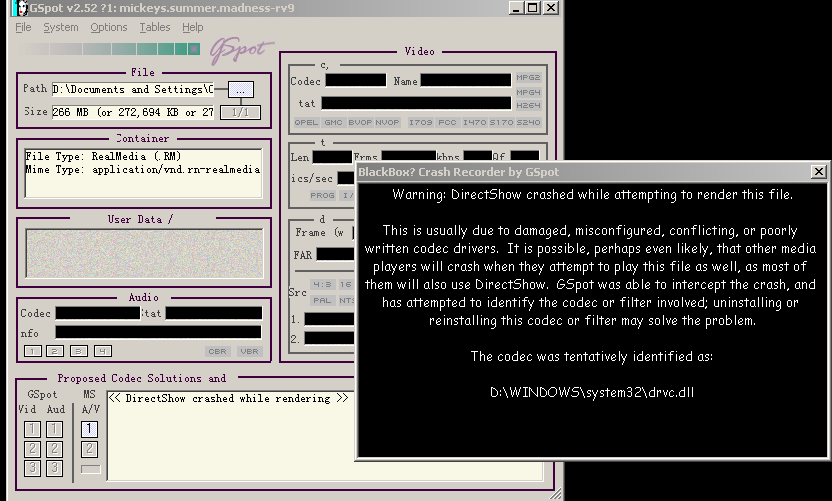
update on the real problem. I tried some other rm files, both media player and media player classic can open them. The rmvb files I tried on Gspot, they didn't work while rendering, error message showed drvc.dll error.
-
The real problem I reported yesterday, it is kind of strange, I can use media player classic to open rmvb files, but not media player.
-
I use option1 to slipstream in winxp sp2, but Real [10.0.0.961] doesn't work. I couldn't play rmvb files.
-
to tommyp 20050821_ie6.rar
-
hope this could help. sc_2k.rar
-
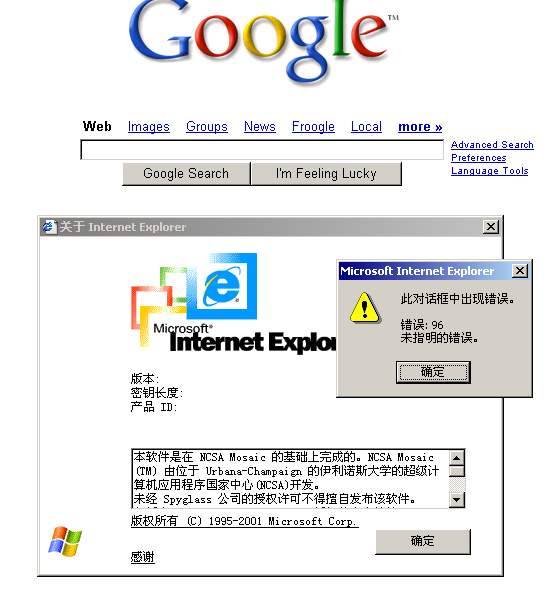
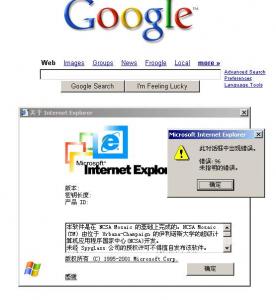
yesterday, I tried the hfslip(0806) in Chinese simplified version of win2000, but this time got another problem, the slipstreaming of IE and OE doesn't work, the about box of IE and OE shows error message like this: error 96, unspecific error. what is worse, when using IE, I could not type anything inside the webpage, so no search or email login possible.
-
tommyp, hope this gmail problem could be fixed. ieexcep.rar
-
I try this on Chinese simplified win2000, it works alomost great, but there is still a problem with the slipstream of IE6. I could not log in gmail with this IE6, it indicates that activex was disabled, no matter how I change the activex setting, I just could not log in. If I reinstall the IE6, it works fine.
-
you should try xp-lite, a software from litepc.com, the best for slow pc