Everything posted by akabei
-
Did that 4 or 5 times, never worked...
-
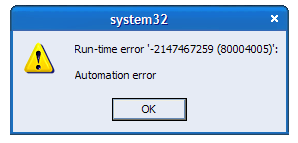
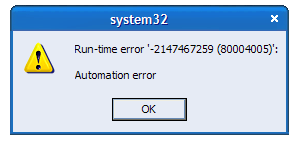
Hello guys, I keep getting this error (see attached img) everytime I first launch Outlook 2002. If I then close and restart the program everything goes fine. It's just the first time. Saying OK to the error message does not cause any harm or malfunctioning. It's just annoying. My Office XP is perfectly legit and updated. Got any clues about that?
-
yep got a 9500pro agp 8x ati based videocard. I updated the drivers more than often, WHQL drivers, hacked drivers, latest drivers and so on, but this wdm thing never changed. why do you ask?
-
Hi all. It appears I have a problem with WDM - Legacy Video Capture Drivers. I need these for my cam to work. These system drivers appears to be enabled but not functioning (that's what it says). I can't remove/reinstall those drivers but I need them to work... Does any of you know how to troubleshoot/update this driver? TIA
-
hello screemer I had networking working on vmware with LH. I had the same problem as yours. I worked that out by configuring networking under a previous build of LH (4008 or 4015) and then express upgrade to 4029.