Skip to content
View in the app

A better way to browse. Learn more.

MSFN

A full-screen app on your home screen with push notifications, badges and more.

To install this app on iOS and iPadOS
  1. Tap the Share icon in Safari
  2. Scroll the menu and tap Add to Home Screen.
  3. Tap Add in the top-right corner.
To install this app on Android
  1. Tap the 3-dot menu (⋮) in the top-right corner of the browser.
  2. Tap Add to Home screen or Install app.
  3. Confirm by tapping Install.

apr911

Member
  • Joined

  • Last visited

  • Country

    United States
  1. In light of the recent announcement that the $100 laptop may sell to the general public, I wanted to go and watch a movie i saw a few years back. I unfortunately cant remember the title of this movie so i figured i would ask here to see if anyone is familiar with it and can give me a title. In the movie, this guy gets to head up an engineering team. When he first took the job, he thought it was to head up the Ironman (i think it was iron man) design team, but when he gets to the engineering firms campus, he finds out he is to head up the one engineering project that no one will touch. The $100 computer, affectionately known as the cheapy box. No one thinks its possible, but the guy prevails and is ready to market the cheapy box when the head of the iron man project steals it and tries to market it himself. The guy realizing whats going on scrambles and designs a new cheaper computer with holographic images and shows up the iron man head at a directors meeting by showing off his new design. Anyone know what this movie is called? My description of what happens may not be perfectly accurate but it is what i recollect.

  2. Hey Dagonet' Whats that little taskbar looking thingy that you have at the top of your screen and where/how did you get it?
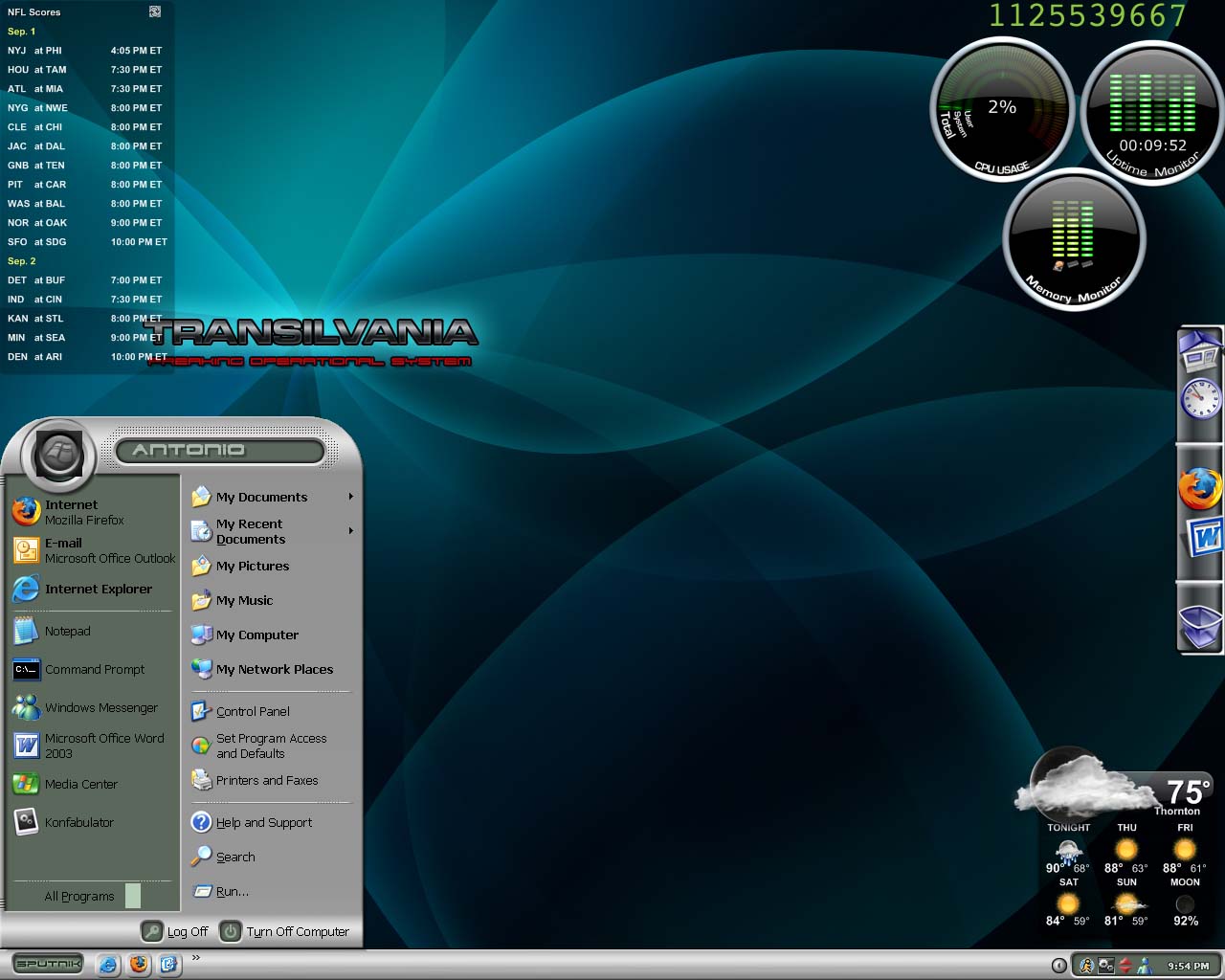
  3. I have a question about the second task bar i am seeing on many of the screen shots... I have the standard windows taskbar and a docked bar similar to mac... but i have never seen the third task bar before... I am really curious about it and would like to know where i can obtain a copy of it... The most popular one seems to be 3fx... Any help is Much appreciated Thankyou, Tony

Account

Navigation

Configure browser push notifications

Chrome (Android)
  1. Tap the lock icon next to the address bar.
  2. Tap Permissions → Notifications.
  3. Adjust your preference.
Chrome (Desktop)
  1. Click the padlock icon in the address bar.
  2. Select Site settings.
  3. Find Notifications and adjust your preference.