-
i think i did it right but now i found a way how it worked for. i just copied the whole iso image files in the root folder and linked my BCDW to the "bootsect.bin" in the root and know it worked. Actually i also had some probs with UBCD too and I made it the same way like with the erd. just linked it to the /boot/loader.bin and it worked fine. Now it's just kinda complicated file structure but everythings works. But thanks for all!
-
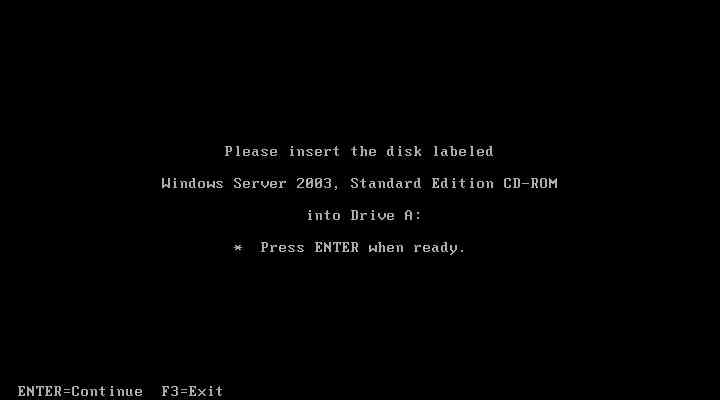
to the anwser of lostincyberspace2007 I just checked every file of those you mentioned are existing in my dvd-root, so i'm actually don't know why it still wants the cd in drive a: maybe you know something else that would be great!
-
Here i took a screenshot. so if someone can help me. I didn't do anything beside the guide so why is it still happening?
-
Hi everyone I just read your posts here and i'm actually have the problem that i ERD05 and 2003 server on the cd and it still won't work. I already changed the path in the txtsetup to the path of the 2k3 server installation folder but it still needs the cd. What did i wrong or what can i should i do? Thanks for helping