Skip to content
View in the app

A better way to browse. Learn more.

MSFN

A full-screen app on your home screen with push notifications, badges and more.

To install this app on iOS and iPadOS
  1. Tap the Share icon in Safari
  2. Scroll the menu and tap Add to Home Screen.
  3. Tap Add in the top-right corner.
To install this app on Android
  1. Tap the 3-dot menu (⋮) in the top-right corner of the browser.
  2. Tap Add to Home screen or Install app.
  3. Confirm by tapping Install.

user92843535

Member
  • Joined

  • Last visited

  • Country

    Germany
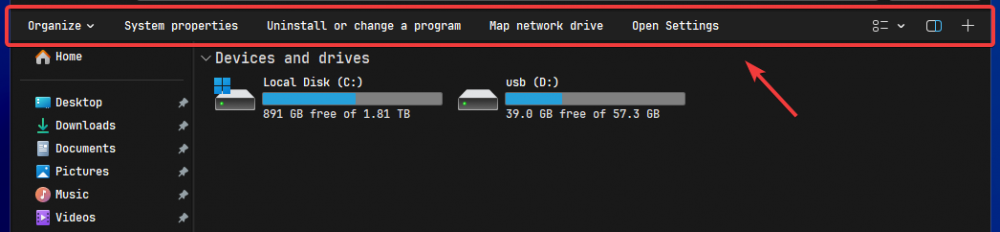
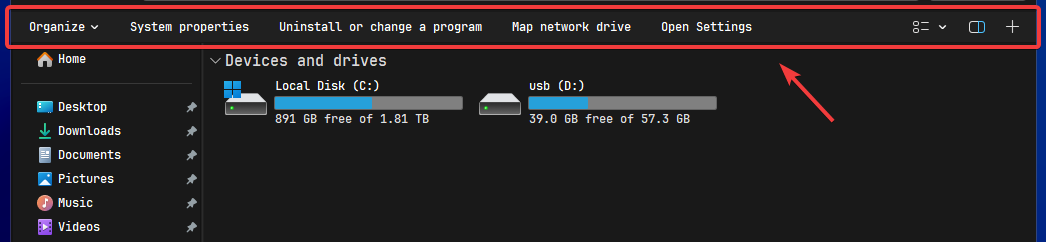
  1. Hey, is there a way to hide this bar when using the Win7 Command Bar? I believe it's called Ribbon. If not, could this be added as a feature request?
  2. Hello there, I would like to know if there is any way to add X and Y margins to the Taskbar, to make it kind of a floating dock style. Start11 has this feature, but I very much prefer SAB. I've looked around old forum posts and couldn't find an answer. I'll attach screenshots to further explain what I mean. Fully floating with X and Y offset: Just X offset, taskbar on top: I've read that email would be the preffered and primary place for support but my support email from many weeks ago regarding a different topic never got answered so I'm posting this here. Thank you in advance.

Account

Navigation

Search

Search

Configure browser push notifications

Chrome (Android)
  1. Tap the lock icon next to the address bar.
  2. Tap Permissions → Notifications.
  3. Adjust your preference.
Chrome (Desktop)
  1. Click the padlock icon in the address bar.
  2. Select Site settings.
  3. Find Notifications and adjust your preference.