Skip to content
View in the app

A better way to browse. Learn more.

MSFN

A full-screen app on your home screen with push notifications, badges and more.

To install this app on iOS and iPadOS
  1. Tap the Share icon in Safari
  2. Scroll the menu and tap Add to Home Screen.
  3. Tap Add in the top-right corner.
To install this app on Android
  1. Tap the 3-dot menu (⋮) in the top-right corner of the browser.
  2. Tap Add to Home screen or Install app.
  3. Confirm by tapping Install.

coc778899

Member
  • Joined

  • Last visited

  • Country

    China
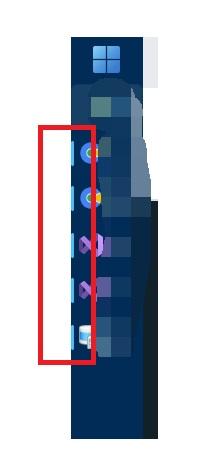
  1. @Tihiy I want ask if it is possable make progress bar at bottom, when taskbar is on the left/right?
  2. @Tihiy Try 3.7.11 it is works right
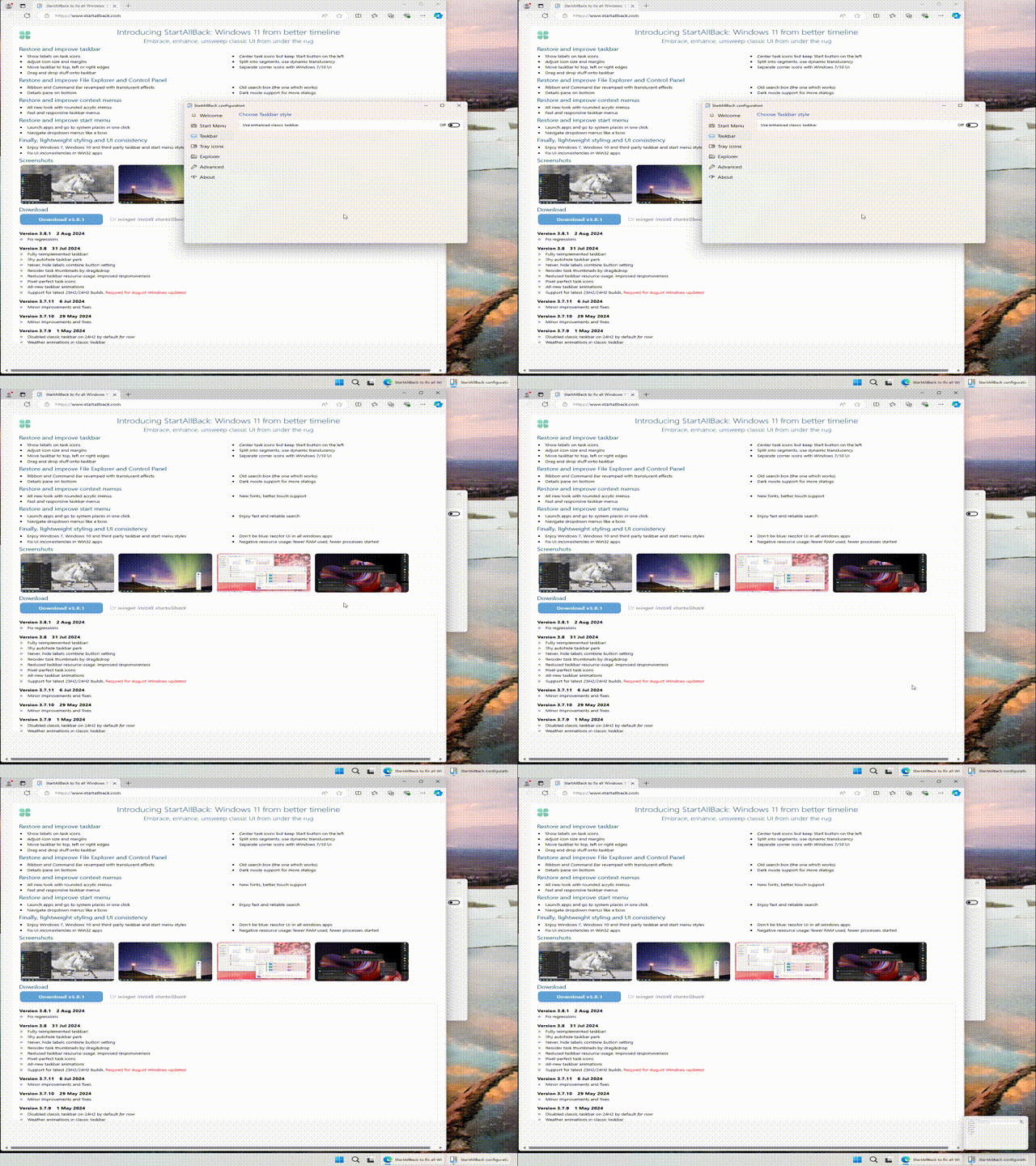
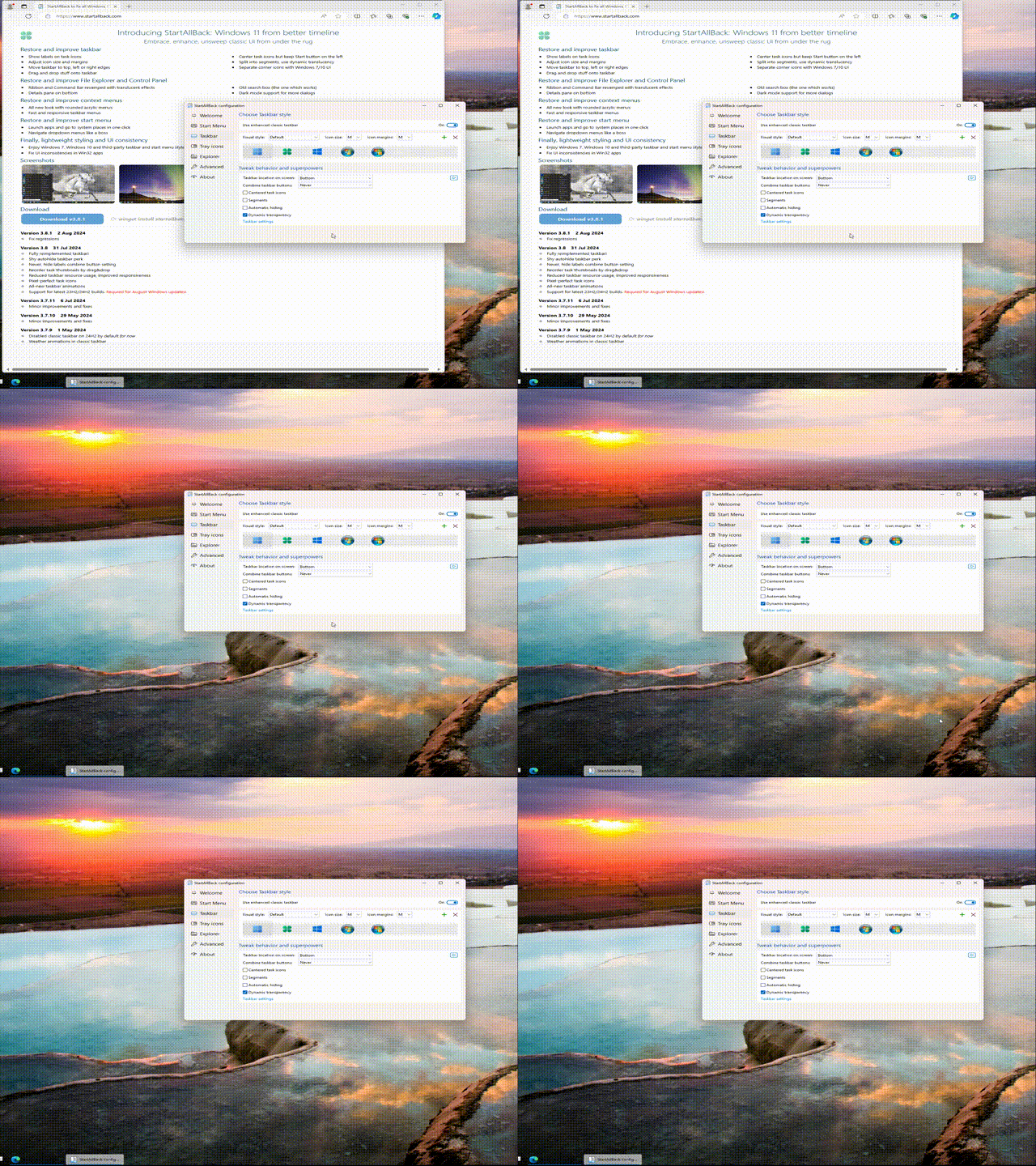
  3. win+number shortcut seems not work right when enhanced classic taskbar enabled. as those gif ,when i press win + 1,it should be just take edge browser to foreground, but it is minimize now. startallback version 3.8.1 24H2 build 26100.1150

Account

Navigation

Configure browser push notifications

Chrome (Android)
  1. Tap the lock icon next to the address bar.
  2. Tap Permissions → Notifications.
  3. Adjust your preference.
Chrome (Desktop)
  1. Click the padlock icon in the address bar.
  2. Select Site settings.
  3. Find Notifications and adjust your preference.