Skip to content
View in the app

A better way to browse. Learn more.

MSFN

A full-screen app on your home screen with push notifications, badges and more.

To install this app on iOS and iPadOS
  1. Tap the Share icon in Safari
  2. Scroll the menu and tap Add to Home Screen.
  3. Tap Add in the top-right corner.
To install this app on Android
  1. Tap the 3-dot menu (⋮) in the top-right corner of the browser.
  2. Tap Add to Home screen or Install app.
  3. Confirm by tapping Install.

Geovanesou

Member
  • Joined

  • Last visited

  • Country

    Brazil
  1. Version 3.8.1 solved my aesthetic issues and now that I have signed up to this forum, you can be sure that I will test each release and contribute whenever possible. Thank you.
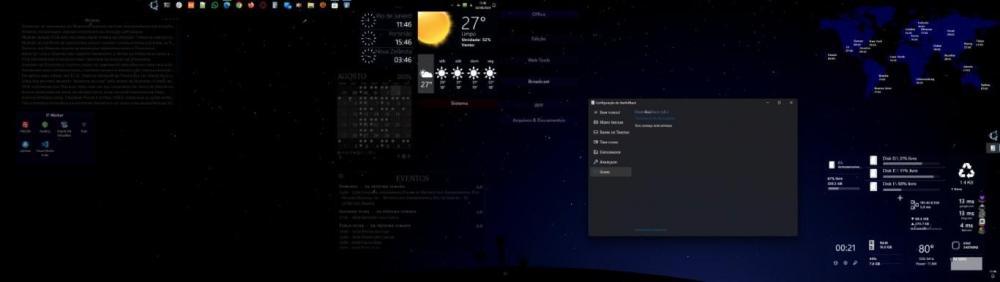
  2. Geovanesou changed their profile photo
  3. Latest update make things not work as I like! I need just the one version before the latest!
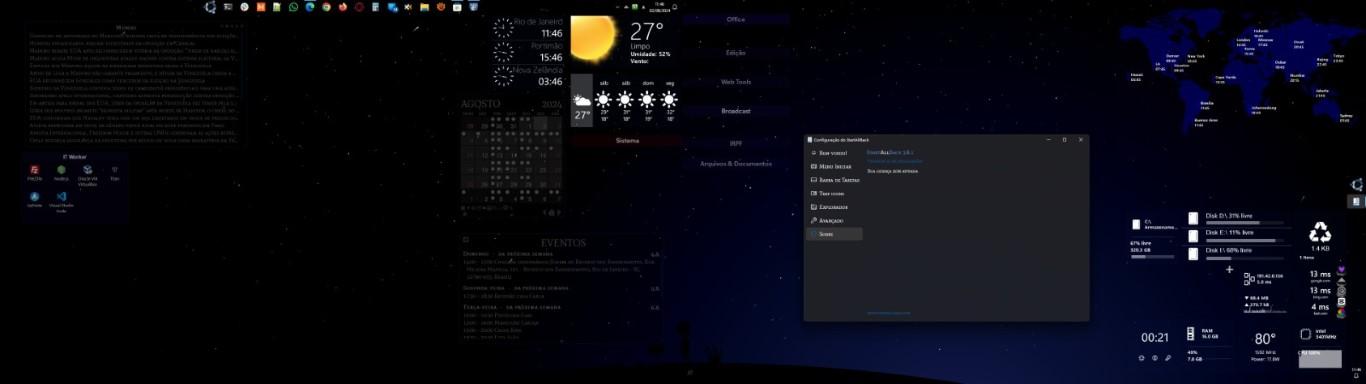
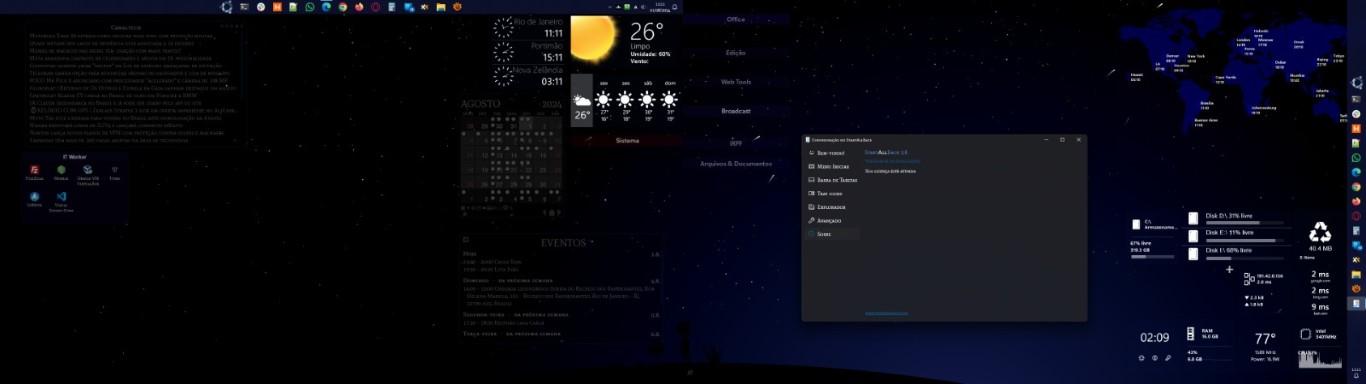
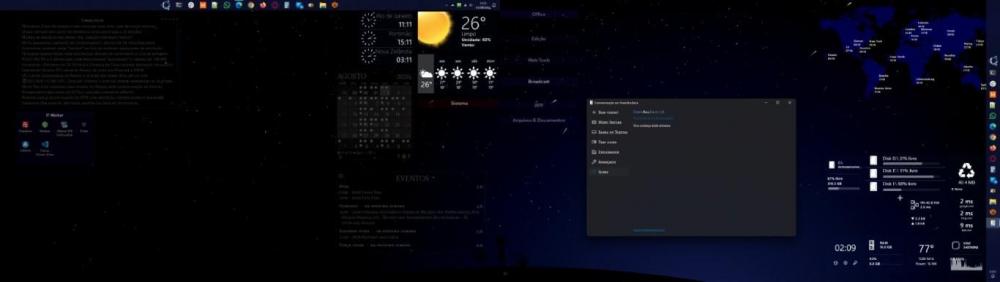
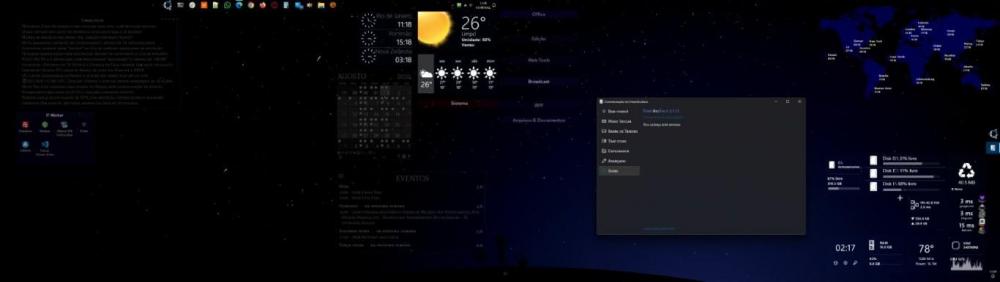
  4. Updating to 3.8.0 brought all the shortcuts fixed to the taskbar in monitor 1 to the second monitor (img 01)... and I can't get rid of them anymore!!! Them I downgraded and now it's working (imag 02) how it should be… Please, fix it!
Account

Navigation

Configure browser push notifications

Chrome (Android)
  1. Tap the lock icon next to the address bar.
  2. Tap Permissions → Notifications.
  3. Adjust your preference.
Chrome (Desktop)
  1. Click the padlock icon in the address bar.
  2. Select Site settings.
  3. Find Notifications and adjust your preference.