Romca
About Romca

Romca's Achievements
0
Reputation
-
Chromium 115 for Windows XP without One Core Api
Romca replied to Iron_Wind0ws's topic in Windows XP
This chromium 115 browser (ChromeXP) can no longer be run, but it can still be downloaded from the link: https://github.com/weolar/xpchrome -
Unfortunately, in the new current version 129.0.1, I had nothing to run after unpacking the portable version. All executable files have been quarantined by the antivirus.
-
The problem is with the r3dfox web browser using add-ons like Adblock. Installation is possible, but the browser behaves as if the add-ons are not installed.
-
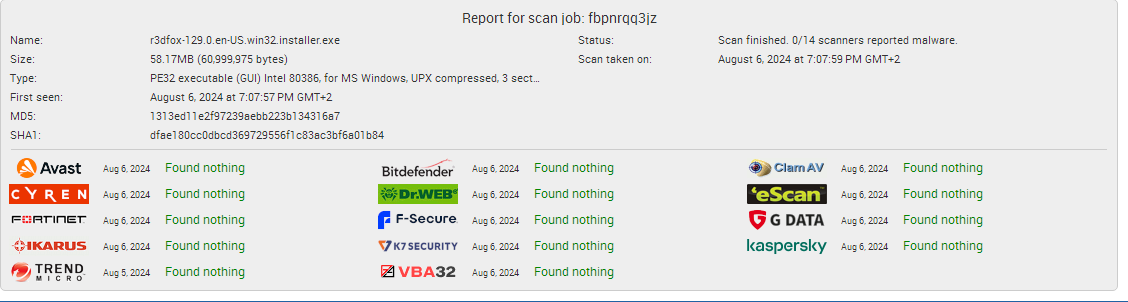
Thank you Sampei.Nihira for your response. I would be happy if it was a false positive. The test with the installation file turned out differently than using the compressed file. By the way, even the alternative Supermium browser is not without problems, while the Thorium browser was clean.

-
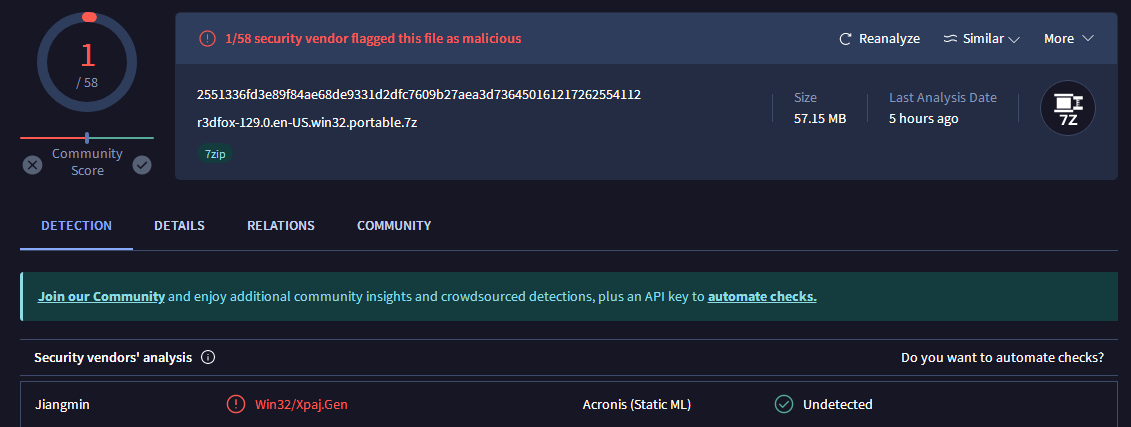
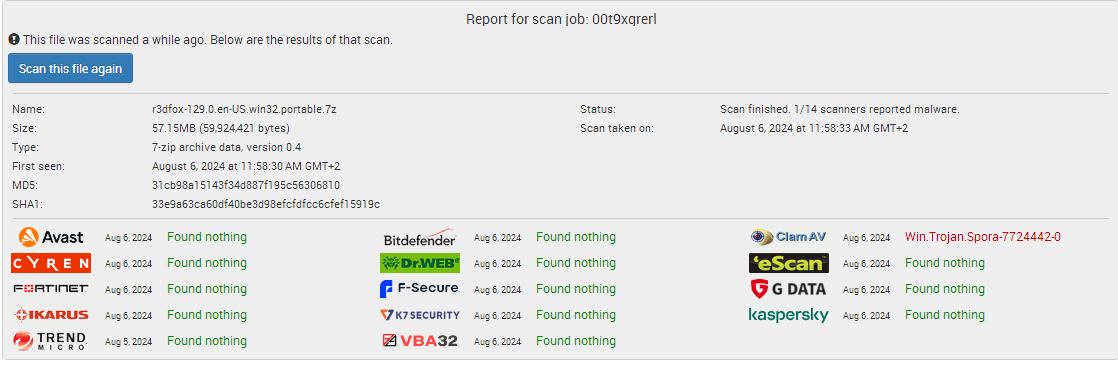
There is some security risk with using the r3dfox web browser. Malicious code of the Trojan horse type was detected by analysis of 360 Total security, ClamAV, Jiangmin antivirus engine in the current version of the browser. Is this a false positive?