




-
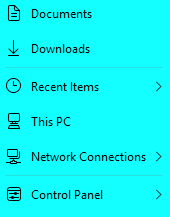
recent Windows update w11.27858 brings new stuff: Start Menu now in blue instead of grey. Is there a way to change colors with standard tools?
-
when I share content from a second monitor it doesn't show taskbar (skype/teams/meet/zoom)
-
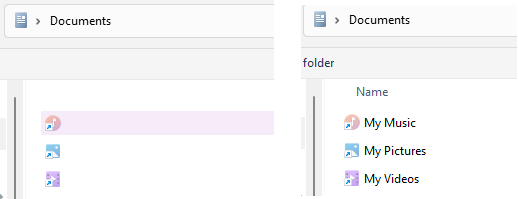
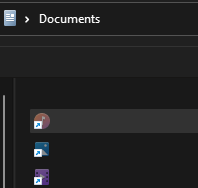
The issues with a taskbar on a second display having white texts on a light gray panel were fixed in a recent build of SaB, but the file dialog that opens from the toolbar (Toolbar -> New Toolbar, for example) still has white texts on white background. Or black texts on black background
-
When the color theme is switched from dark to light, on the secondary display the taskbar do not change the font color. On the primary display it works fine. SAB v3.8.10
-
I installed the update only after all *startallback*.exe were deleted from all local drives (C and D in my case).
-
I try to install W11 update 26200.5001 and see this: I uninstalled SaB and restarted Windows. Update started again and still the same window. Any suggestions what is the reason W11 still see SaB in the system? SaB 3.7.9.4907
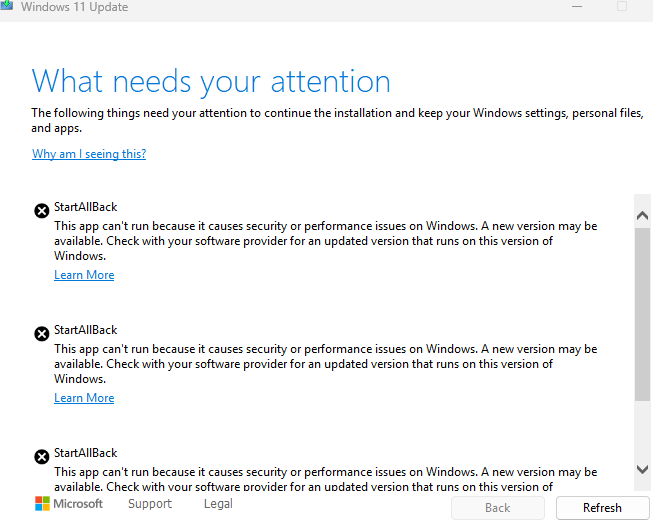
-
it works. tyvm
-
WDYM by new installs? How can you even start to install it if it's immediately blocked by a compatibility assistant in 24H2?