-
v3.9.14 This version's taskbar transparency is excellent, with smooth animations and effects. However, there's one issue: the right-hand app tray is too small, and I can't resize the icons or revert to the default Windows 11 appearance. Also, is this taskbar transparency based on the enhanced taskbar? Can the transparent taskbar be used as a separate feature? I only need dynamic taskbar transparency (i.e., full-screen restore, not full-screen transparency), and no other cosmetic modifications are required. How should I set this up?
-
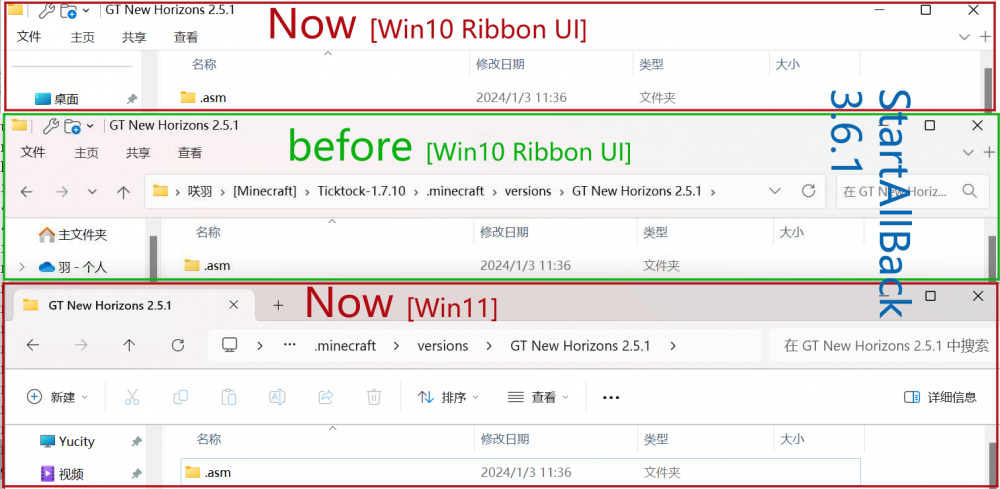
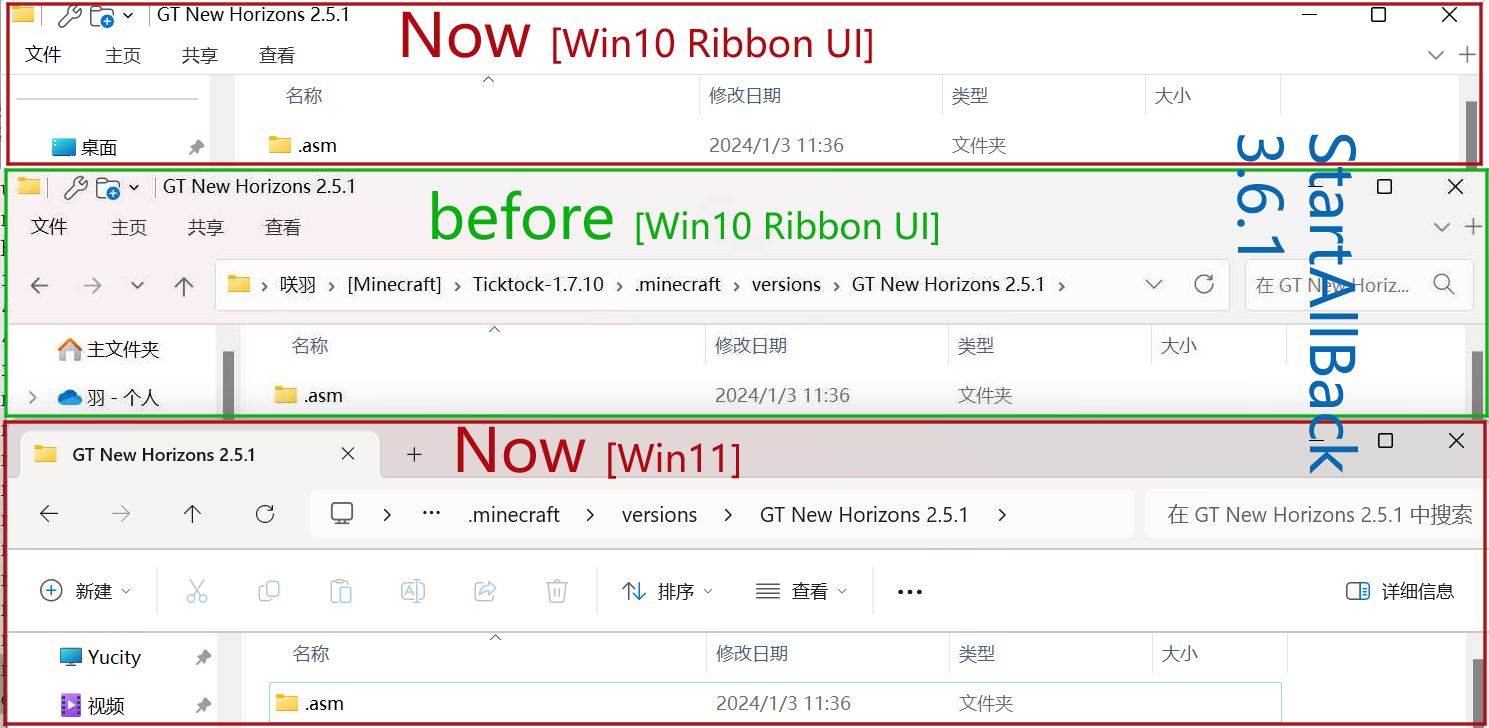
Help! OS: Win11-22H2(OS 22621.3085) Version: StartAllBack 3.6.1 After updating the KB5034204 patch, the problem of disappearing the address bar of the resource manager appeared, and the control panel could not be opened. Try to update the version, the new version cannot be covered and installed. Try to uninstall the reinstallation. After reinstallation and before reinstallation, the modification of the resource manager is still invalid. And because the control panel cannot be turned on, and the start button does not add the "property" button, it can only be set by manually to the installation directory.