-
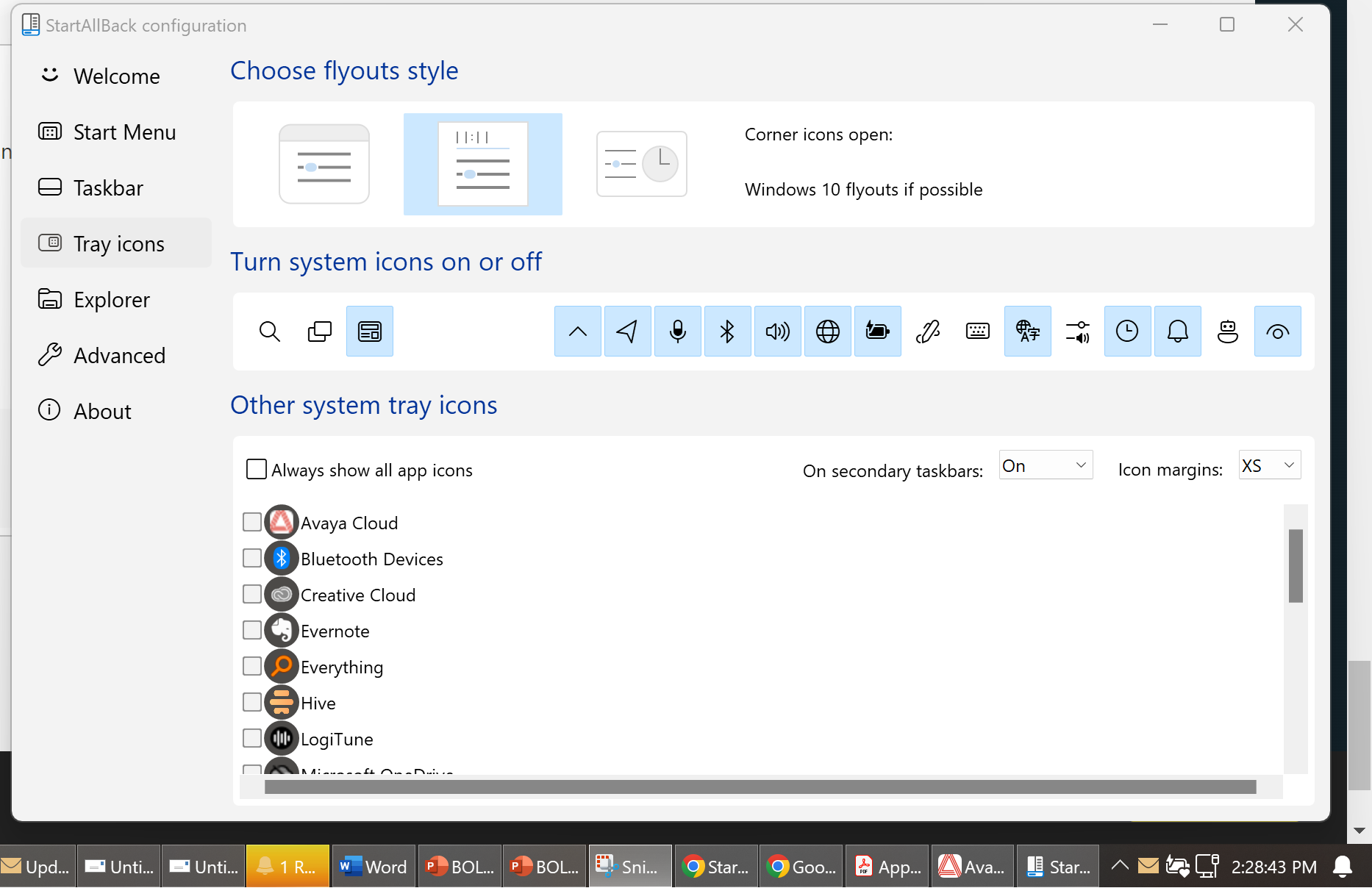
Thanks. I don't find that entry in the registry. Anything else I can try?
-
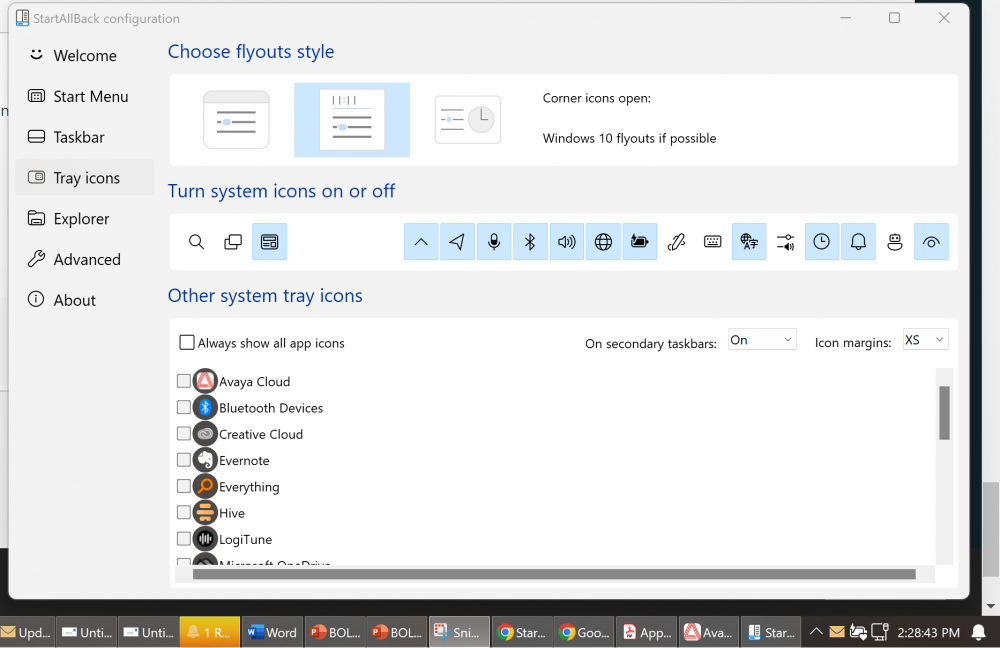
Since the last few updates, I haven't been able to display my volume control on the task bar. I go into Tray Icons. It's "on" but doesn't display and is only visible in Hidden Icons. I tried turning it off and back on, but nothing changed. I'm on a Dell laptop, running Windows 11 Business and just upgraded to StartAllBack 3.7.7. Everything else works perfectly, and I'm very happy with the program. Thank you. Steven
-
I'd like to choose Combine taskbar buttons Never with hide labels I only see the option to hide labels with Combine Always I was using Start Is Back when they went to those floating app icons. Now, I just got Start All Back for Windows 11 because I was frustrated that I couldn't unstack the items in the taskbar. Great to have that ability now with Combine Never, but I'd also like to hide the labels, but that option isn't available with Combine Never, only Combine Always. Thank you.