Skip to content
View in the app

A better way to browse. Learn more.

MSFN

A full-screen app on your home screen with push notifications, badges and more.

To install this app on iOS and iPadOS
  1. Tap the Share icon in Safari
  2. Scroll the menu and tap Add to Home Screen.
  3. Tap Add in the top-right corner.
To install this app on Android
  1. Tap the 3-dot menu (⋮) in the top-right corner of the browser.
  2. Tap Add to Home screen or Install app.
  3. Confirm by tapping Install.

OmgOmgHax

Member
  • Joined

  • Last visited

  • Country

    Malta
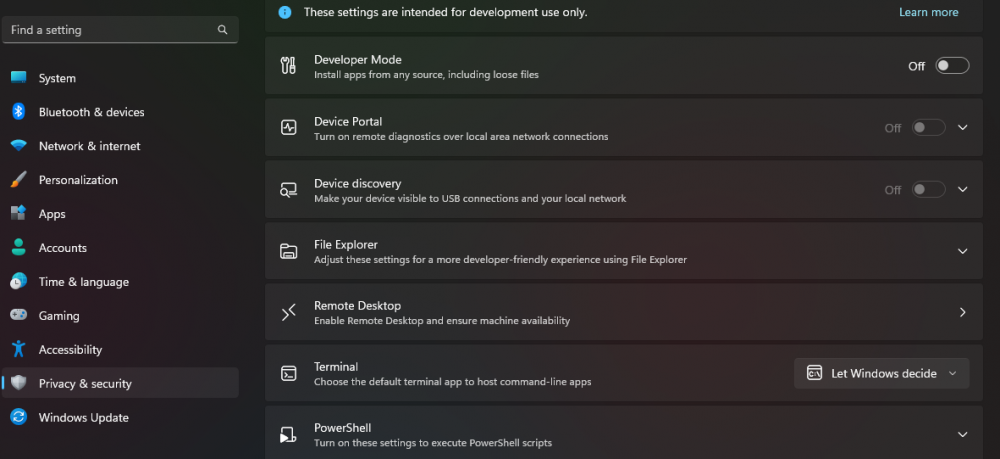
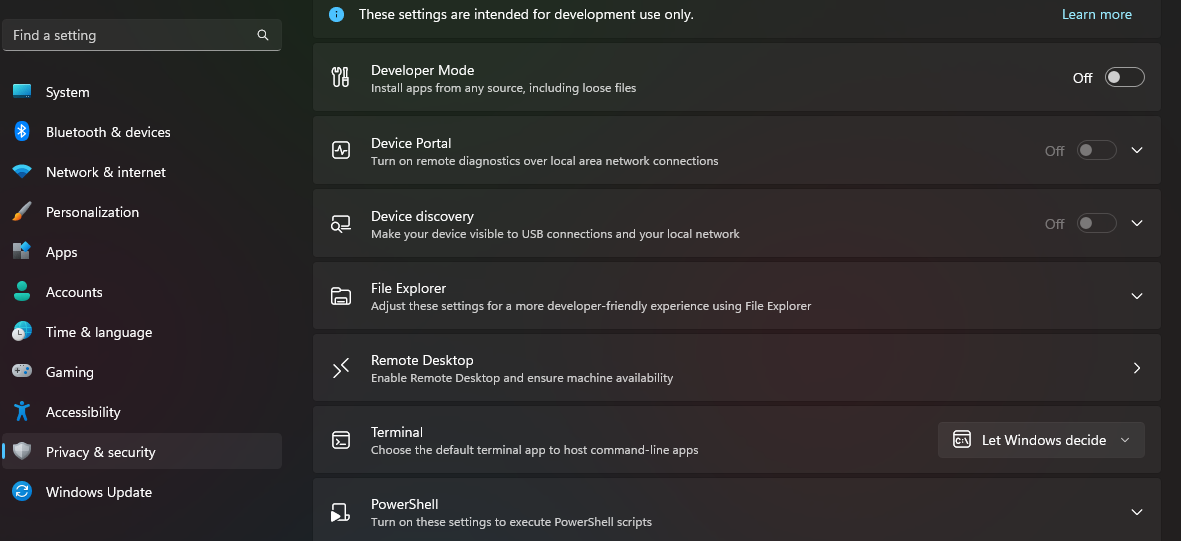
  1. Are you referring to this? As the option is off.
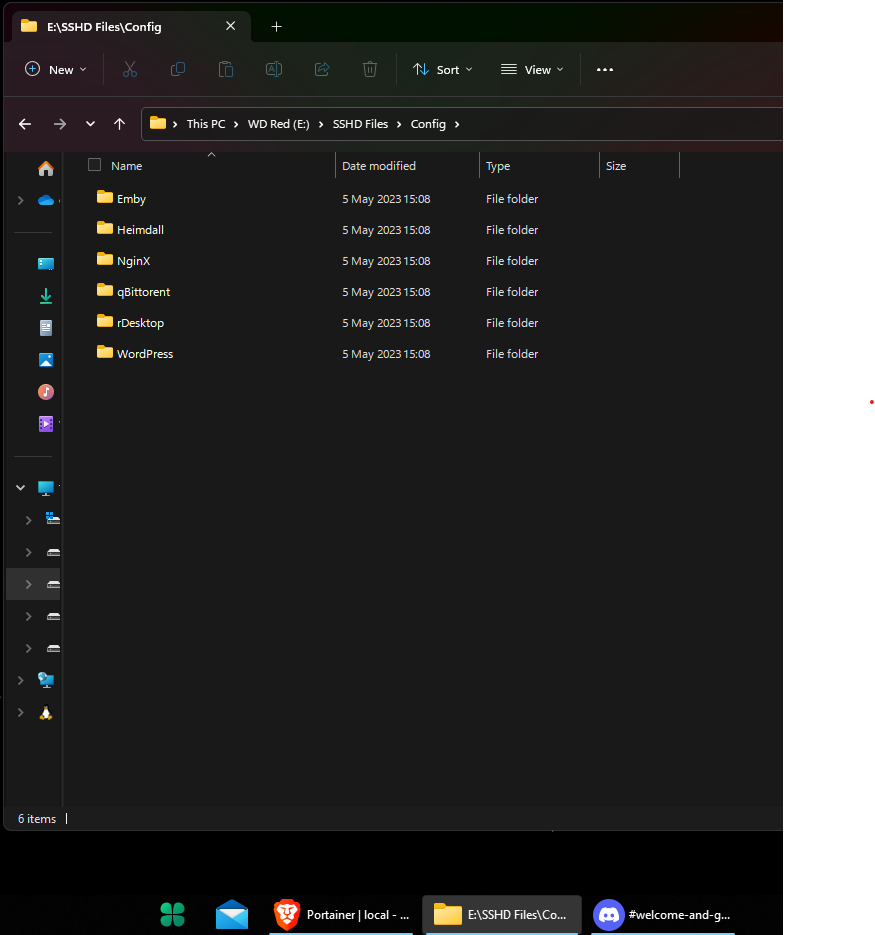
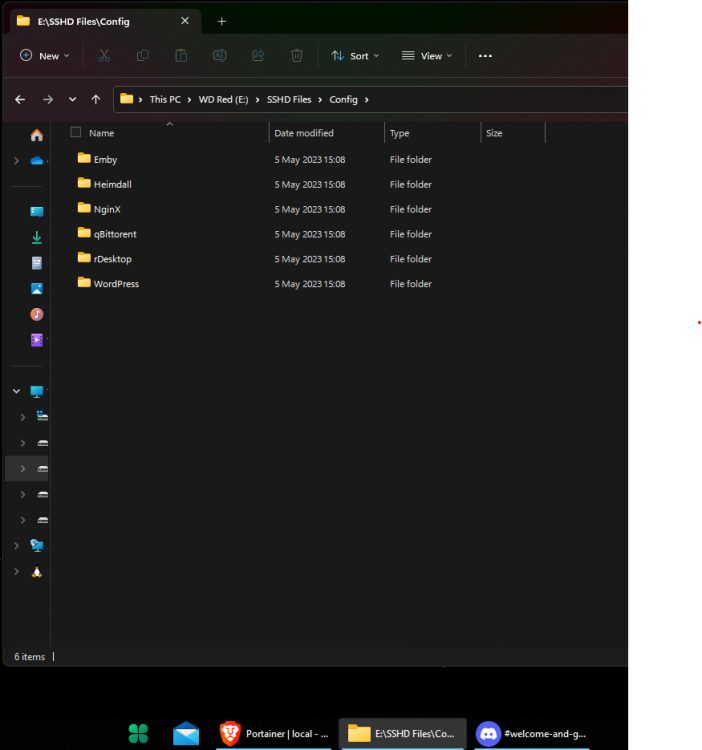
  2. Any clue why this is happening and how to fix it as it is driving me crazy? The folder name is the path to the folder. I'm on 3.6.5, tried re-installing, uninstalling and installing again, and a clean installation by deleting "HKEY_CURRENT_USER\Software\StartIsBack" then installing again. My laptop works works fine with SAB and this started i believe after an update but i'm not sure.
Account

Navigation

Configure browser push notifications

Chrome (Android)
  1. Tap the lock icon next to the address bar.
  2. Tap Permissions → Notifications.
  3. Adjust your preference.
Chrome (Desktop)
  1. Click the padlock icon in the address bar.
  2. Select Site settings.
  3. Find Notifications and adjust your preference.