-
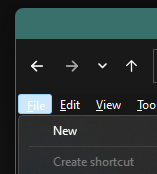
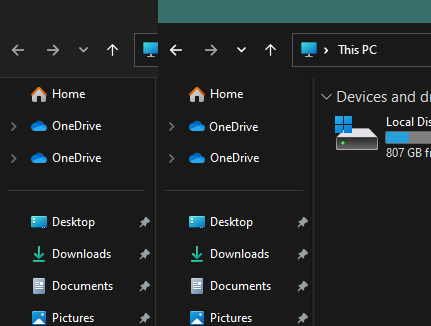
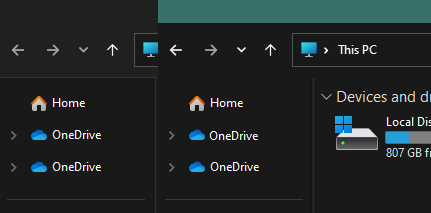
I'd like to second this. In my case though, I rarely use the menus here. One thing I've noticed though, is the spacing where the Home button is and the bottom of the toolbar. This applies to a default shellstyle.dll as well. I'm not sure if this is technically a startallback issue though since it really started when microsoft switched to the newer style side bar. It's just way more noticeable with the mica option turned on. Would there be anyway to add padding to the top of the sidebar like this?
-
I thought this was something else but I too experience this every now. A reboot corrects it though.
-
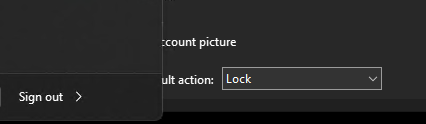
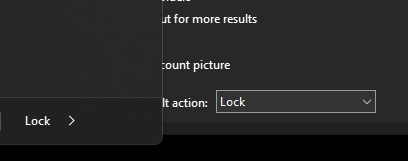
Hey Tihiy, this only applies to shutdown option changes in an RDP session, but the button will not follow the change. I tried adding the 'noclose' registry entry as well. The first screenshot is my home machine, logged in locally. The second is the RDP session for my work computer. The same applies with 2 other servers, one being a clean install of Windows and SAB.