Skip to content
View in the app

A better way to browse. Learn more.

MSFN

A full-screen app on your home screen with push notifications, badges and more.

To install this app on iOS and iPadOS
  1. Tap the Share icon in Safari
  2. Scroll the menu and tap Add to Home Screen.
  3. Tap Add in the top-right corner.
To install this app on Android
  1. Tap the 3-dot menu (⋮) in the top-right corner of the browser.
  2. Tap Add to Home screen or Install app.
  3. Confirm by tapping Install.

Tiago Shadow

Member
  • Joined

  • Last visited

  • Country

    Portugal

Everything posted by Tiago Shadow

  1. Ok, so I contacted Microsoft Support and there was a problem with my windows installation, all good now, Thanks!!!
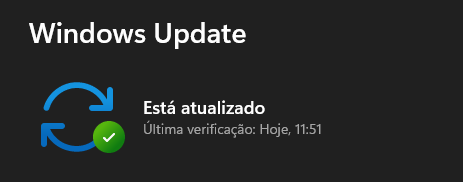
  2. But I dont have any updates available...
  3. Here are the dump files: https://drive.google.com/file/d/1cwtILTdOV06eLezNLGsryp4cCzhZL8Yr/view?usp=sharing https://drive.google.com/file/d/1qT8XNW9_AhIV4SFdrxEE18QXcfZ1athc/view?usp=sharing
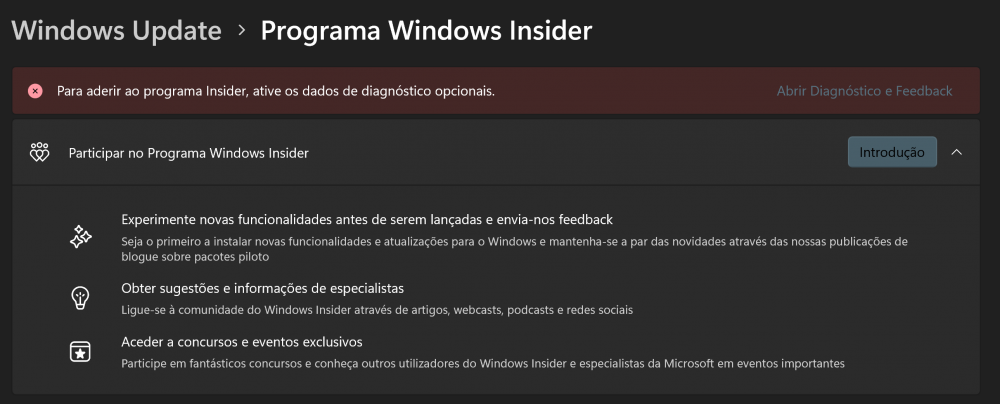
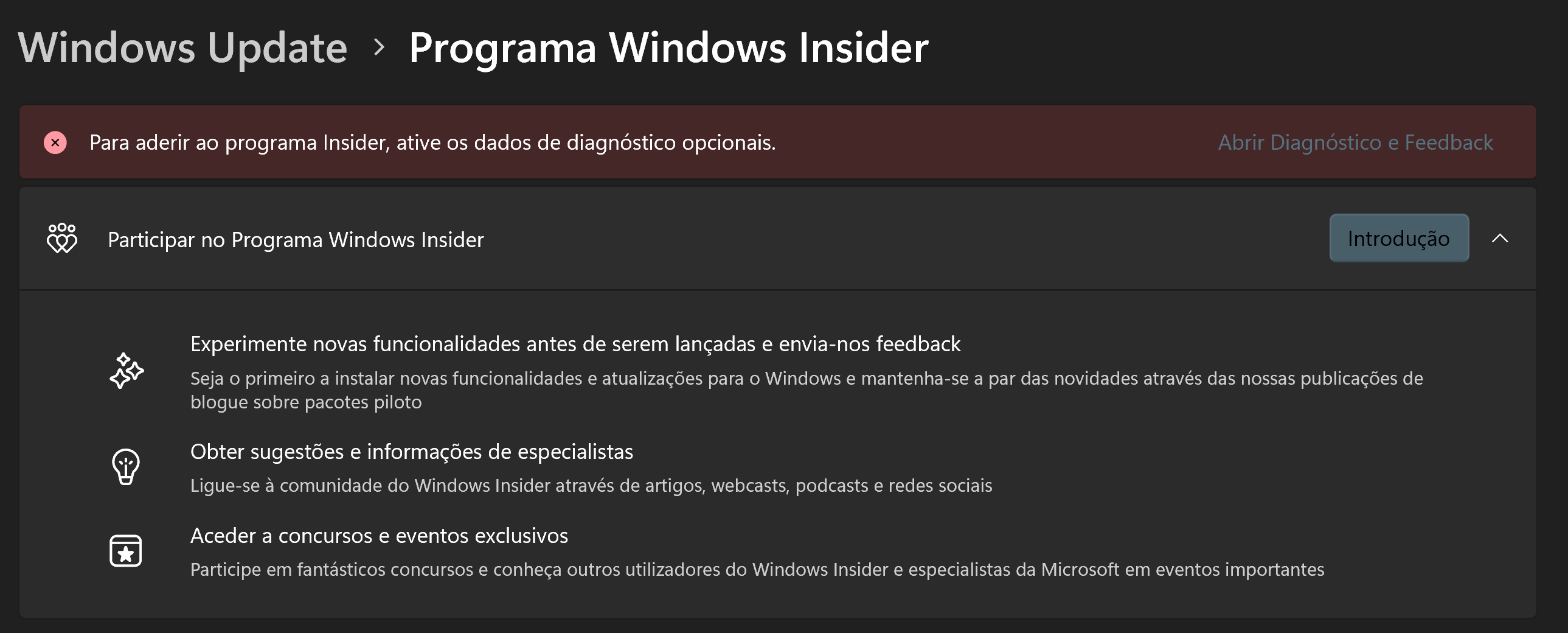
  4. No, I dont have windows diagnostics turn on. I was before but then I reinstalled the normal windows again. Its in my native language but it clearly as the error and the introduction to it.
  5. Uninstalled and cleared everything related to it, installed again for single user, still not working. https://drive.google.com/file/d/14UDdqr3_pWrO-EuS3Lb3L9Xifh1uUAZP/view?usp=sharing
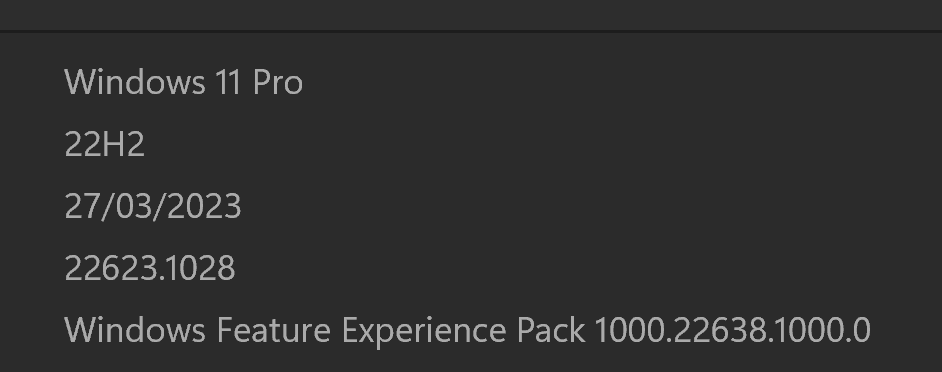
  6. Hi, one question, is there any plans to fix the tool for the 22H2 for Windows 11 PRO, ever since I've update to this version the tool stopped working...
Account

Navigation

Search

Search

Configure browser push notifications

Chrome (Android)
  1. Tap the lock icon next to the address bar.
  2. Tap Permissions → Notifications.
  3. Adjust your preference.
Chrome (Desktop)
  1. Click the padlock icon in the address bar.
  2. Select Site settings.
  3. Find Notifications and adjust your preference.