Skip to content
View in the app

A better way to browse. Learn more.

MSFN

A full-screen app on your home screen with push notifications, badges and more.

To install this app on iOS and iPadOS
  1. Tap the Share icon in Safari
  2. Scroll the menu and tap Add to Home Screen.
  3. Tap Add in the top-right corner.
To install this app on Android
  1. Tap the 3-dot menu (⋮) in the top-right corner of the browser.
  2. Tap Add to Home screen or Install app.
  3. Confirm by tapping Install.

GUS

Member
  • Joined

  • Last visited

  • Country

    Guatemala

Everything posted by GUS

  1. @awkduck not really, because when I run scandisk it tells me insufficient memory, etc.
  2. thanks a lot, but it didn't work, but you helped me to access safe mode.
  3. yes Motherboard:BIOSTAR H61MGV Processor:Intel(R) Pentium(R) G2030 CPU at 3.00GHz ok, I will explain that I use this windows on another computer but I have never had any problems when I change computers until now.
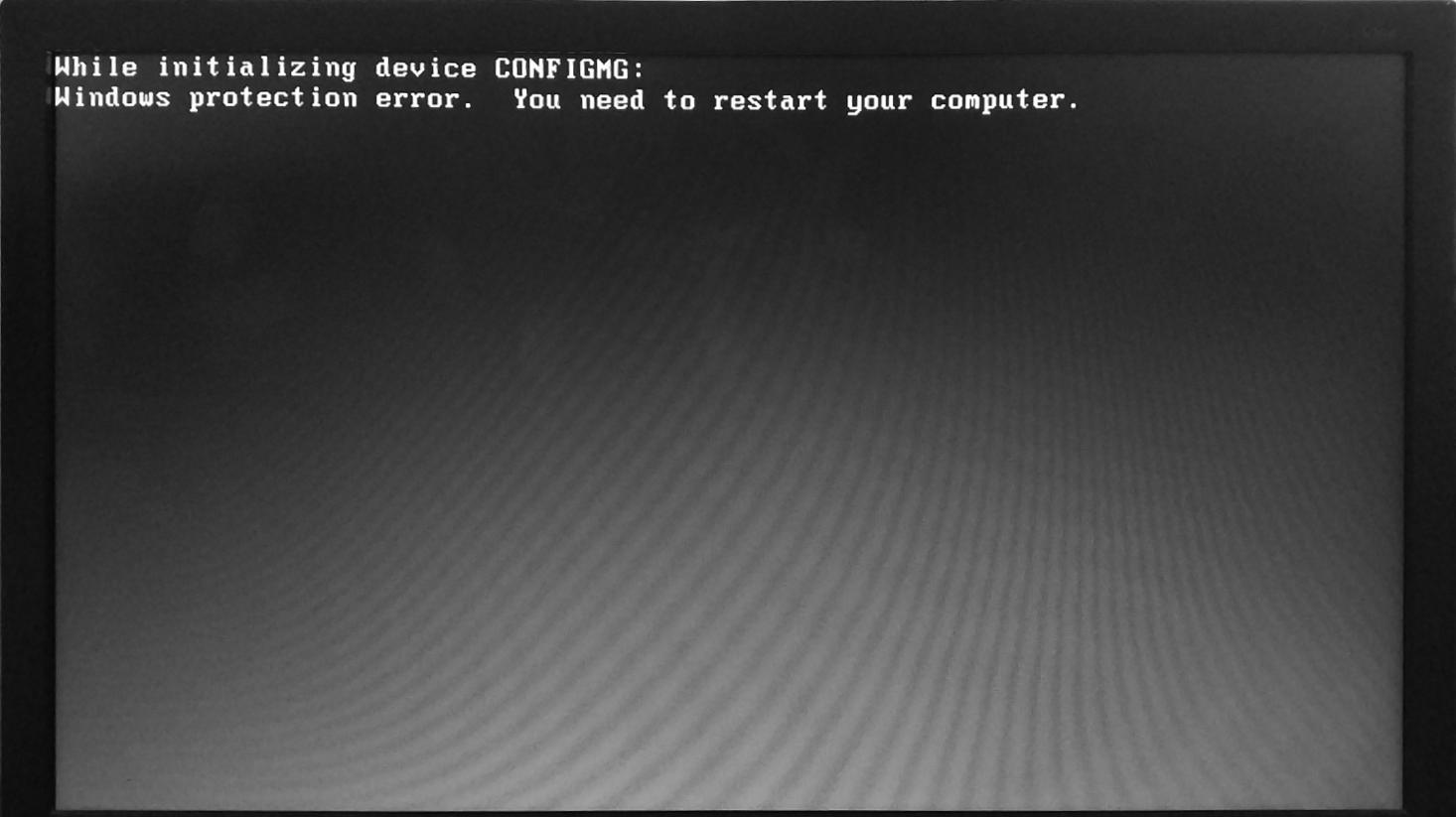
  4. when i tried to boot my computer after the win98 screen appeared the computer displayed this

Account

Navigation

Configure browser push notifications

Chrome (Android)
  1. Tap the lock icon next to the address bar.
  2. Tap Permissions → Notifications.
  3. Adjust your preference.
Chrome (Desktop)
  1. Click the padlock icon in the address bar.
  2. Select Site settings.
  3. Find Notifications and adjust your preference.