Everything posted by Douglas Molina
-
well, I think managed to make it work correctly, it was some kind of incompatibility with "4t tray minimizer". I reinstalled both and now its working.
-
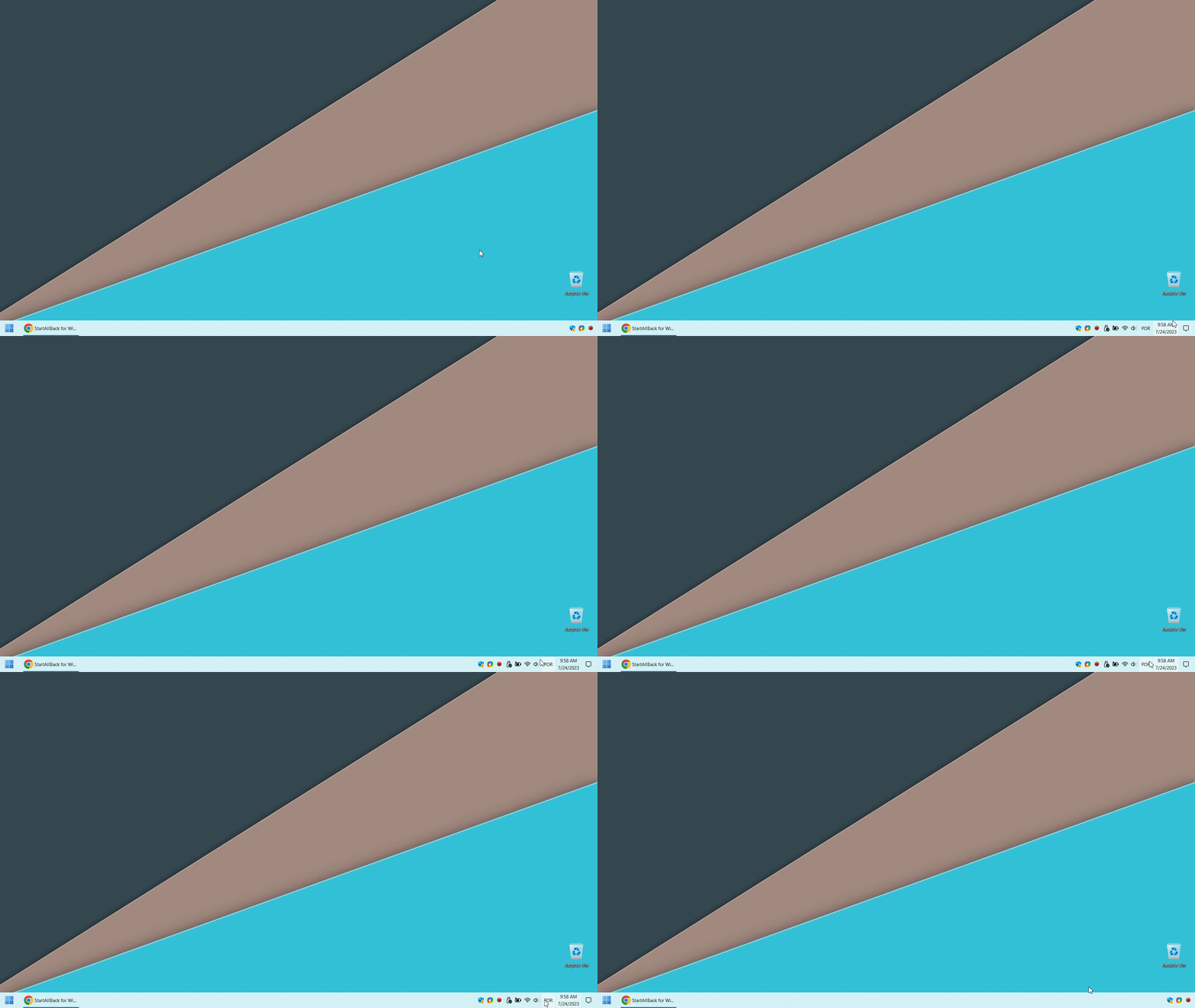
I'm having some issues with the system tray icons after installing Windows 11 and StartAllBack (both latest versions). After the first restart, the system tray icons are almost completely hidden, showing only a few icons. When I move the cursor over them they come back, when I move the cursor away they hide again. If I uninstall StartAllBack the problems go away, but I would like to keep it installed. Could someone help me to resolve this? Attached screenshot. Thanks
-
Hi! I have the StartAllBack software installed with a licence on my laptop with Windows 11, and I just love using it! My point is, when switching between virtual desktops, the order that I had organized the programs in the taskbar is lost. It seems that windows automatically resets it to the order they were opened, every time I switch desktops... Is there any feature in StartAllBack that allows me to adjust it to maintain that order? or if not, any plans to implement that in the future? Thank you!