Skip to content
View in the app

A better way to browse. Learn more.

MSFN

A full-screen app on your home screen with push notifications, badges and more.

To install this app on iOS and iPadOS
  1. Tap the Share icon in Safari
  2. Scroll the menu and tap Add to Home Screen.
  3. Tap Add in the top-right corner.
To install this app on Android
  1. Tap the 3-dot menu (⋮) in the top-right corner of the browser.
  2. Tap Add to Home screen or Install app.
  3. Confirm by tapping Install.

SomewhereNowhere

Member
  • Joined

  • Last visited

  • Country

    Italy
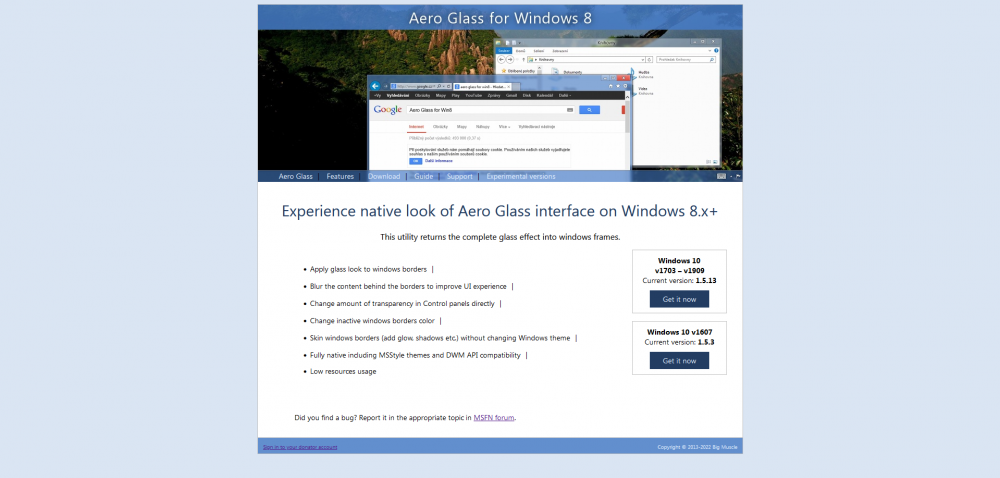
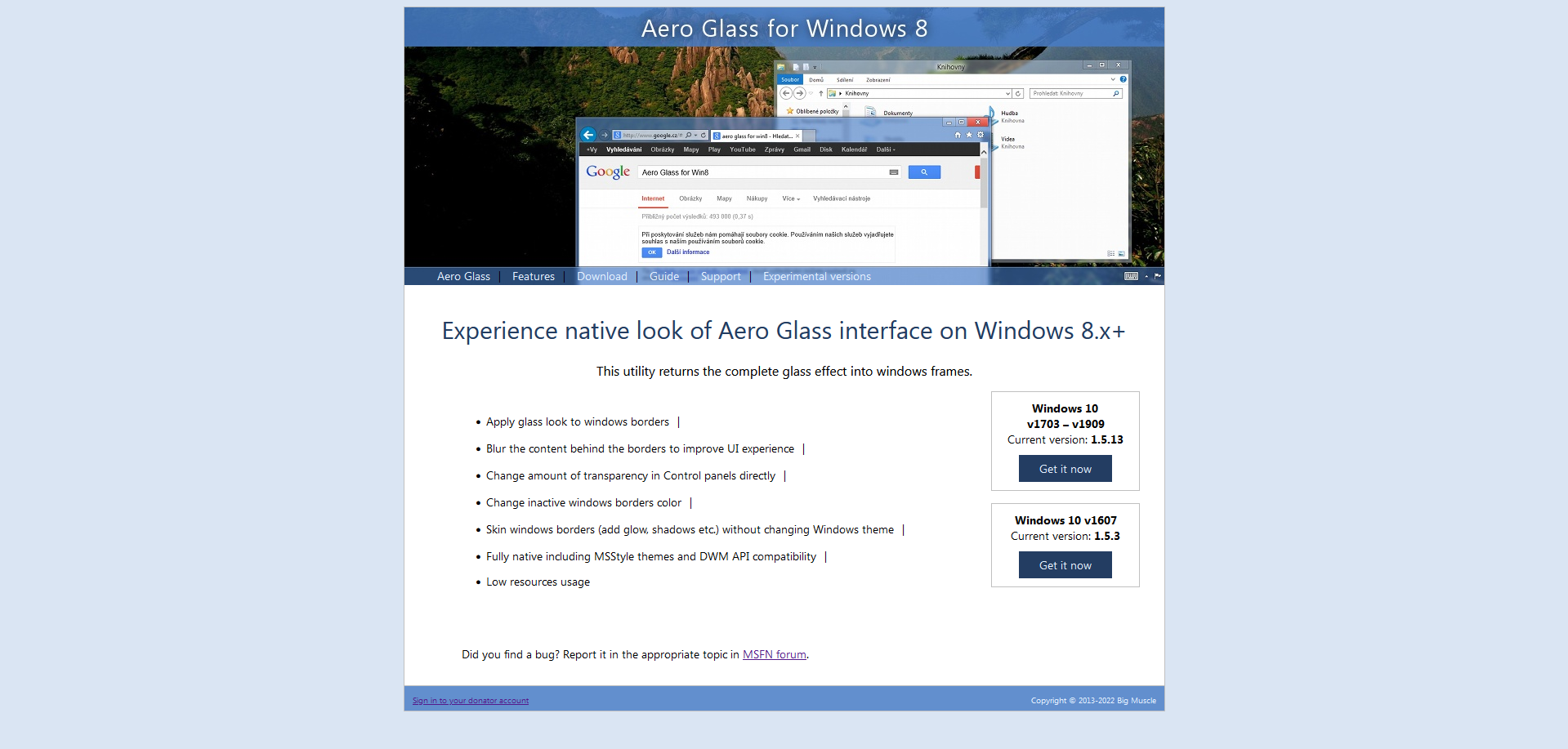
  1. The glass8.eu site came back online after getting parked by a domain selling site for 1,5k. Strangely, it doesn't contain any downloads for glass8 itself as all downloads redirect to a 404 page.
  2. Any news about this bug being fixed?
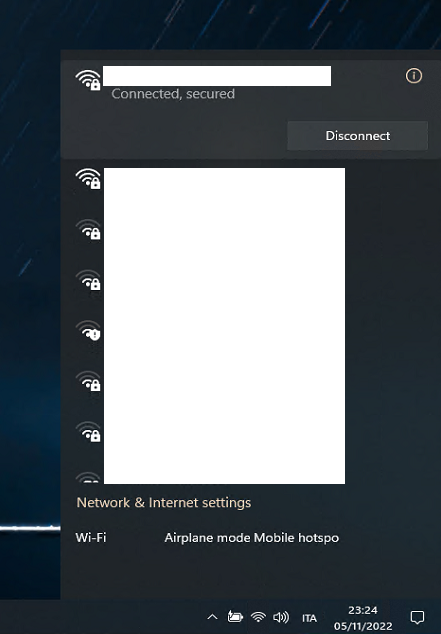
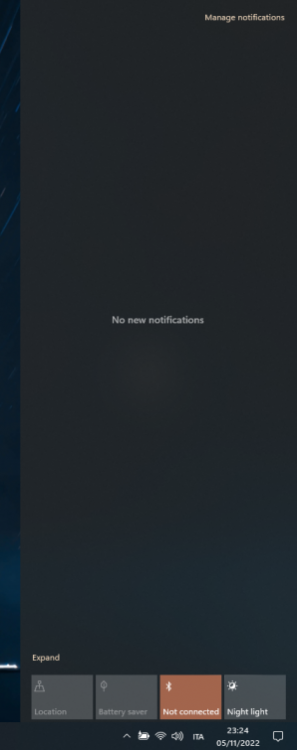
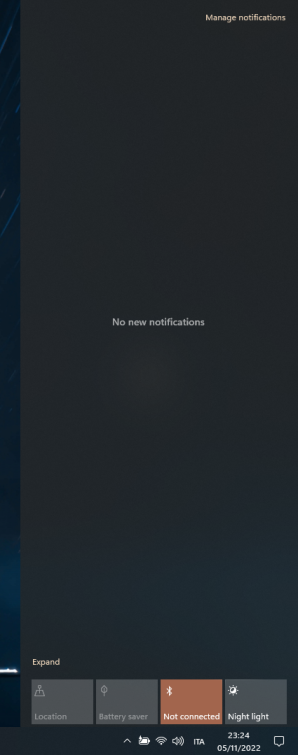
  3. i noticed that enabling the windows 10 action center by creating the dword "UseLiteLayout" 1 in "HKLM/Software/Microsoft/Windows/Current Version/Control Center/" on latest 22621 with startallback the 10 wifi flyout buttons disappear thus make them unclickable
Account

Navigation

Configure browser push notifications

Chrome (Android)
  1. Tap the lock icon next to the address bar.
  2. Tap Permissions → Notifications.
  3. Adjust your preference.
Chrome (Desktop)
  1. Click the padlock icon in the address bar.
  2. Select Site settings.
  3. Find Notifications and adjust your preference.